BRAILLO
l
B 650 SF
70
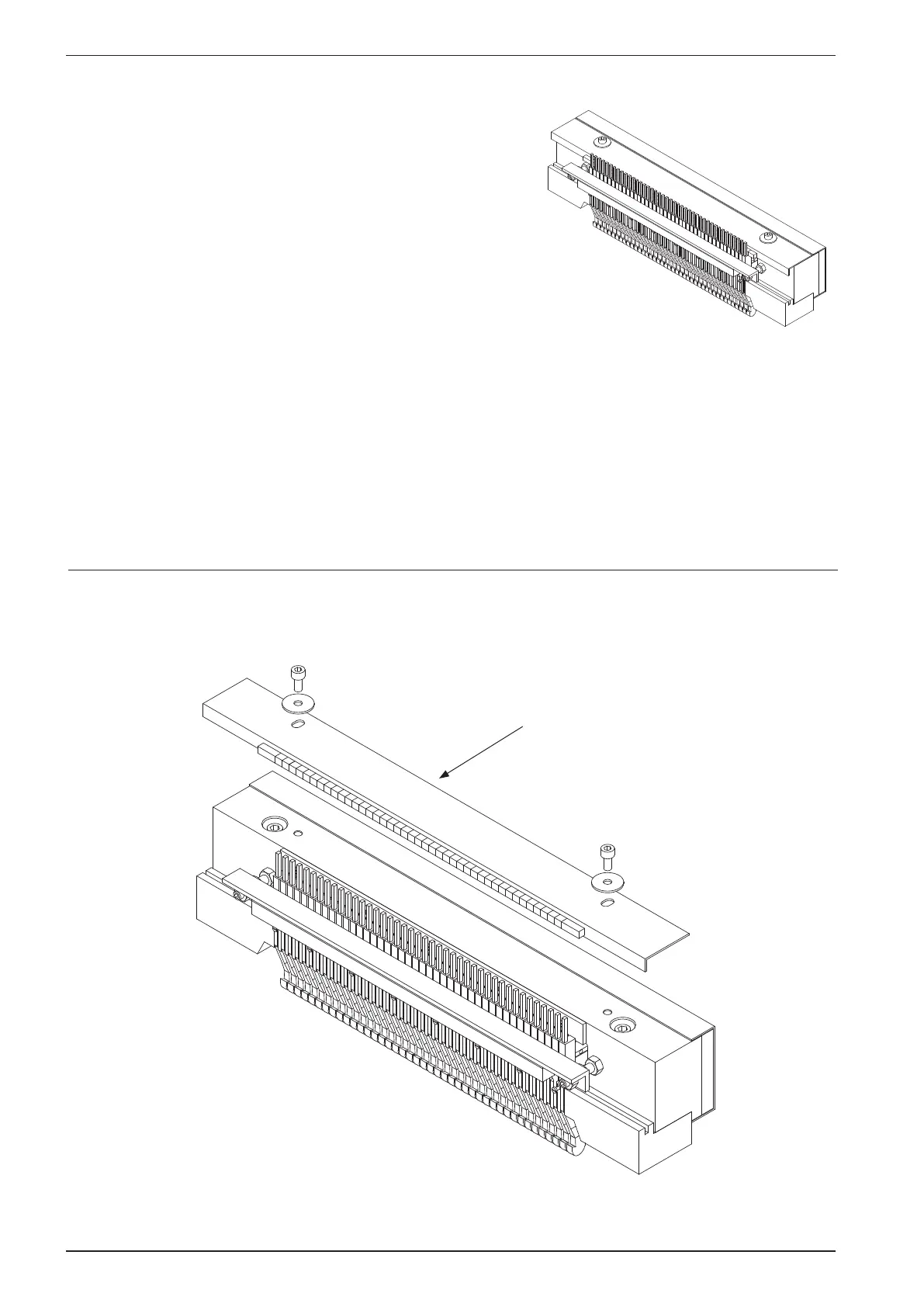
4.4 Magnet rack - Disassembly, step by step.
There are two main reasons for disassembling the magnet rack.
To replace some parts, i.e. a defect magnet, a worn pivot arm,
or for regular maintenance.
The magnet racks can be considered as the parts of the Printer
that will have the greatest inuence on the dot quality, so it is
very important to know how to deal with them.
Take the magnet rack out of the Printer like described in chapter 4.3 “Magnet rack, removal”.
Next, follow the instructions below.
Step 1. Remove the two bolts holding the sponge list, and then remove the sponge list.
Sponge list



 To Next Page