© Copyright Brainboxes Ltd
Reset Button
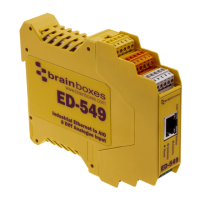
The reset button is behind the hole marked ‘Reset’ on the front panel. To press it, use a straightened-out
paper clip or similar tool.
Manual Reboot
1) Press the reset button once.
2) The status LED will flash and after 5 seconds the device will reboot.
3) When the device is restarted, any connections you have had to the COM ports will need to be re-
established.
Manual Hard Restore
1) Press and hold the reset button on the device for 5 seconds.
2) The status LED will flash red/green and the device will be restored to factory default settings. For the
factory settings, see Factory Default Settings section. Any user calibration will be erased, and the
calibration will return to the factory calibration as originally supplied to you.


 To Next Page