EasyManua.ls Logo

Brainboxes ED-549 - Baud Rate Settings (CC); Data Format Settings (Ff)

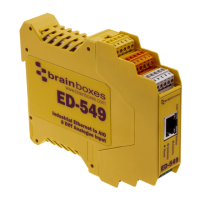
Brainboxes ED-549
100 pages
Print Icon
To Next Page IconTo Next Page
To Previous Page IconTo Previous Page
Loading...
Product Manual V1.3
© Copyright Brainboxes Ltd
Page 57 of 100
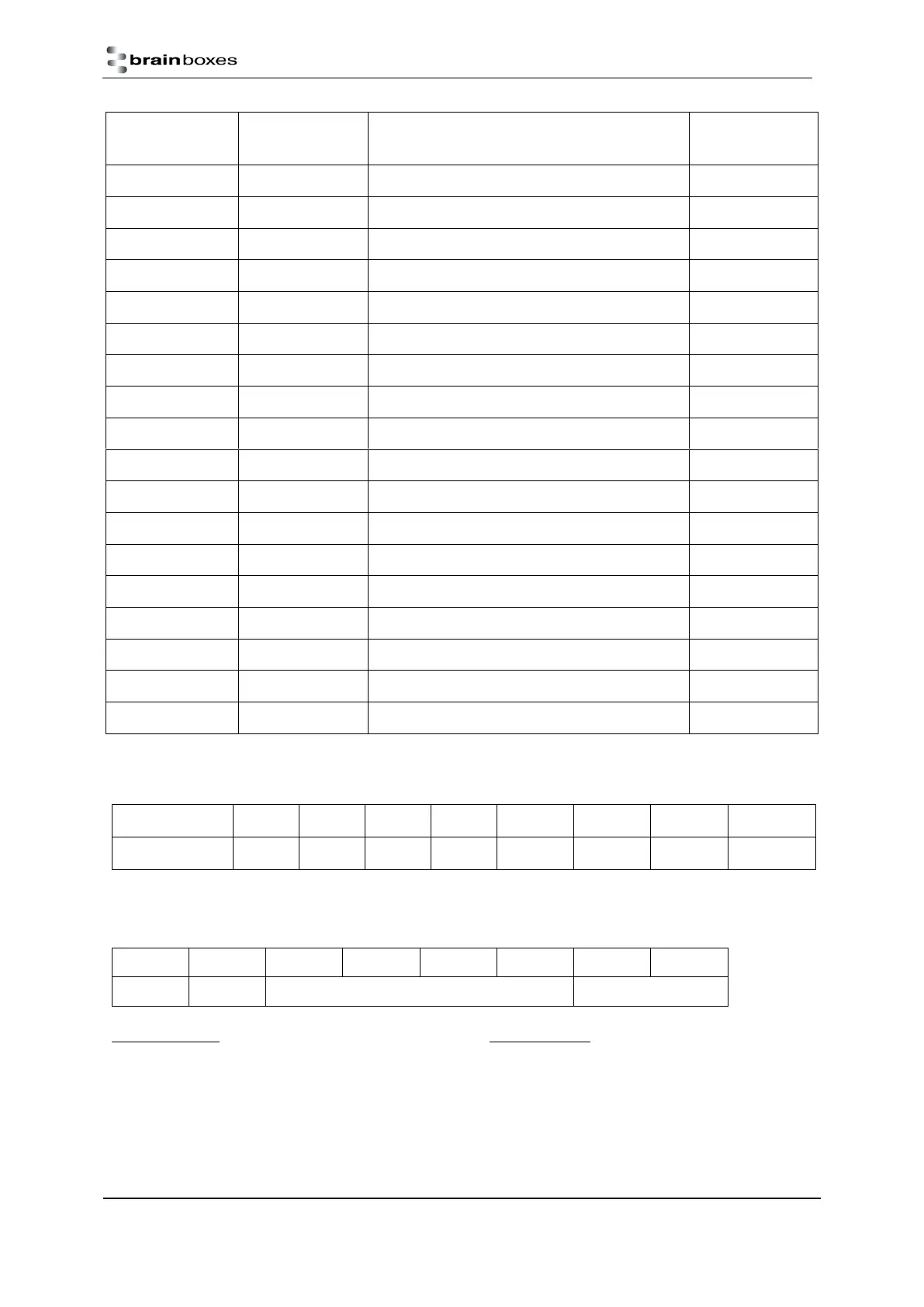
Command
Response
Description
Supported
Devices
$aaB
!aa(Data)
Read the channel diagnostic status
ED-549
$aaF
!aa(Data)
Read the firmware version
All Devices
$aaM
!aa(Data)
Read the device name
All Devices
$aaM0
!aa(Data)
Read the device model
All Devices
$aaM1
!aa(Data)
Read the device Location
All Devices
$aaRS
No Response
Reset the device
All Devices
$aaS0
!aa
Internal calibration
ED-549
$aaS1
!aa
Reload the default calibration settings
ED-549
~aaEv
!aa
Enable/disable calibration
ED-549
~aaL(Location)
!aa
Set device location
ED-549
~aaO(Name)
!aa
Set device name
All Devices
~**
No Response
Host OK
All Devices
~aa0
!aaSS
Read the watchdog status
All Devices
~aa1
!aa
Reset watchdog status
All Devices
~aa2
!aaVV
Read watchdog settings
All Devices
~aa3ett
!aa
Set watchdog timeout value
All Devices
~aa4n
!aa(Data)
Read safe value for one channel
ED-560
~aa5n
!aa
Set safe value for one channel
ED-560
Baud Rate Settings (cc)
Code:
03
04
05
06
07
08
09
0A
Baud Rate:
1200
2400
4800
9600
19200
38400
57600
115200
Data Format Settings (ff)
7
6
5
4
3
2
1
0
Unused
CS
Unused
DF
CS: Checksum bit
0 = Disable
1 = Enable
DF: Data format
00: Engineering unit
01: % of FSR
10: Hexadecimal

Table of Contents