© Copyright Brainboxes Ltd
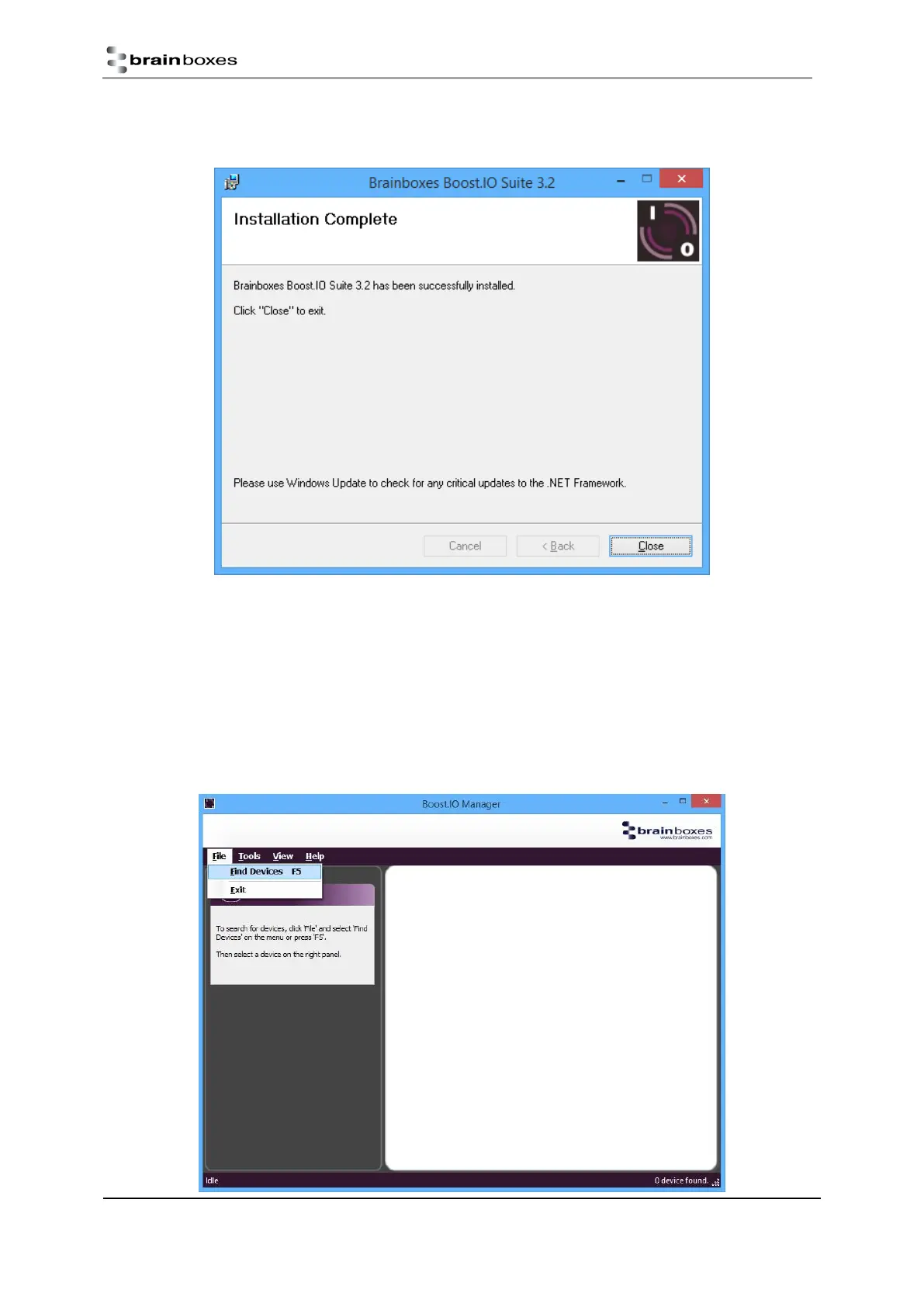
Once the installation process is complete you will see the setup wizard now says “Installation
Complete” and there will be a Boost.IO Manager icon on your desktop.
Finding and Installing an ED device
When using the ED device with Boost.IO Manager a COM port can be installed which allows the user to send
ASCII commands to the device using a COM port connection.
1. Open Boost.IO Manager by double clicking the Boost.IO Manager icon on your desktop.
2. Click ‘File’ > ‘Find Devices’ to search for devices on the network (or press F5). This will find any ED
devices on the same subnet as your PC. If your device is on a different subnet, please see the section
entitled “Adding a Device by IP Address”.


 To Next Page