© Copyright Brainboxes Ltd
Enter the MAC address of your device into the text box and click the ‘Next’ button.
IP Addressing
The IP address settings can be easily changed using Boost.IO Manager.
1. Click on the device of which you want to change the settings.
2. In the ‘Device Info’ section on the left hand side, click the ‘Change’ link next to the current IP address.
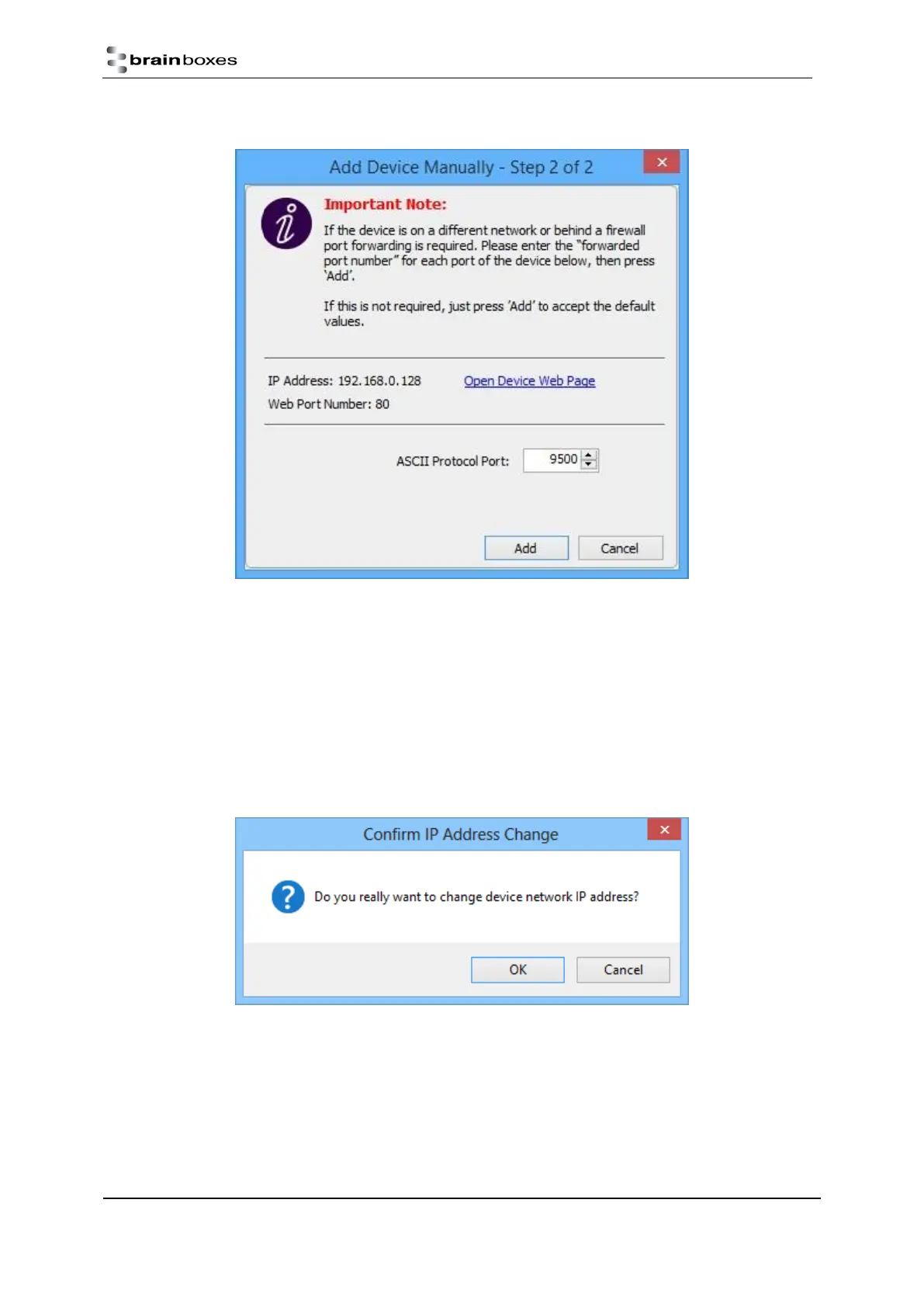
3. Click ‘OK’ to confirm that you do want to change the IP address of your device



 To Next Page