© Copyright Brainboxes Ltd
3. The channel will then be calibrated to the zero calibration voltage supplied.
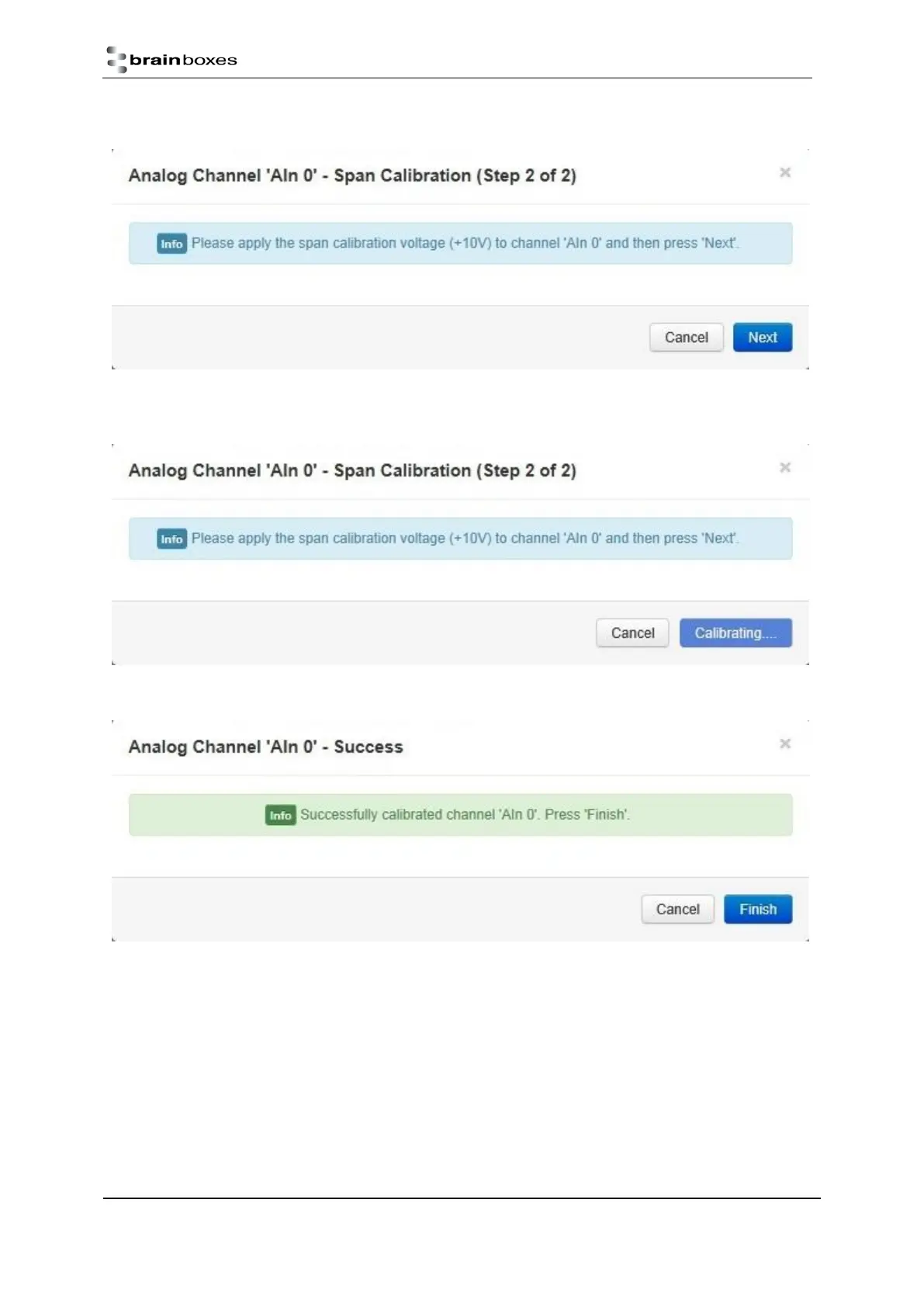
4. Once the first stage is calibrated then the span calibration voltage needs to be applied to the channel. In
this example the voltage required is +10V. Once the voltage is applied click “Next”.
5. The channel will be calibrated to the span calibration voltage.
6. Once the calibration is complete the success message will then show in the dialogue box. Click “Finish” to
close the box. The channel will now be calibrated at that FSR range



 To Next Page