2.2 Monitor
2.2.1 Overview
General Information
The Kick 2 is equipped with a touchscreen monitor.
Viewing options vary depending on the software application and user preferences. For more
information see the relevant Software User Guide.
Not for Diagnostic Use
The touchscreen does not comply with DIN EN 6868-157 and it is not intended for diagnostic use.
Video images are not suitable for diagnostic use.
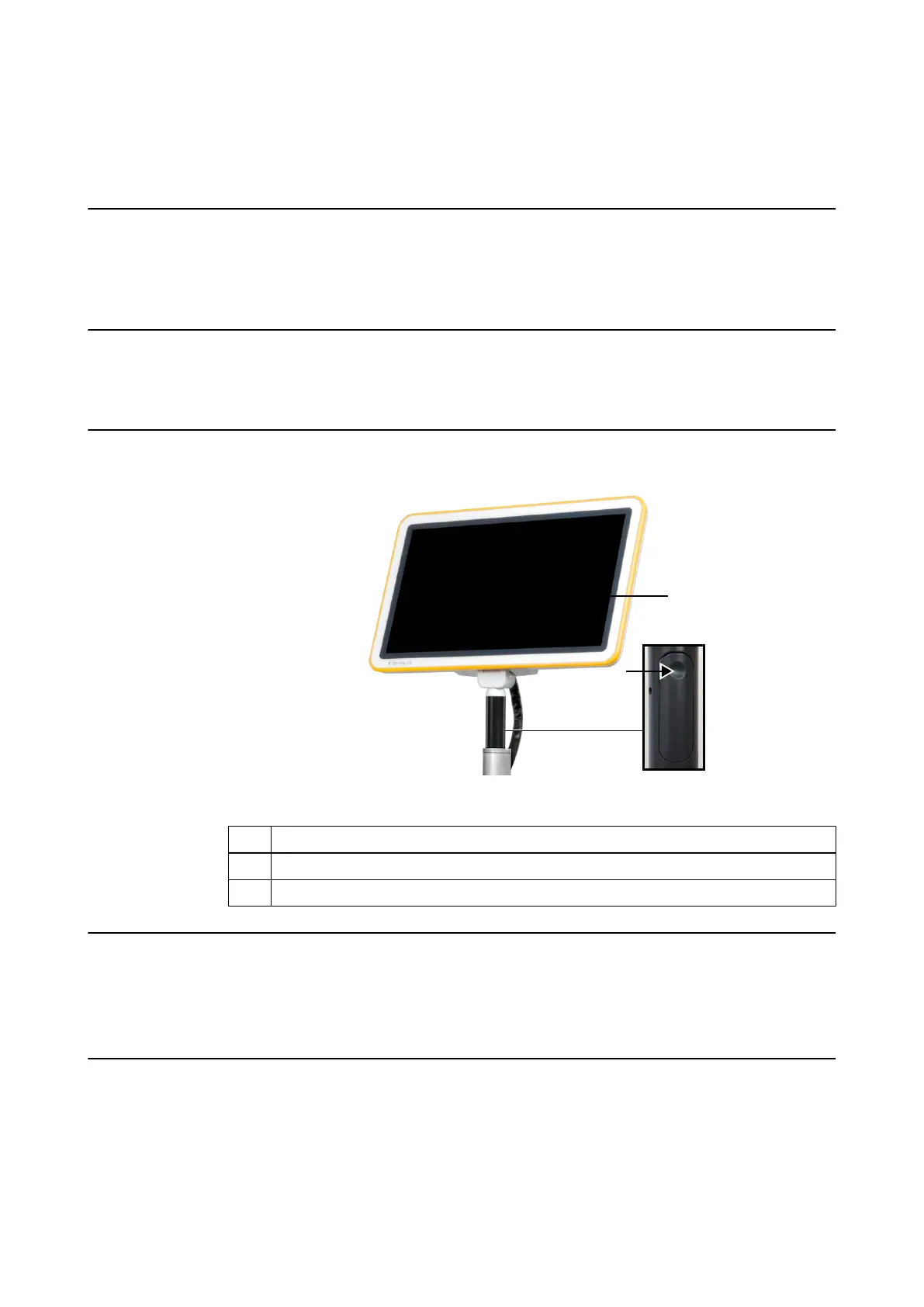
Monitor Components
Figure 3
No. Component
①
Monitor release trigger (back side of monitor handle)
②
Touchscreen
Touchscreen Use
Clean the touchscreen before use.
• When the system is powered on, the touchscreen is always on and can be used.
• Position monitor so as to not interfere with surgery or movement of the OR staff.
Protecting Touchscreen Surface
Do not use a damaged touchscreen. Always check the touchscreen condition before beginning a
procedure.
Do not use sharp tools on the touchscreen.
KICK 2 OVERVIEW
System and Technical User Guide Rev. 1.3 Kick 2 Navigation Station 23



 To Next Page