4.4 Parking and Storage
4.4.1 Overview
General Information
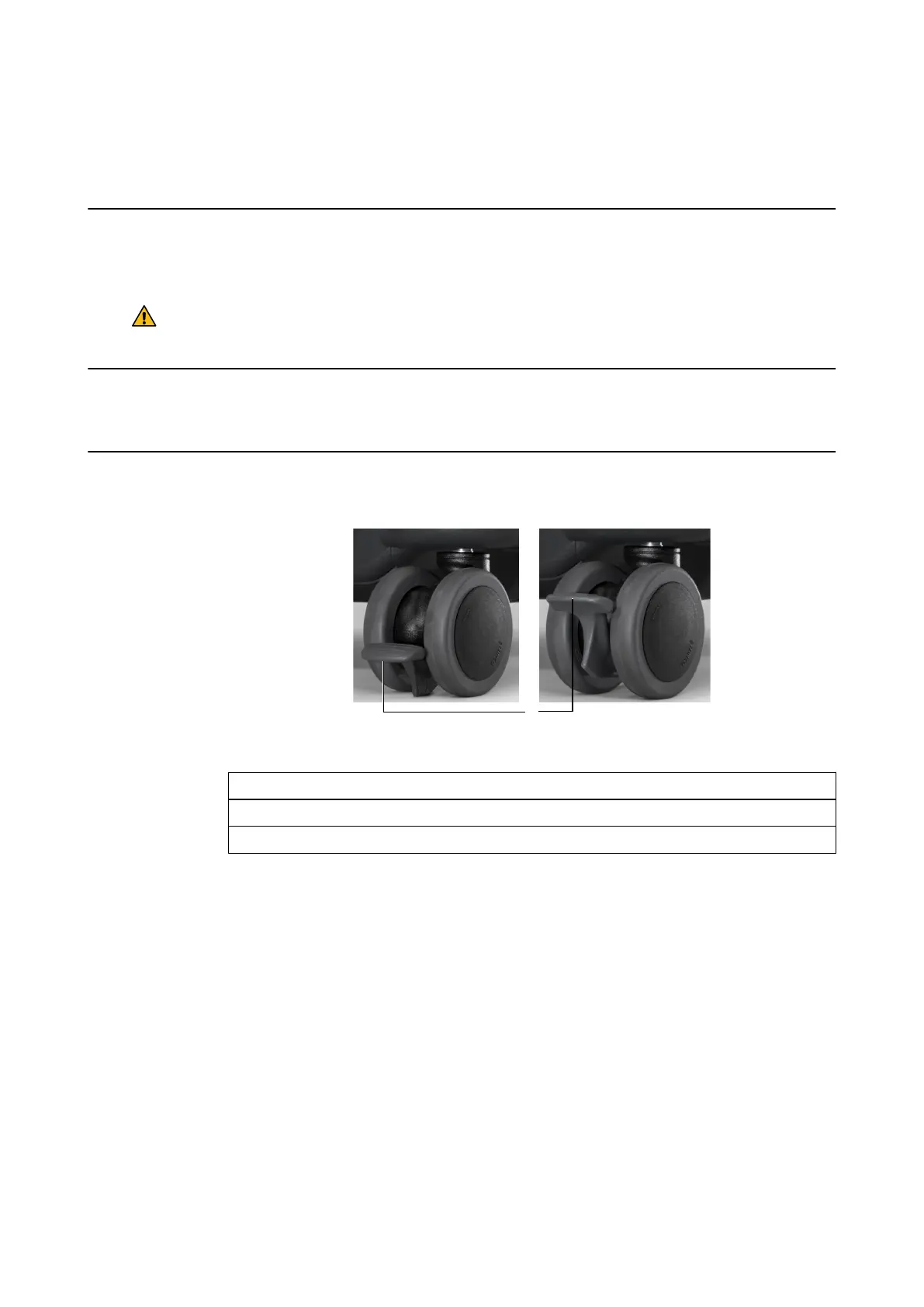
Each wheel on the Monitor Cart has an individual foot brake so that it can be easily transported
and securely parked.
Warning
Fully lock all brakes when the cart is stored, parked or in operation.
Before Transport
Release all brakes before moving the system.
How to Lock/Unlock Brakes
Figure 24
Options
To lock, push the brake pedal ③ down with your foot until it snaps into locked position ①.
To unlock, push brake pedal ③ up with your foot until it snaps into unlocked position ②.
Parking and Storage
58 System and Technical User Guide Rev. 1.3 Kick 2 Navigation Station



 To Next Page