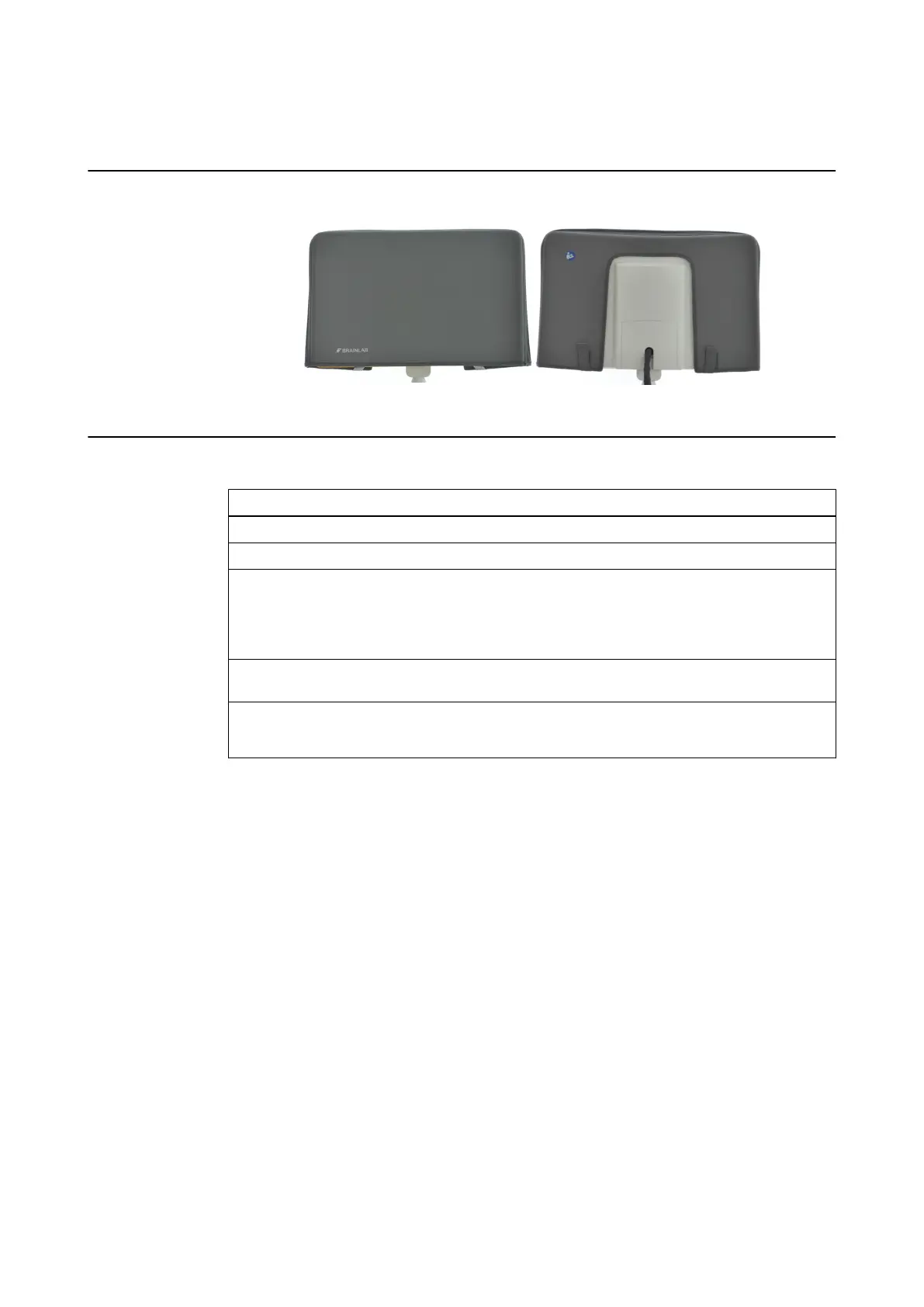
5.2 Cleaning the Monitor Protection Cover
Illustration
Figure 25
How to Clean the Protection Cover
Step
1. Open Velcro straps and remove protection cover from monitor.
2. Use clean water to clean the surface.
3. If necessary, use a surface disinfectant to disinfect the surface, following the disinfectant
manufacturer’s recommendations.
NOTE: Use only a moist cloth to clean and disinfect surfaces. Do not allow the protection
cover to become soaked with disinfectant.
4. Clean and disinfect only the outside surfaces of the protection cover. Do not clean or dis-
infect the inside surfaces of the cover.
5. Allow the protection cover to fully dry before applying to the system.
NOTE: After drying, surface disinfectants may leave stains.
NOTE: If a soiled cover cannot be sufficiently cleaned using the above steps, exchange the cover
for a new one.
Do not wash, soak, iron or sterilize protection cover.
CLEANING
System and Technical User Guide Rev. 1.3 Kick 2 Navigation Station 65



 To Next Page