3.7 Cabling
3.7.1 Overview
General Information
This section provides information on the connection of cables, including:
• Potential equalization cable
• Mains power cable
Safe Handling of Cables
Do not connect or disconnect cables when the Monitor Cart is turned on.
Do not use broken or damaged cables.
Do not tug on or pull cables.
Risk of electrical shock: Do not touch cable plugs when Kick 2 is turned on.
Ensure that tracking unit cable is not used to connect any device other than the Monitor Cart and
tracking unit.
Check that cables are in good condition before using the system.
Disconnect and store all cables on the cable hooks when system is not in use or before moving it.
Do not pull cables.
Ensure that there is sufficient slack when connecting cables. Do not strain or place the attached
cables under tension.
Potential Equalization (Yellow/Green) Cable
• Equalizes potentials between different metal parts that can be touched simultaneously.
• Reduces differences of potential that can occur between medical electrical devices and other
conductive parts of other objects during operation.
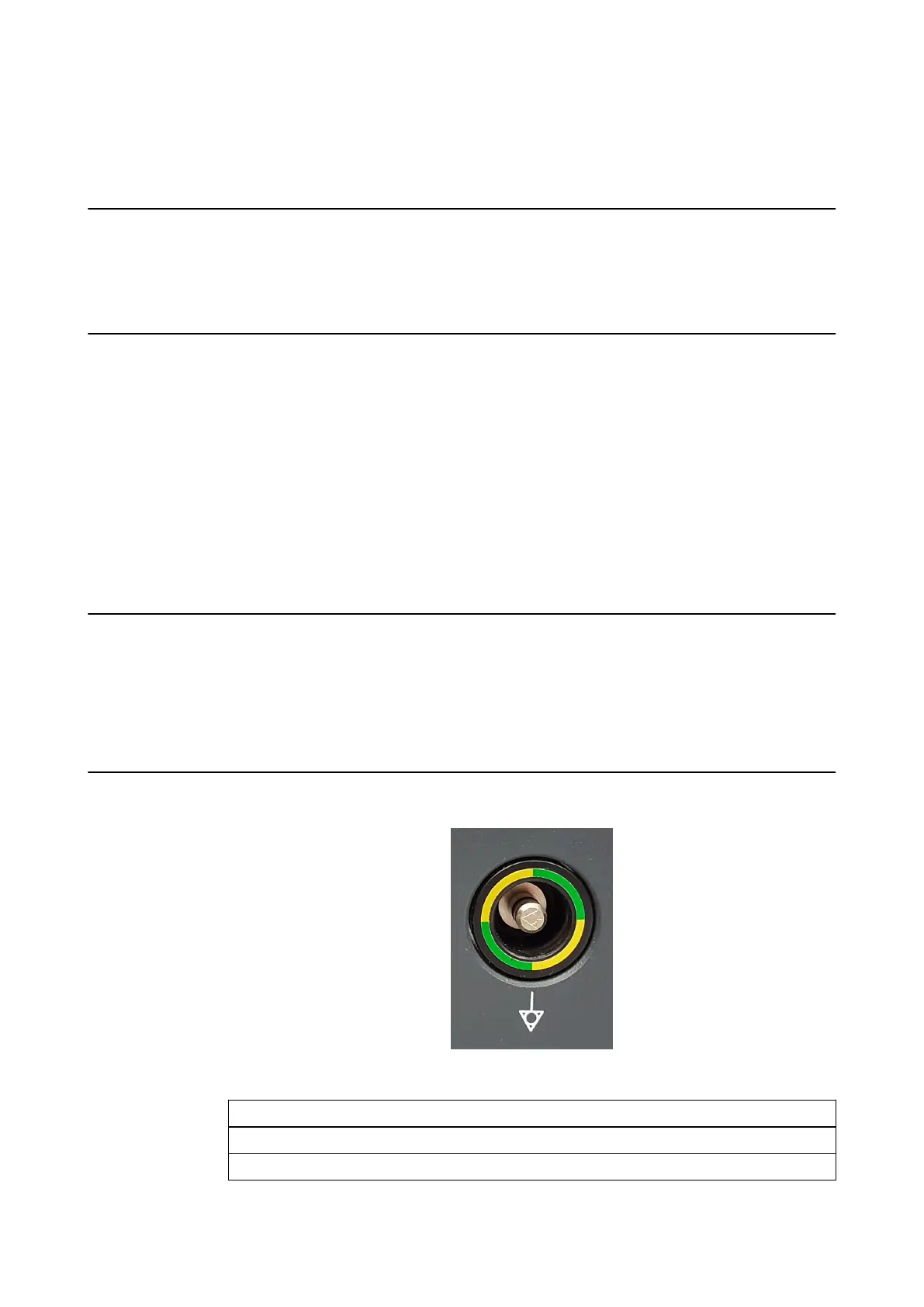
Before using the system, connect the potential equalization cable to the Monitor Cart and the
corresponding wall outlet.
How to Connect the Potential Equalization Cable
Figure 12
Step
1. Plug potential equalization cable into potential equalization port of the Monitor Cart.
2. Plug potential equalization cable into an equivalent wall outlet.
USING KICK 2
System and Technical User Guide Rev. 1.3 Kick 2 Navigation Station 43



 To Next Page