3.3 Turning On Kick 2
Power Supply
Operate Kick 2 using the power source indicated on type plate. If you are unsure of type of power
available, consult Brainlab-authorized support or your local power company. Using the wrong
power source could seriously damage the device.
Only establish or interrupt an electrical connection when all associated devices are fully turned off.
Only operate Kick 2 using the mains power cable provided. Do not use extension cords.
Power LED
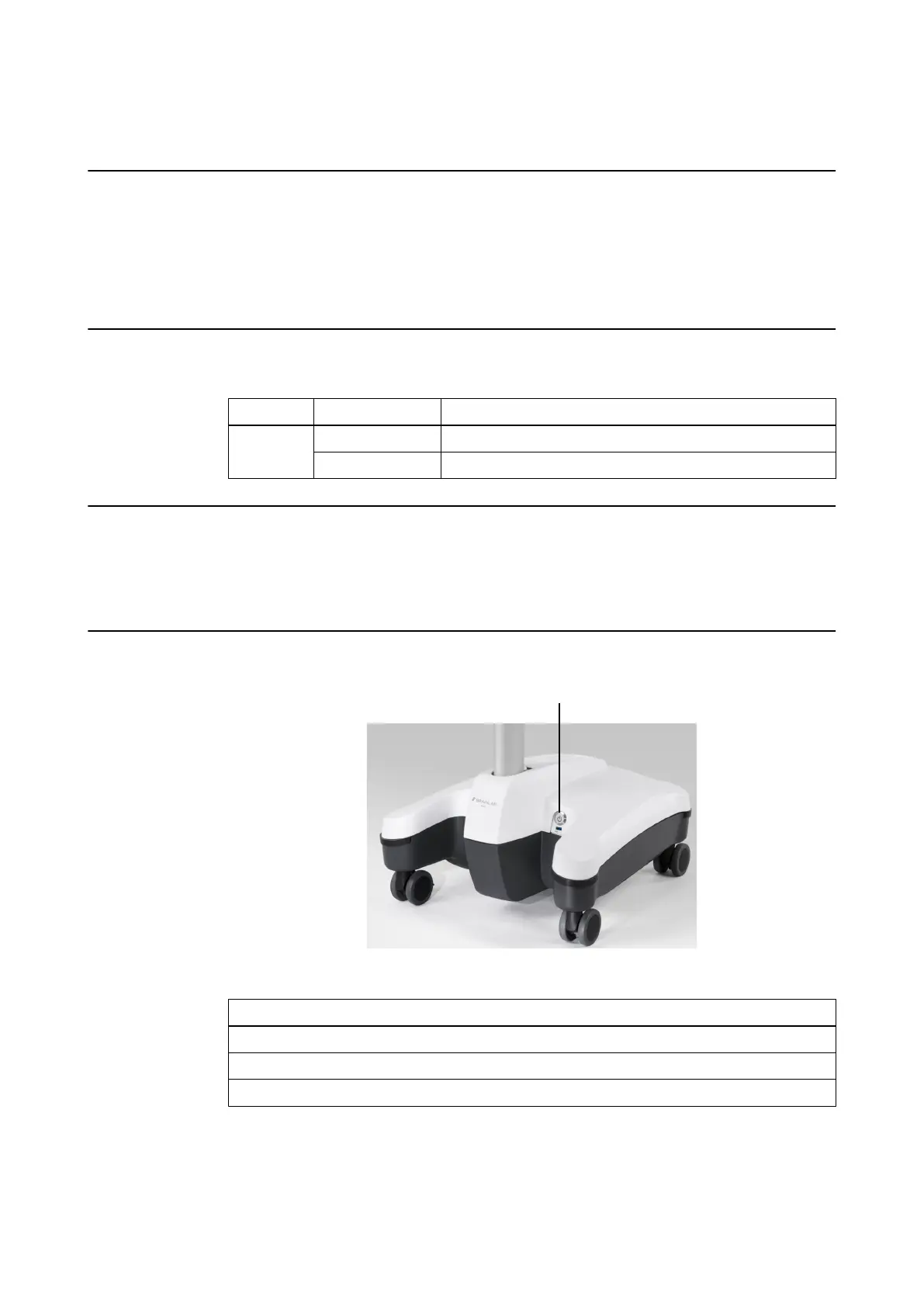
The power LED is located in the power button on the Monitor Cart.
Color Status Explanation
Green
Off Electronic components are off.
On Electronic components are on. Device is ready for use.
Related Links
2.1 System Components on page 19
3.7.2 How to Connect Mains Power Cable on page 44
3.7.2 How to Connect Mains Power Cable with V-Lock on page 44
How to Turn Kick 2 On
Figure 7
Step
1. Ensure that all required cables have been connected at the connection panel.
2. Plug in mains power at the Monitor Cart.
3. Press the power button ① to start the device.
USING KICK 2
System and Technical User Guide Rev. 1.3 Kick 2 Navigation Station 33



 To Next Page