4.2.2 Assembling the Kick 2
Assembly Workflow
Step
1. Insert the monitor post into the Monitor Cart base.
2. Clip monitor cable to the top of the monitor post.
3. Attach monitor to the monitor post.
4. Attach monitor cable to monitor.
NOTE: The detailed descriptions of each step are provided in this section.
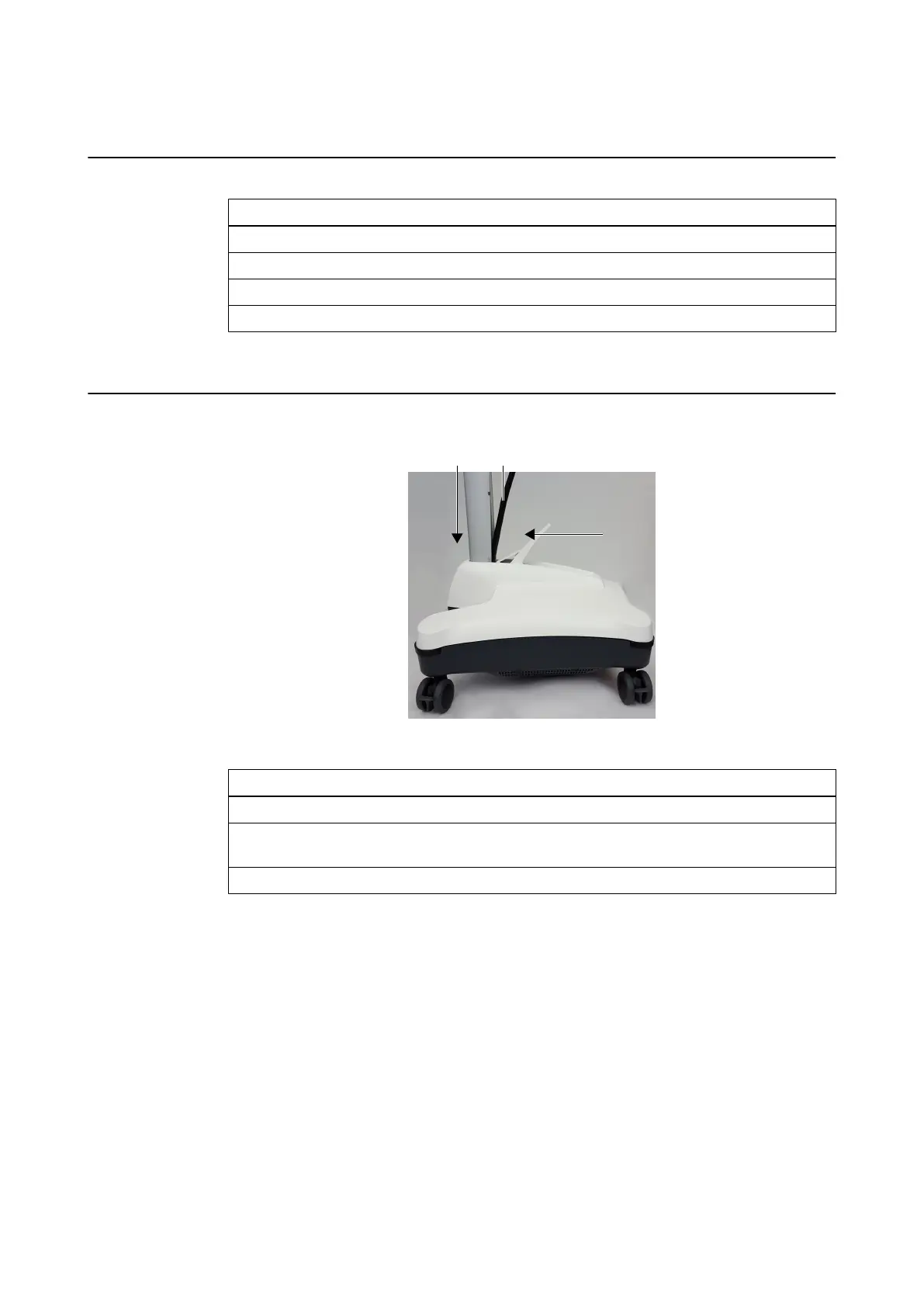
How to Attach the Post
Figure 17
Step
1. Push back the post fixation lever ③.
2. While holding monitor cable out of the way ②, slide bottom end of the monitor post into
the Monitor Cart base ①.
3. Close post fixation lever securely.
Assembling the Kick 2
50 System and Technical User Guide Rev. 1.3 Kick 2 Navigation Station



 To Next Page