3.6.4 Optional Components
DVD Drive for Kick
The DVD Drive for Kick can read the following:
• Mastered disc
• CD-R
• CD-RW
• DVD-ROM
• DVD-R 3.95 GB
• DVD-R 4.7 GB authoring
• DVD-R 4.7 GB general
• DVD-RW
• DVD+R 4.7 GB
• DVD+R 8.5 GB (double layer)
• DVD+RW 4.7 GB
• DVD-RAM 4.7 GB
The DVD Drive for Kick can write to the following:
• CD-R
• CD-RW
• DVD-R 4.7 GB
• DVD+R 4.7 GB
• DVD+R 8.5 GB (double layer)
• DVD+RW 4.7 GB
• DVD-RAM 4.7 GB
Only insert standard DVDs of 120 mm diameter. Do not insert irregularly shaped DVDs.
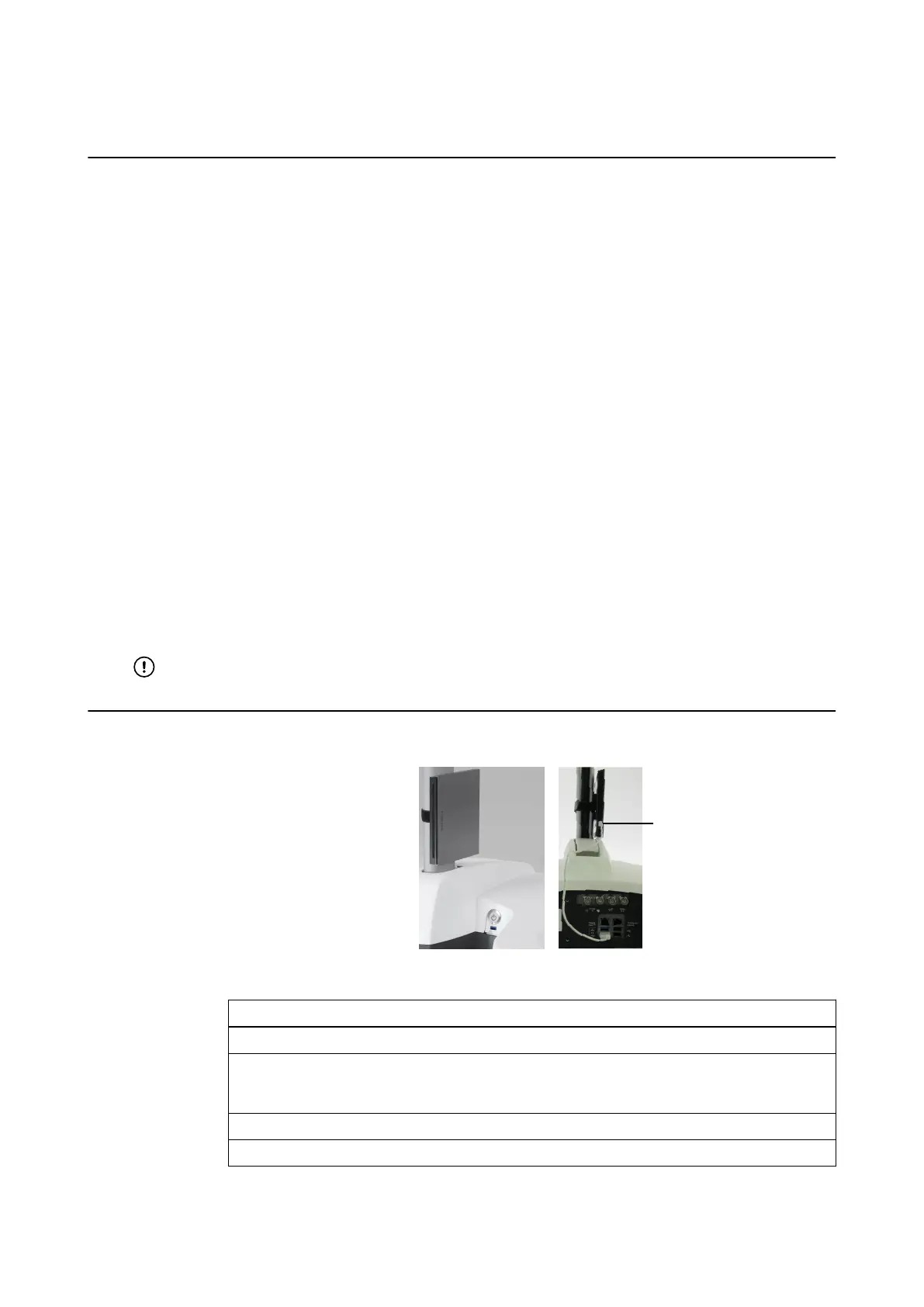
How to Connect DVD Drive for Kick
Figure 10
Step
1. Connect the USB cable to the DVD drive.
2. Using the Velcro strap, attach the DVD drive at the bottom of the Monitor Cart post, so
that the connection cable ① is on the lower side (closest to the base) and is pointing to-
ward the back of the cart.
3. Connect the cable to a USB 3.0 port on the connection panel.
4. Press eject button to open the tray and insert/remove DVD.
USING KICK 2
System and Technical User Guide Rev. 1.3 Kick 2 Navigation Station 41



 To Next Page