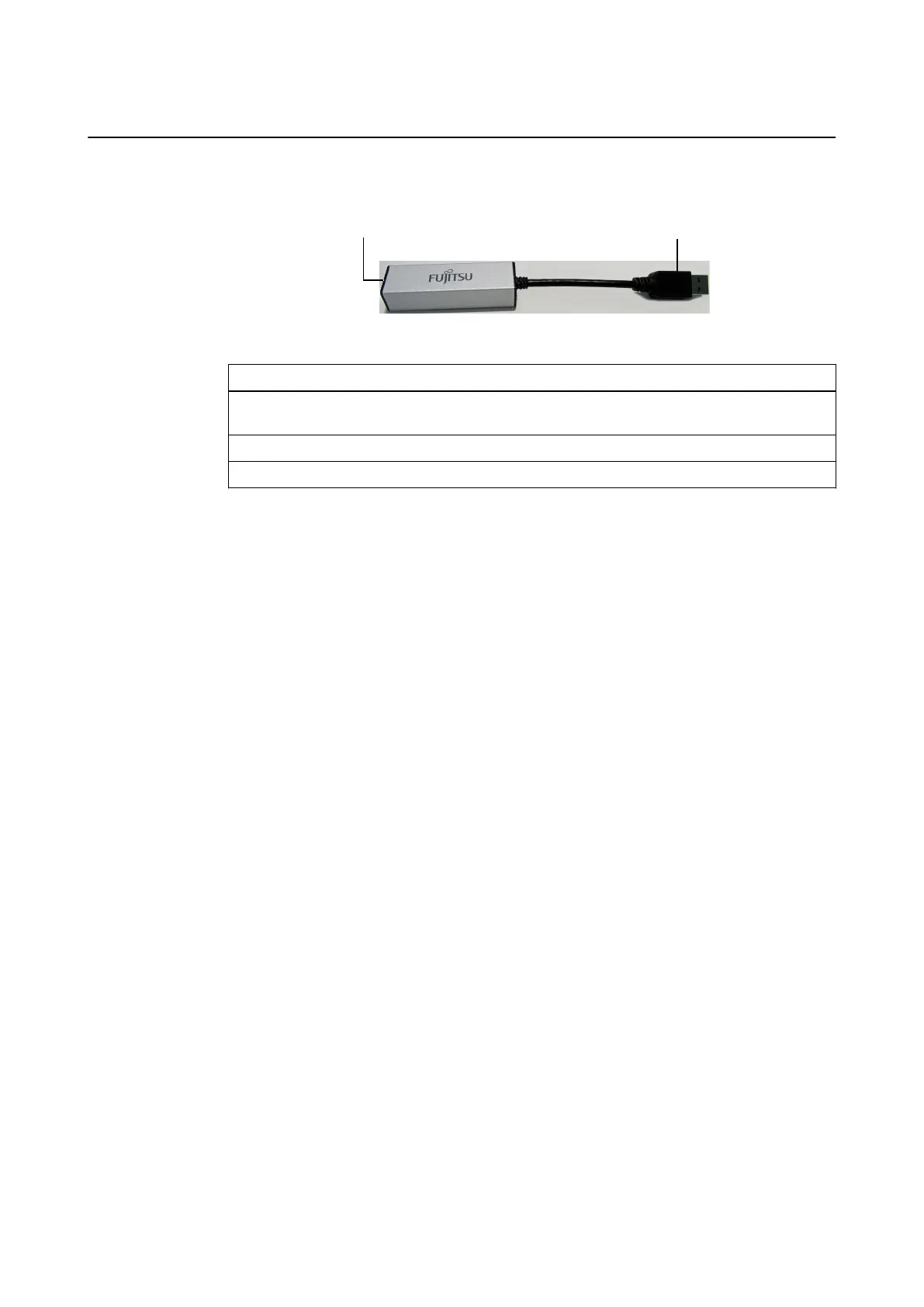
How to Connect USB to Ethernet Adapter
The USB to Ethernet adapter allows you to connect a third-party device via an Ethernet port.
Figure 11
Step
1. Connect the USB plug ② of the adapter to a USB 3.0 port on the connection panel on the
back of the Monitor Cart base.
2. Connect Ethernet cable to third-party device.
3. Connect Ethernet cable to the Ethernet port of the adapter ①.
NOTE: Do not use the USB-to-Ethernet adapter to connect a tracking unit. Always connect the
tracking unit directly to the Ethernet port labeled Tracking Unit.
Optional Components
42 System and Technical User Guide Rev. 1.3 Kick 2 Navigation Station



 To Next Page