4.3 Proper Transport Inside the Hospital
Parking and Transport Position
• Protection cover must be attached to the monitor.
• Must be in upright position for transport.
Warning
Mains power cable and any other cables that shall remain attached to the Monitor Cart
must be hung on the cable hooks.
Attached Accessories and Cables During Transport
Consider the weight of the below items if attached during transport. All other weight must be
removed from the cart.
• Protection cover
• Mains power cable
• Ethernet cable
• Potential equalization cable
• Optional: DVD drive for Kick 2
• Adapter (USB to Ethernet)
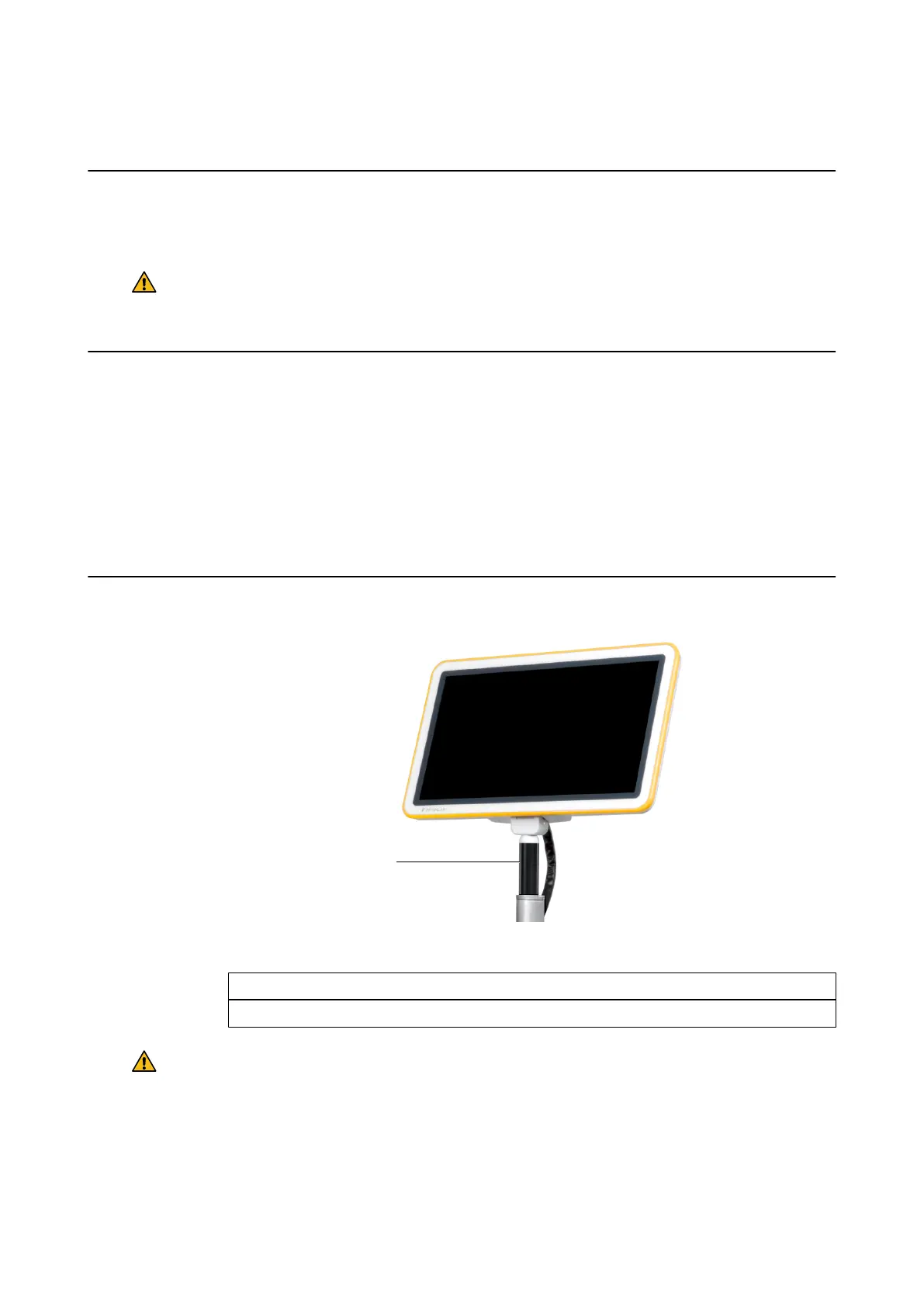
How to Transport the Monitor Cart
Figure 23
Step
Use the monitor handle ① to transport the Monitor Cart.
Warning
Never move the cart on a surface with >10° tilt as transport speed increases on inclined
surfaces, increasing the risk of the cart tipping over
Proper Transport Inside the Hospital
56 System and Technical User Guide Rev. 1.3 Kick 2 Navigation Station



 To Next Page