4 ASSEMBLY, TRANSPORT
AND STORAGE
4.1 Protection Cover
General Information
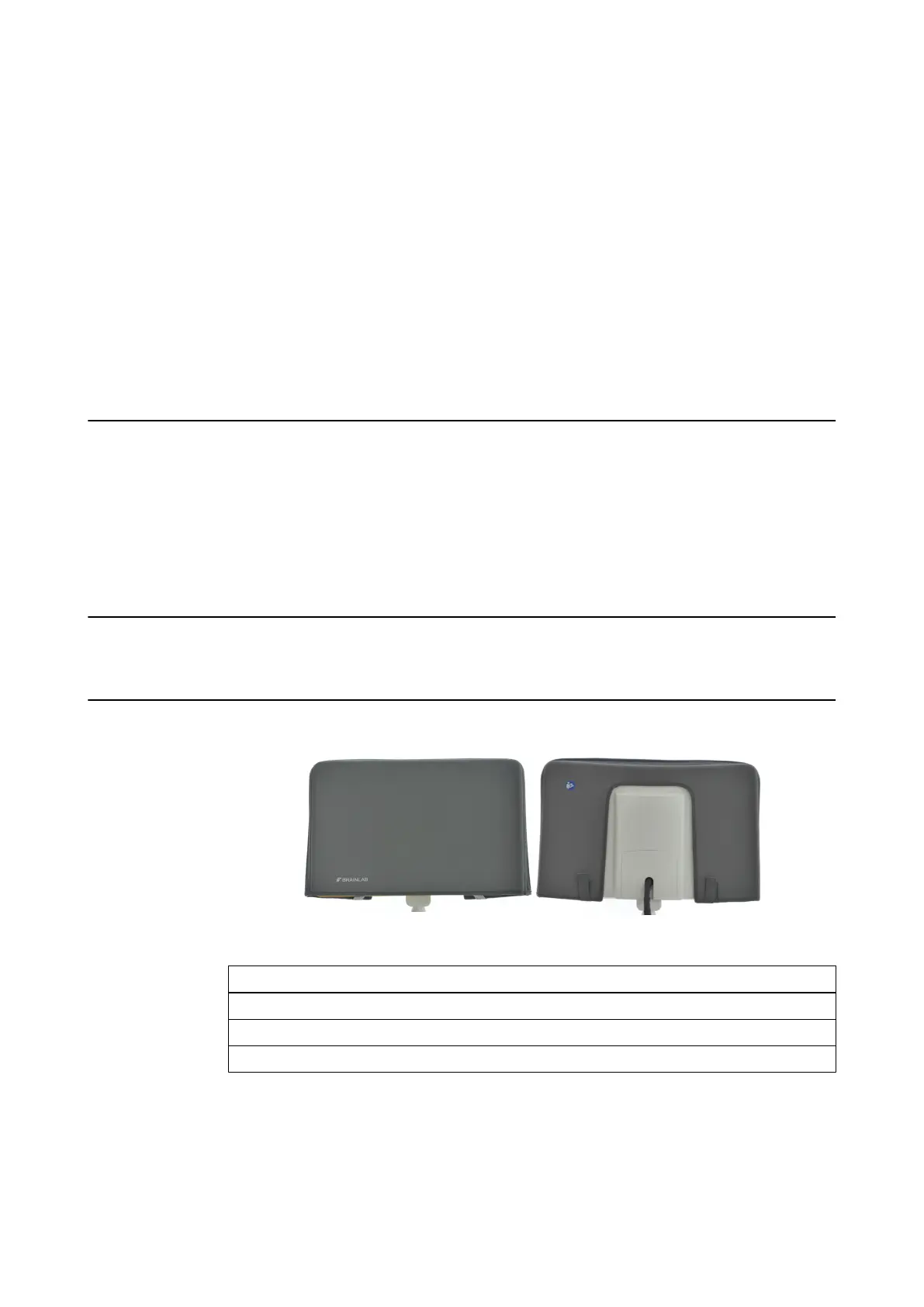
The monitor protection cover must be used during transport and storage to protect the sensitive
components from damage. Remove the cover before entering the OR.
Do not cover monitor with protection cover when device is running, otherwise it could overheat
and be seriously damaged. Ensure that device has been turned off and is completely cooled down
before applying the protection cover.
To avoid damage, place protection cover over monitor before transport or storage.
Clean touchscreen before applying the monitor protection cover.
Related Links
5.2.1 How to Clean the Protection Cover on page 65
How to Attach the Protection Cover to Monitor
Figure 15
Step
1. Shut down, turn off and unplug the system.
2. After the monitor has cooled down, pull the monitor protection cover over the monitor.
3. Close the Velcro straps, ensuring that the cover sits properly on the monitor.
ASSEMBLY, TRANSPORT AND STORAGE
System and Technical User Guide Rev. 1.3 Kick 2 Navigation Station 47



 To Next Page