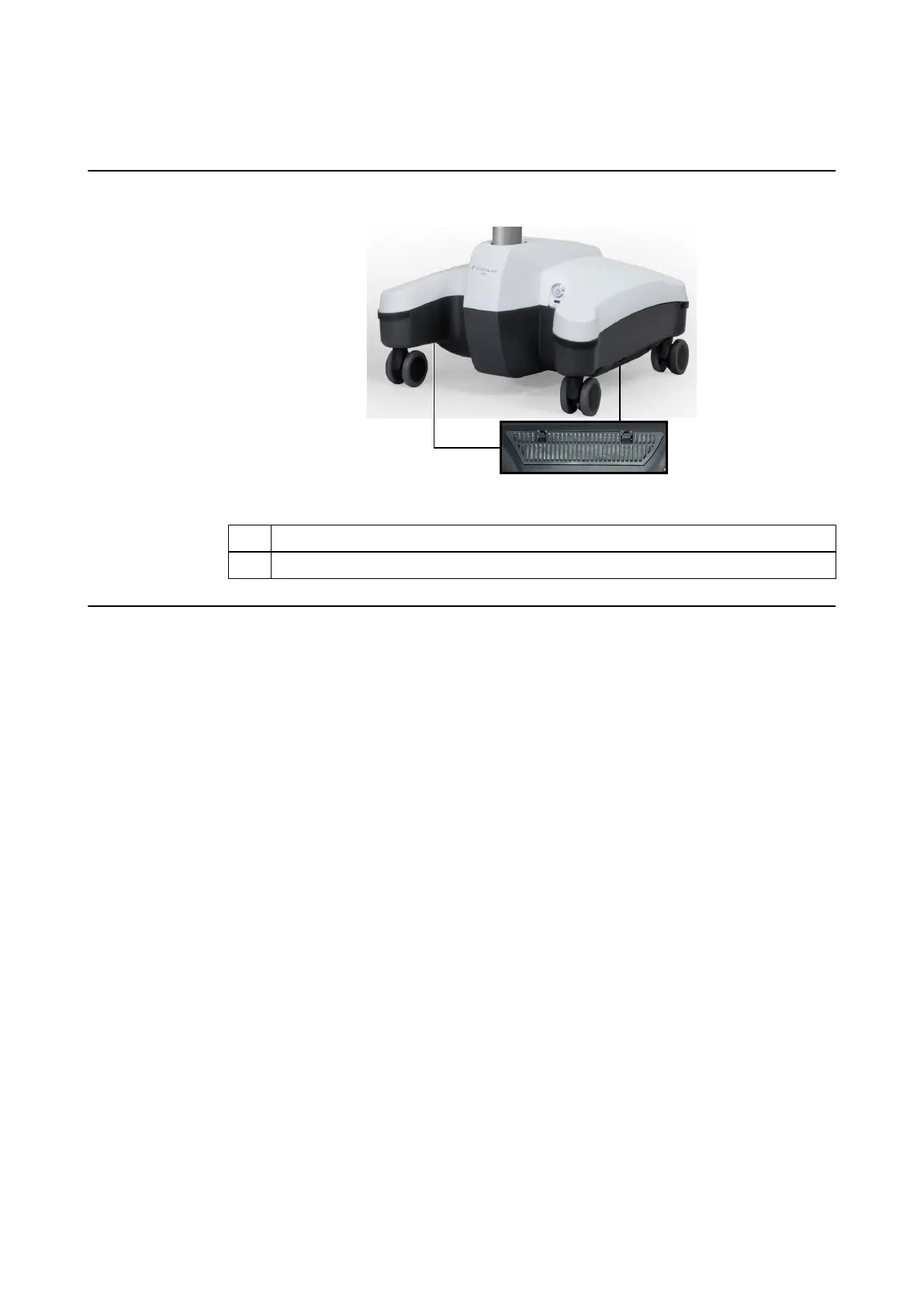
2.3 Monitor Cart Ventilation
Ventilation Area
Figure 4
No. Ventilation Area
①
Underside of the Monitor Cart base (on both sides)
Ensuring Ventilation
Do not block or cover ventilation openings on the system, for example, with drapes. Air must be
allowed to circulate through the vents to ensure proper operation and to avoid overheating.
Do not place system near or over a radiator or heat register or in direct sunlight.
Monitor Cart Ventilation
26 System and Technical User Guide Rev. 1.3 Kick 2 Navigation Station



 To Next Page