4.2.3 Disassembling and Transporting the Kick 2
Before You Begin
Consider the weight of the components before beginning assembly and disassembly.
Apply protection cover over monitor before disassembly.
Related Links
7.3 System Specifications on page 81
How to Prepare the Monitor Cart for Transport
Step
1. Shut down the system.
2. Unplug mains power cable and disconnect cable from the Monitor Cart.
Remove all other attached cables and components (e.g., PE cable, network cable, DVD
drive).
Store cables in the front pocket of the shoulder bag.
3. Disconnect the monitor cable from the monitor.
4. Press the release trigger on the monitor handle and remove the monitor from the post.
Place the monitor into the corresponding case.
5. Pull the monitor cable clip backwards to disconnect the cable from the post.
Gently pull the cable out of the post channel.
6. Pull up on the post fixation lever and remove the post from the Monitor Cart base.
Place the post into the shoulder bag.
7. Place the Monitor Cart base into the corresponding case.
8. Cover the metal connector of the monitor cable with the cloth bag provided.
9. Fully close the zipper of the transport case.
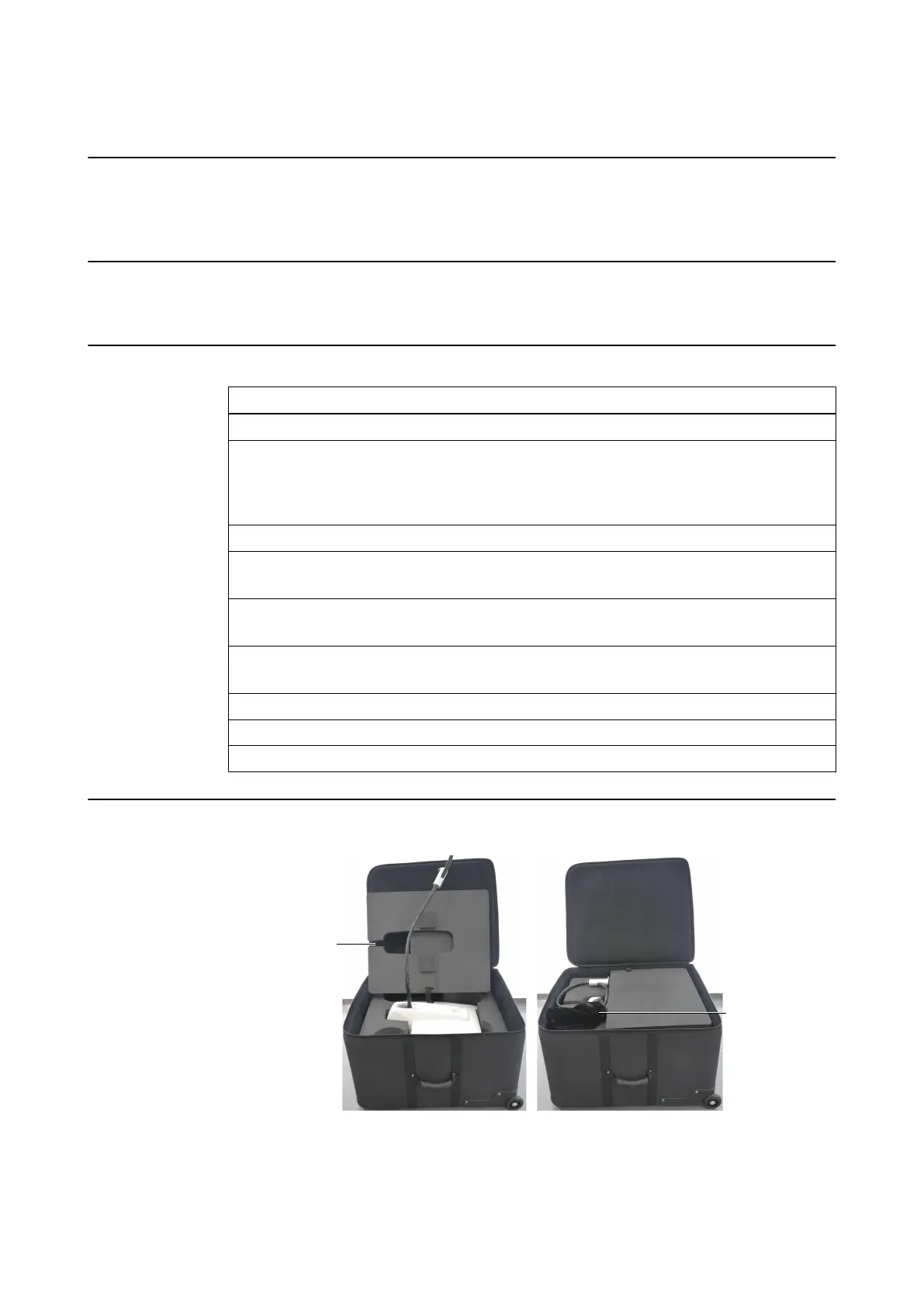
How to Transport the Monitor Cart Base
Figure 20
ASSEMBLY, TRANSPORT AND STORAGE
System and Technical User Guide Rev. 1.3 Kick 2 Navigation Station 53



 To Next Page