Step
1. Cover the metal connector of the monitor cable with the cloth bag ② provided.
2. With the top foam insert flipped up, insert the Monitor Cart base into the case.
3. Guide the monitor cable through the slit in the foam insert ① and replace the insert on top
of the Monitor Cart base.
4. Fully close the case zipper.
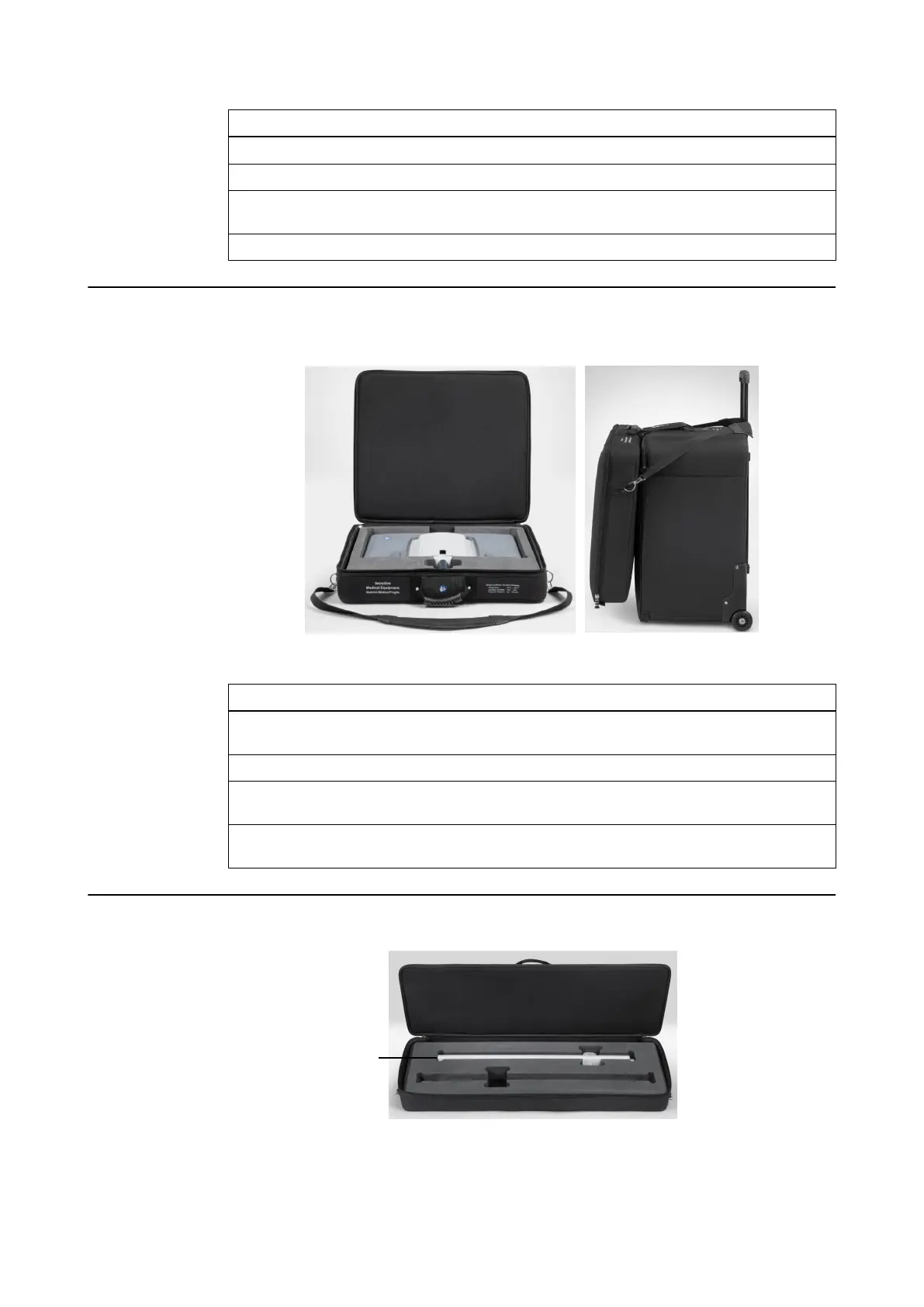
How to Transport the Monitor
Figure 21
Step
1. Place monitor in the foam insert of the transport case, with the touchscreen facing down
①.
2. Fully close the case zipper.
3. With the handle extended on the Monitor Cart base case, hang the shoulder strap of the
monitor case over it ②.
4. Attach the Velcro strap of the monitor case to the corresponding handle on the Monitor
Cart base case.
How to Transport the Monitor Cart Post
Figure 22
Disassembling and Transporting the Kick 2
54 System and Technical User Guide Rev. 1.3 Kick 2 Navigation Station



 To Next Page