How to Connect Mains Power Cable
Step
1. Connect the mains power cable to power port on the Monitor Cart.
2. Plug the other end of the mains power cable into wall outlet.
Always remove the mains power cable from the wall outlet first, before unplugging the cable from
the system.
How to Connect Mains Power Cable with V-Lock
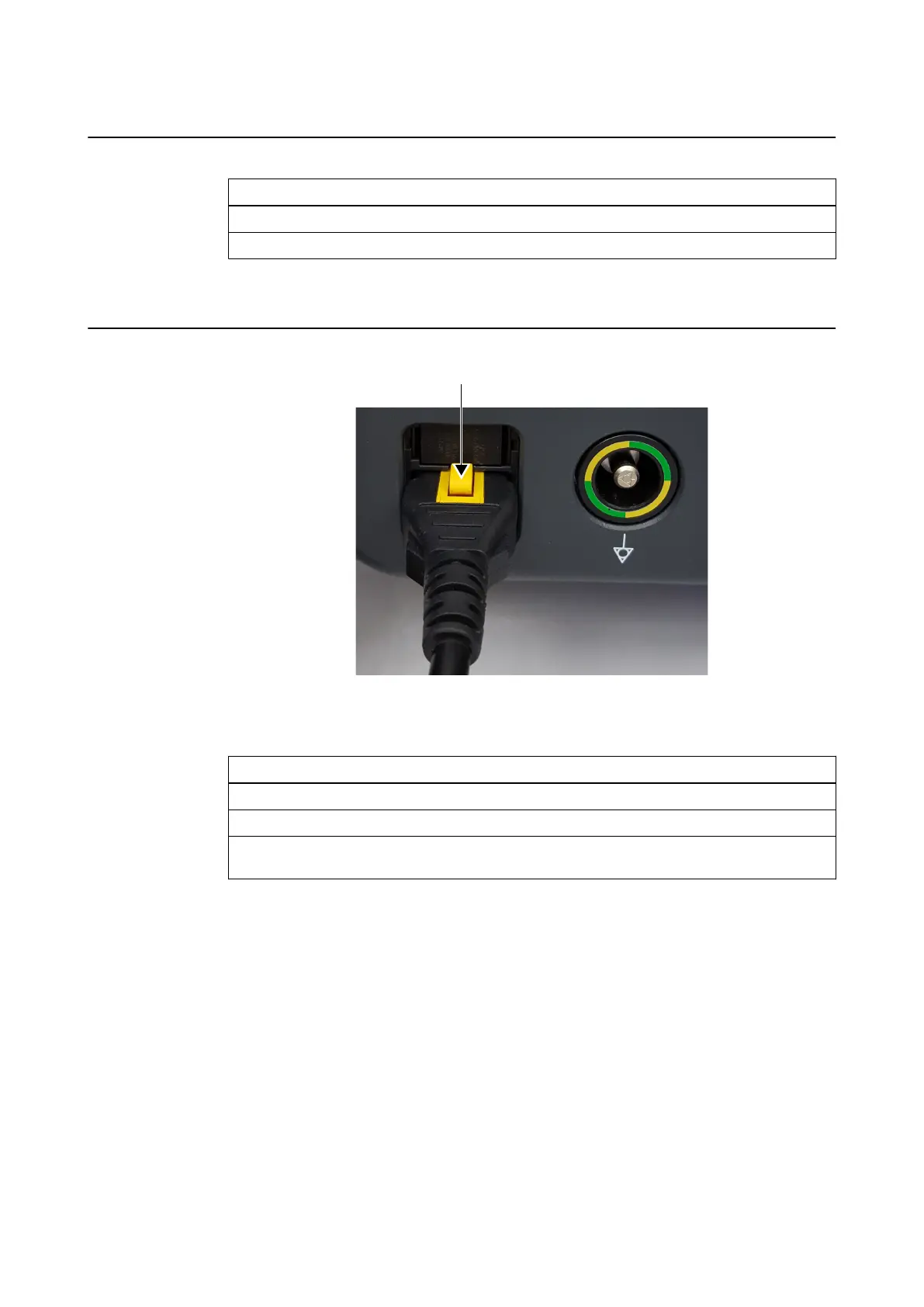
Figure 13
Depending on your region, the mains power cable may have a V-lock release mechanism.
Step
1. Connect the mains power cable to power port on the Monitor Cart connection panel.
2. Plug the other end of the mains power cable into wall outlet.
3. To disconnect the cable, press the yellow button to release it from the port (see arrow
above).
Always remove the mains power cable from the wall outlet first, before unplugging the cable from
the system.
Cabling
44 System and Technical User Guide Rev. 1.3 Kick 2 Navigation Station



 To Next Page