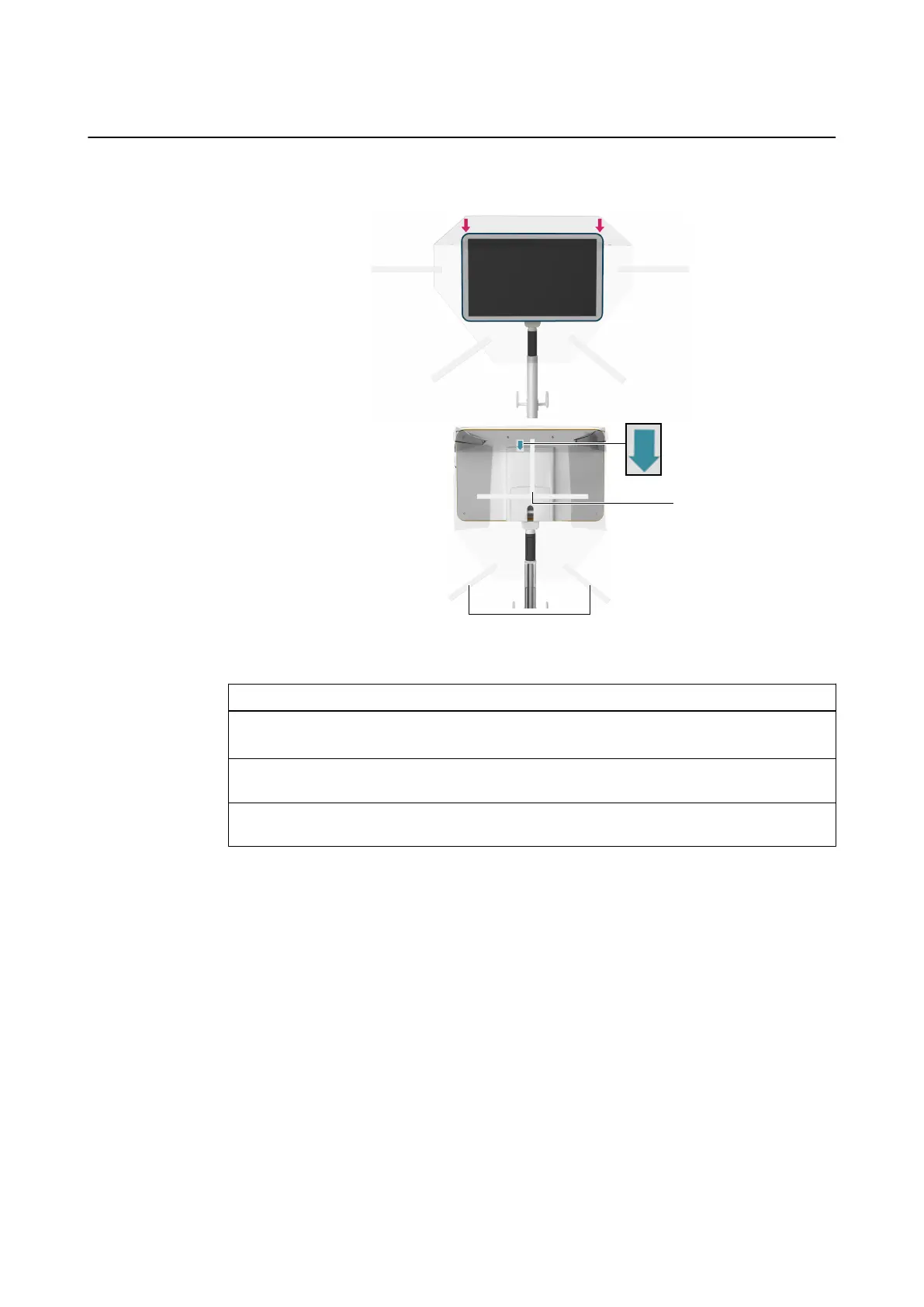
How to Drape the Monitor
Figure 9
Step
1. Apply the drape over the top of the monitor ①.
Ensure that the orientation arrow is on the back side of the monitor and pointing down ②.
2. Peel the adhesive liner off the adhesive strips ③ on the upper part of the drape and at-
tach them to the back of the monitor.
3. Peel the adhesive liner off the adhesive strips ④ on the lower part of the drape and attach
them to the monitor post.
Sterile Use
36 System and Technical User Guide Rev. 1.3 Kick 2 Navigation Station



 To Next Page