System User Guide Rev. 2.5 Kolibri Ver. 2.0 29
KOLIBRI WORKSTATION
Keyboard/Mouse/
Touchpad
To change the network configuration, connect keyboard/mouse or touchpad:
NOTE: Connect the keyboard, and a mouse, or touchpad before turning on the workstation.
Network
Environment
Only operate workstation in secured networking environments. If connected to an in-
secure network, system function cannot be guaranteed due to possible malicious
software infections.
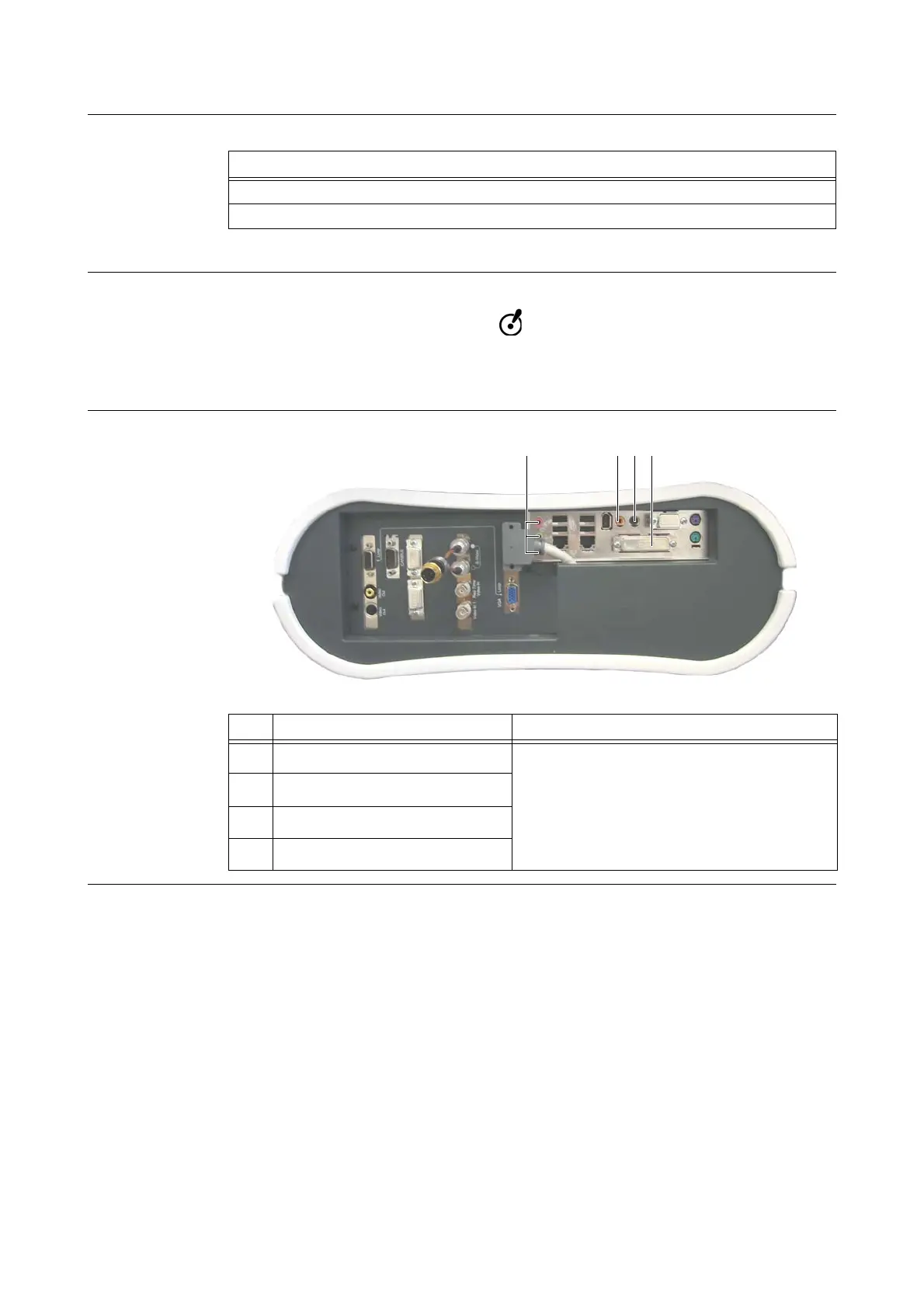
Ports Which Are
Not Used
Figure 10
Steps
1. Plug mouse (or touchpad) connector to (green ) mouse port
G.
2. Plug keyboard connector to (blue ) keyboard port F.
No. Name Comment
Line in, speaker and microphone
Not to be used
Center speaker
Rear speaker
Parallel port



 To Next Page