12
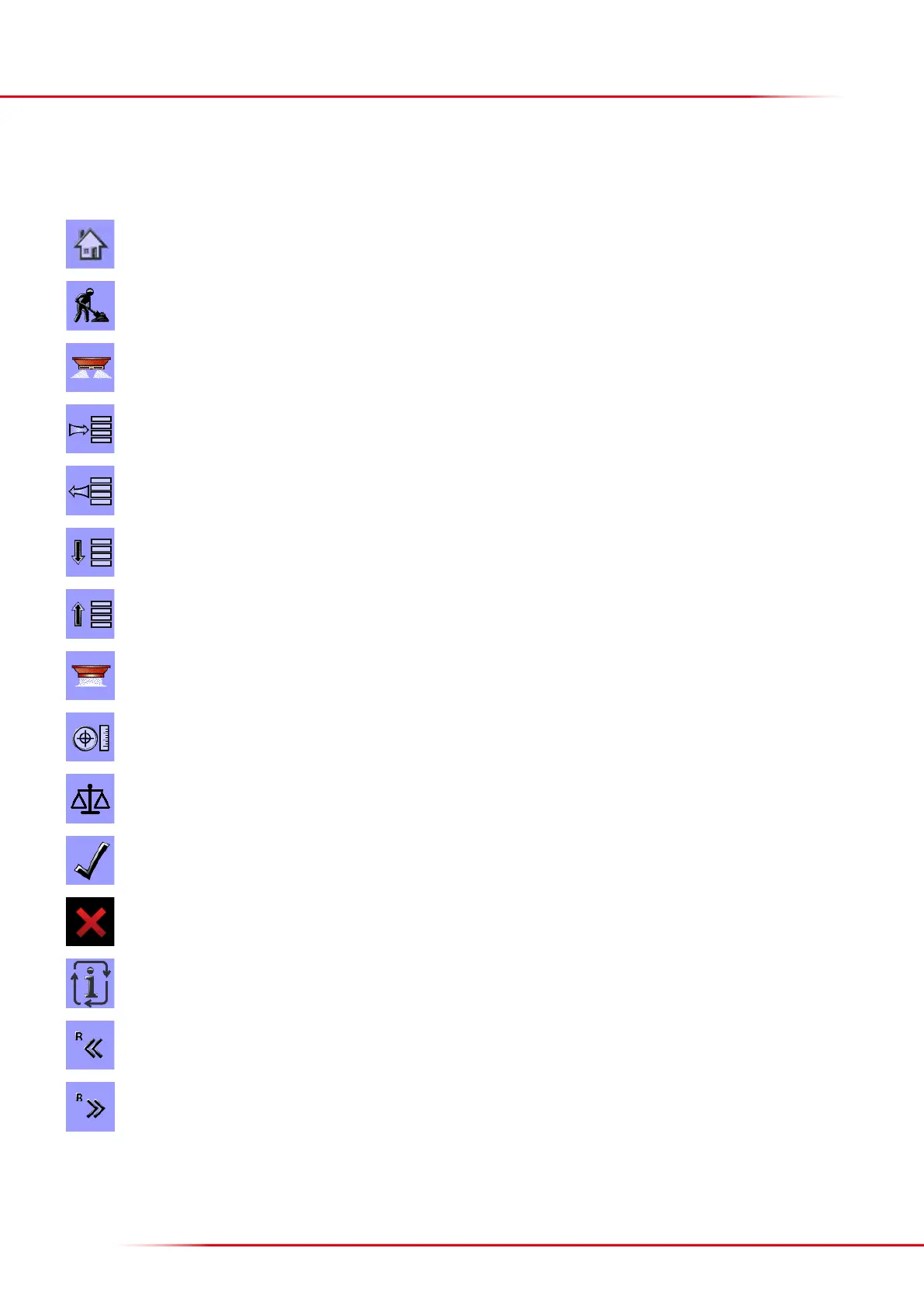
Home: return to start page.
Work: go to operating page.
Start/stop button: starts and stops the application process.
Menu: go to the menu selected.
Return: go back to the previous menu.
Line down: moves the marking one line down.
Line up: moves the marking one line up.
Emptying: starts the oor belt, emptying the hopper.
Enter application data: goes to the menu where application rate, working width, etc., are entered.
Weighing control: goes to the menu for checking the application rate.
Accept: accepts the input data, or acknowledges an alarm.
Delete: cancels input data.
Toggles between dierent displays.
Manual closing of section on right side.
Manual opening of a section on the right side.
The following sections describe the Bredal program icons; their location on the screen can vary from one terminal to another.
Icon meaning/function:
DESCRIPTION OF THE BREDAL PROGRAM ICONS



 To Next Page