32
Select the setting on the menu that needs to be changed (an explanation of each
individual menu point is found below).
A few basic settings must be entered on the calibrations menu in order for the spreader to function correctly. All gures have already been entered
from the factory, but it may be necessary in a few instances to change some of the entered settings slightly. The following data/calibrations can
be entered on the menu:
• Volume per impulse
• Hydraulic calibration
• Calibration of speed sensor
• Calibrating/Zeroing load cells
• TC osets
Press the
key from the Home screen display.
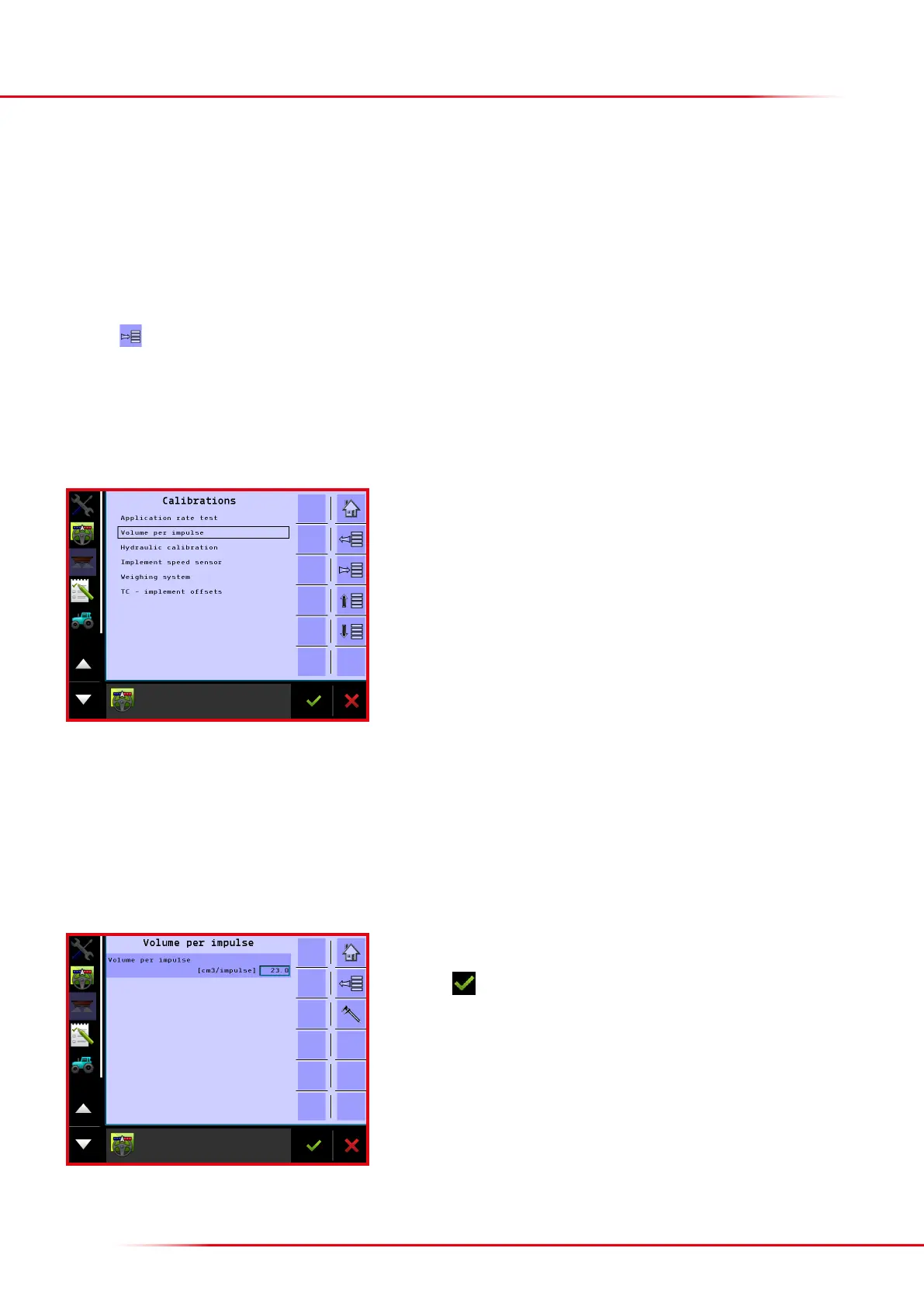
Select “Machine”
Select “Calibrations”
CALIBRATIONS
Press cm
3
/impulse to change the setting.
Finish with
This is where the basic calibration gures for the application rate are entered. If the spreader is not spreading correctly, the entered gures can
be changed. The entered gure represents the volume being spread by the spreader in cm
3
for each impulse coming from the gearbox’s sensor.
Entering a gure that is higher than the gure already set will decrease the application rate and, conversely, entering a lower gure will increase the
application rate. Ordinarily, it is not necessary to change the application rate setting, but if it turns out that the spreader spreads slightly incorrectly
in practice, the cm
3
/impulse setting can be changed.
> Volume per impulse



 To Next Page