34
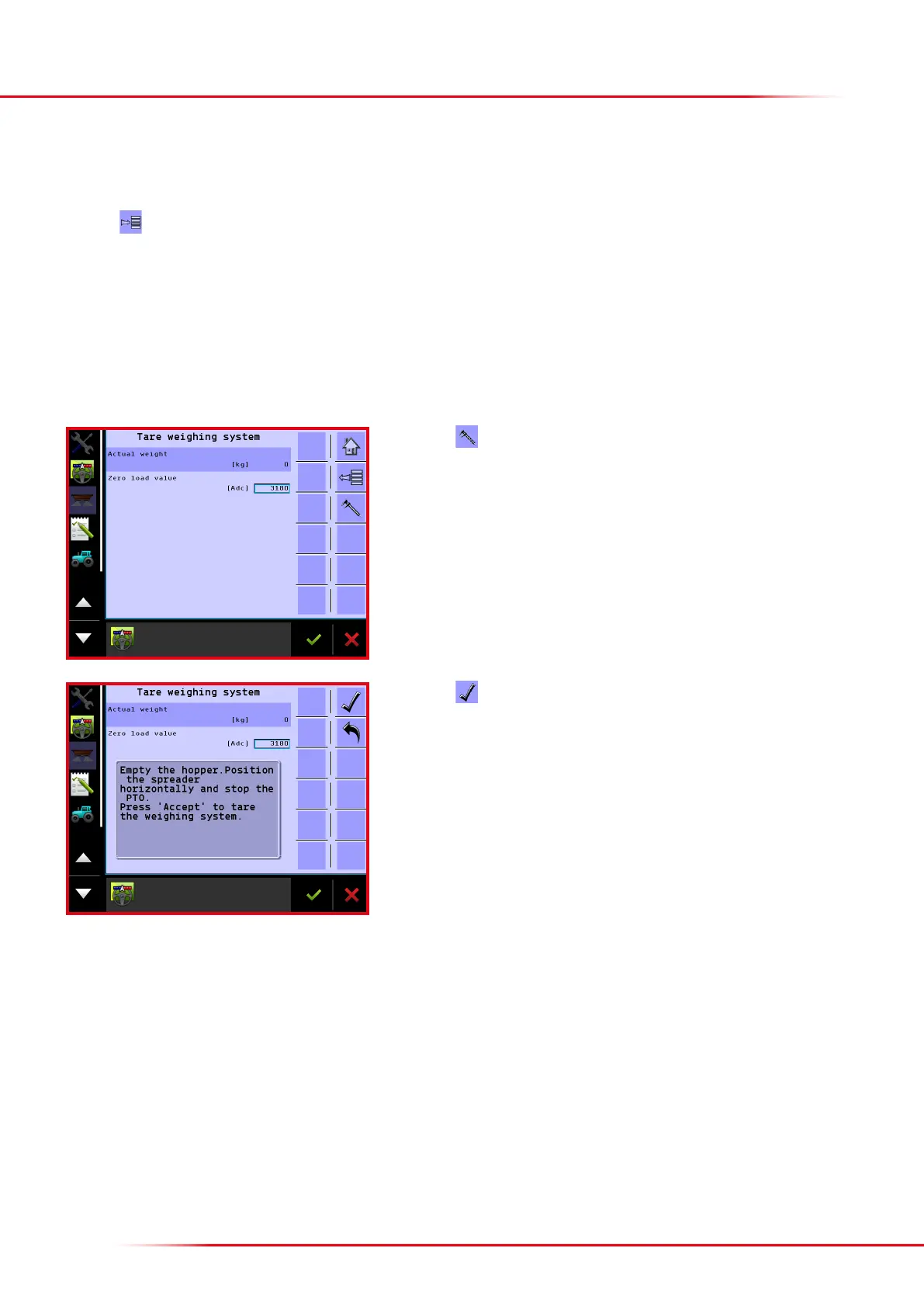
If load cells display does not read 0 kg when the spreader is empty, it is possible to zero the load cells.
Press the
key from the Home screen display.
Select “Machine”
Select “Calibrations”
Select “Weighing system”
Select “Tare weighing system”
Press
to begin zeroing the load cells.
The spreader must be kept in a horizontal position when setting the tare weight.
Press to accept the tare weight.
> Zeroing the load cells



 To Next Page