20
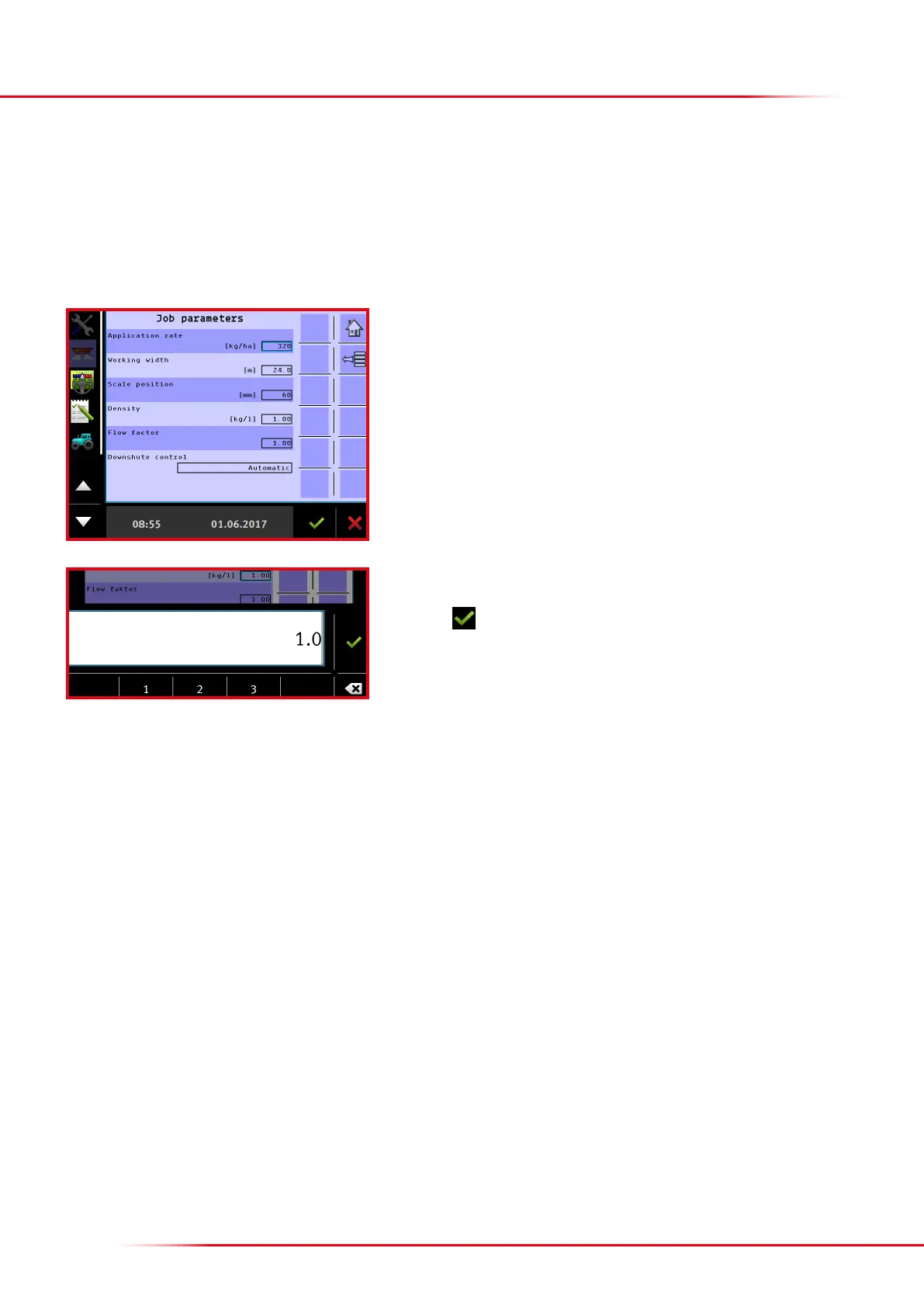
> Entering the flow factor
As a rule of thumb, always start out with a ow factor of 1.0. If the spreader is equipped with load cells, the ow factor will be continuously
calculated during spreading; the most recently calculated ow factor is shown in the input eld under ow factor.
Press the input eld “Flow factor” to change the value.
Enter the preferred ow factor.
Finish with



 To Next Page