41
> Testing output
Press the
key from the Home screen display.
Select “Help”
Select “Diagnostic”
Select “Test output”
Make sure that no one is near the spreader when functions are being tested!
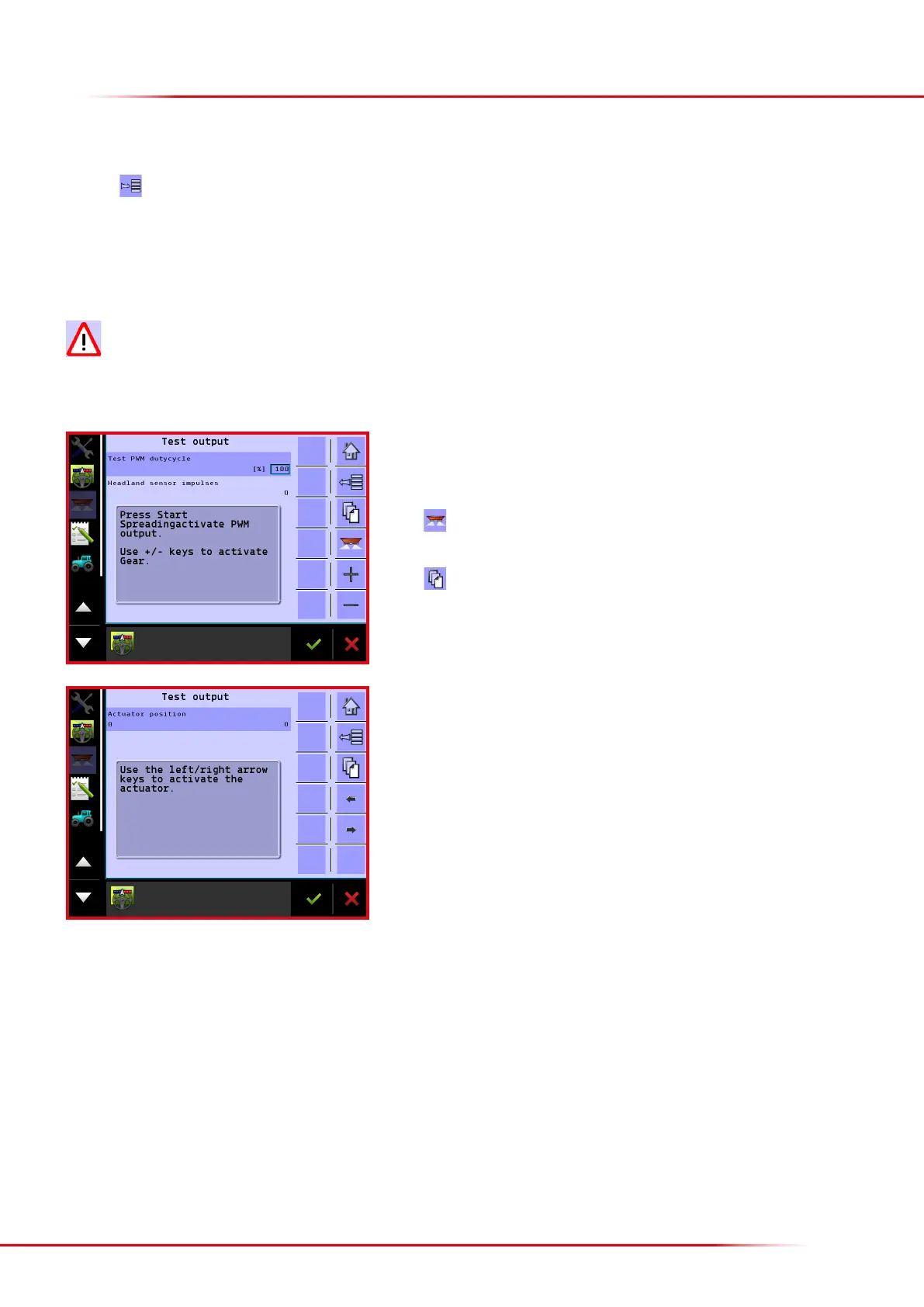
Here is it possible to test the proportional valves that regulate oor belt speed. Enter
a % value in the text box. If 100 % is entered, the valves will fully open, and the belts
will operate at maximum speed.
Press
to start the oor belts. Oil must be owing from the tractor in order for the
oor belts to run.
Press
to go to the next.
Here the actuators’ function can be tested by pressing the arrow buttons. Impulses are
counted from the right and le actuators when these are activated. If an actuator is
not operating, a alarm will be emitted and computer must be subsequently restarted.



 To Next Page