53
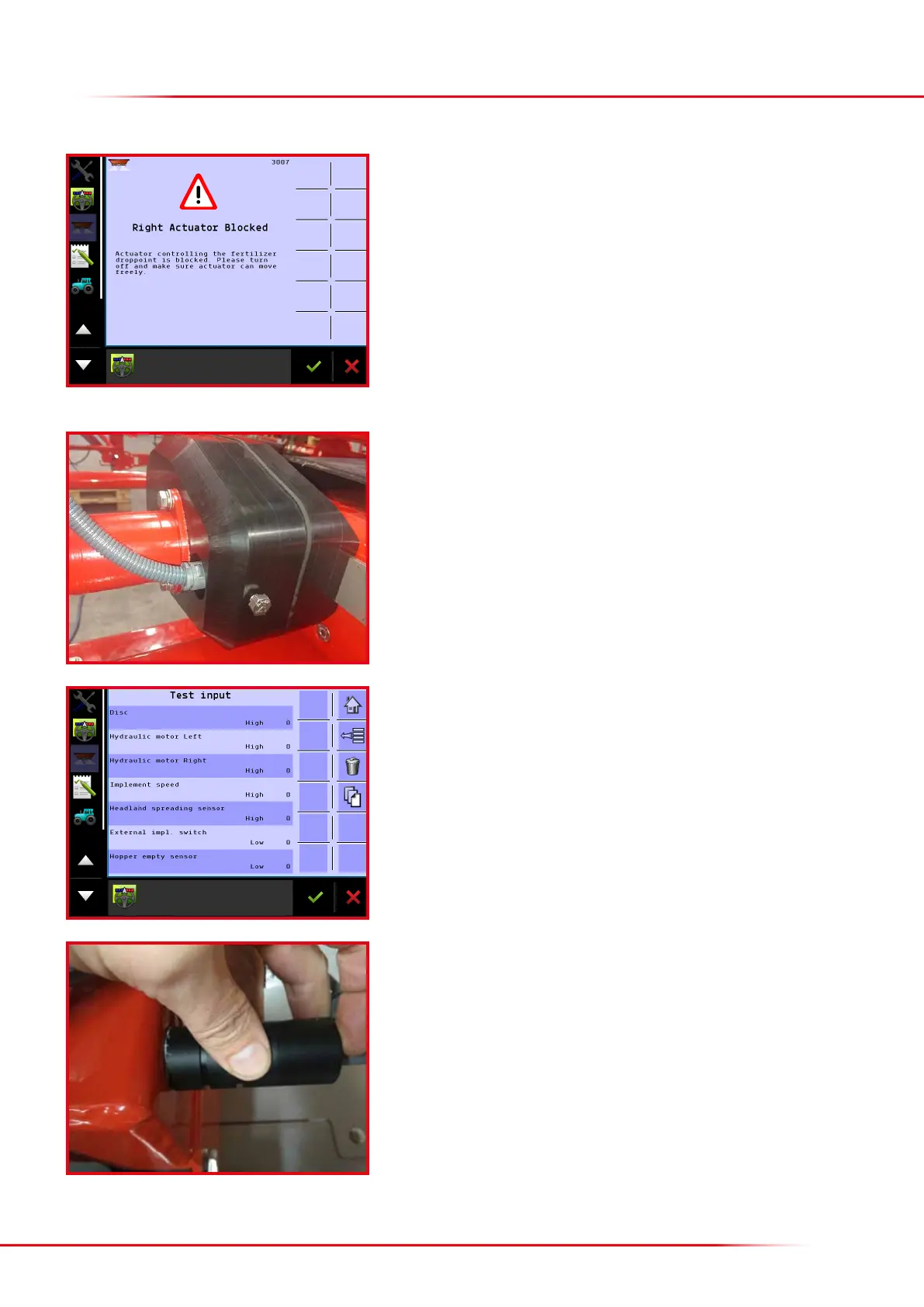
Make sure the downshute can move freely and that no fertilizer deposits or anything
else is jammed against the motor regulating the downshute position.
Restart the computer to reset the alarm.
If the error message continues and the downshutes’ working areas are unobstructed,
and nothing is jammed, the actuator could be defective and need to be replaced.
> Right (left) actuator blocked
It is possible to check a sensor’s function. If a sensor does not count or if it counts
incorrectly, it is oen the pick-up distance, i.e. the distance between the sensor and the
tooth being scanned, that is too great. The pick-up distance of the gearboxes’ sensors
is 1–1.5 mm, so if the sensor is not close enough to the gearbox cogwheel, it cannot
detect the teeth and therefore will not send a signal to the computer.
Press the sensor on the gearbox as far as possible into its installation hole. It is held
in place by an 8 mm screw. Loosen the screw and make sure the sensor is pressed in
as far as possible. It may be necessary to rotate the sensor slightly as it will otherwise
tend to return to the same position when the screw holding it in place is retightened.
Check whether the sensor is working by holding it against a piece of metal. In the
terminal, select “Test input” (Home – Menu – Help – Diagnostic – Test input). Now all
inputs from the implement’s sensors will be viewable.
By holding the gearbox sensor against a piece of metal, the input in the terminal’s
test menu will change and an impulse will be counted. If the input does not switch
between high and low and if impulses are not counted, the sensor is either defective
or is not being supplied with power (12 V). If there is no power, the implement’s other
sensors will not work either.
If the gearbox sensor is defective, it must be replaced by the same type of new sensor
(Bredal order no.: 01023137).
> Checking the gearbox sensor



 To Next Page