8
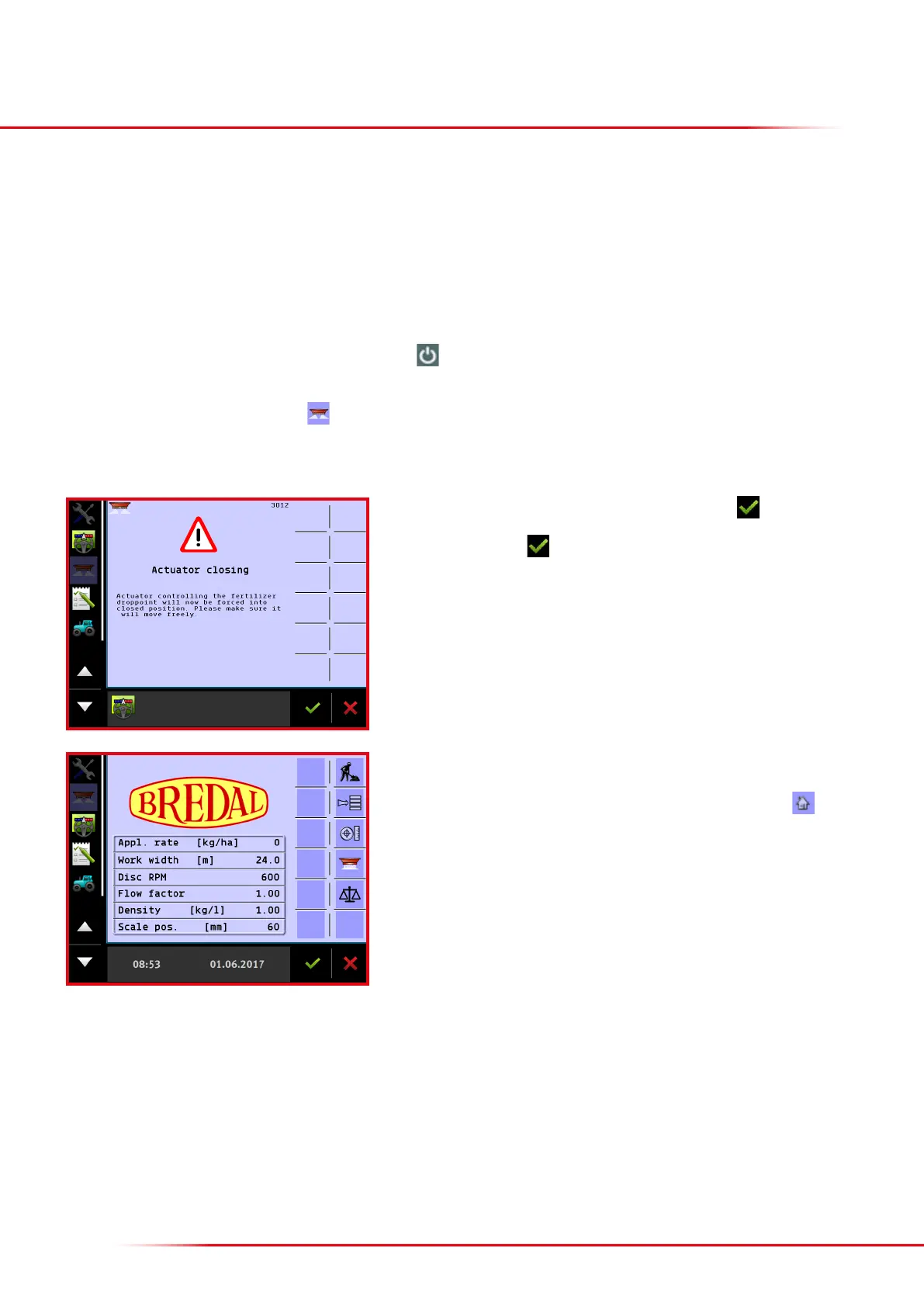
Aer start-up, the warning “Actuator closing” will appear; press to accept.
If a simulated speed is activated, a warning about this will also appear, and this must
be accepted by pressing
.
If an ISOBUS terminal from Müller is included with the machine, some basic set-up needs to be done before the spreader’s section control can be used.
For installing the tractor mounting set and a GPS aerial, refer to the enclosed instructions from Müller. Also, please refer to Müller’s instructions for
operating programs that do not concern spreader operation, such as Track-leader, Field-nav, Farmpilot, or other soware that can be connected
to the Müller terminal.
The basic GPS receiver set-up, its activation, and the basic encoding of the GPS’s aerial’s location can also be found in Müller’s installation and
operating instructions.
The spreader can be operated once the terminal, tractor installation set and GPS aerial have been installed, and the plug from the spreader’s ISOBUS
socket is connected, and basic encoding is completed: press the button for about 3 seconds. It can take up to two minutes aer switching on
the terminal for the spreader icon to appear on the screen.
If the screen display does not appear, press
on the le side of the screen.
INITIAL INSTALLATION/
SET-UP OF A MÜLLER TERMINAL
It is now possible to choose from among the various applications on the le side of
the screen. The spreader’s application is selected on the screen display shown here.
It is always possible to return to this page by pressing the “Home” icon , except
when an input eld is active.
The “Home” start-up screen shows the input application rate, working width, etc.



 To Next Page