17
> Entering the working width
Press the input eld “Working width” to change the value.
Enter the preferred working width.
Finish with
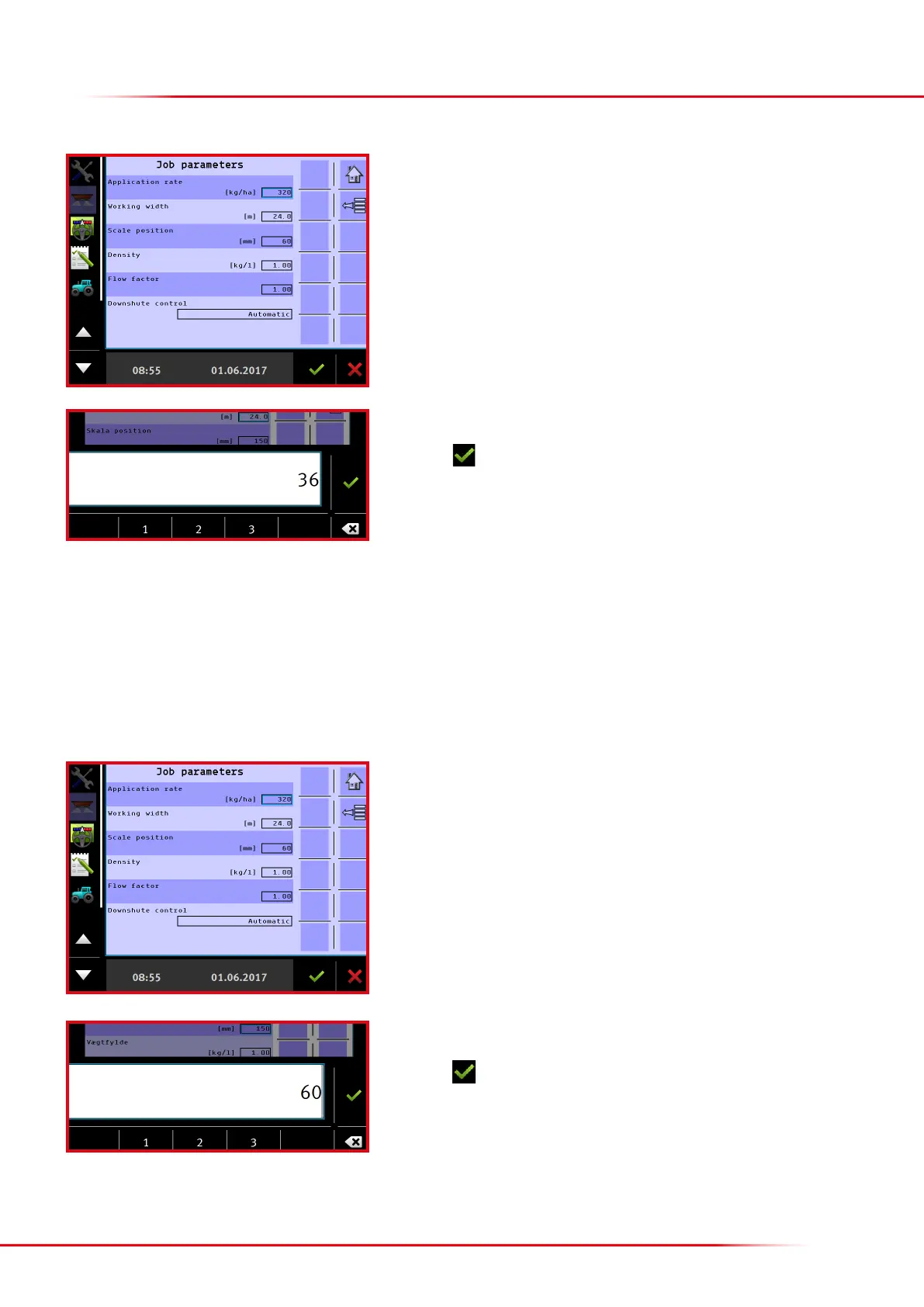
> Entering scale position
The setting for the opening of the rear door is entered under scale position. It is advisable to generally operate with a scale setting of 200. If a
very large volume is to be applied, the rear-door opening can be increased to 250.
If a very small volume is to be applied, the rear-door opening can be reduced to 150 or 100.
NB: it is important to enter the value of the actual rear-door setting, as otherwise the spreader will spread incorrectly.
Press the input eld “Scale position” to change the value.
Enter the position of the rear door.
Finish with



 To Next Page