25
USER SET-UP OF THE OPERATION SCREEN
Press the key on the Home screen display.
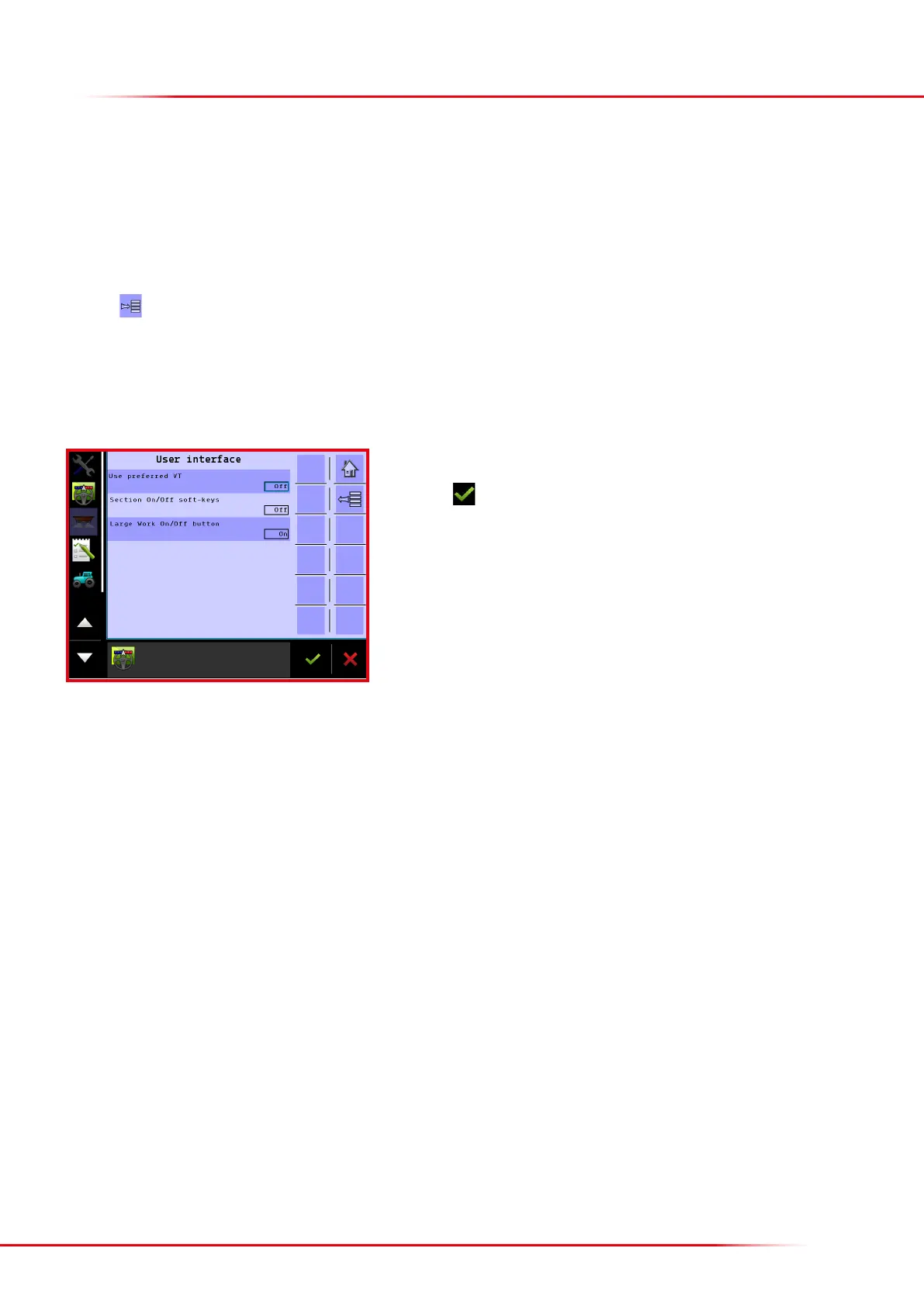
Select “User interface”.
This menu makes it possible to adapt the operation screen to each user. The following can be changed:
• Preferred screen (if the tractor has more than one terminal)
• Manual operation of sections (icons for the operating of sections will become visible on the operation screen)
• Option of using the large spreader symbol in the operation screen for starting/stopping.
Press the “On/O” eld to connect or disconnect the preferred function.
Finish with
The changes will not be implemented until the terminal has been restarted.



 To Next Page