Use: Standard use
Silver FC 00 511 27
Step Action
4
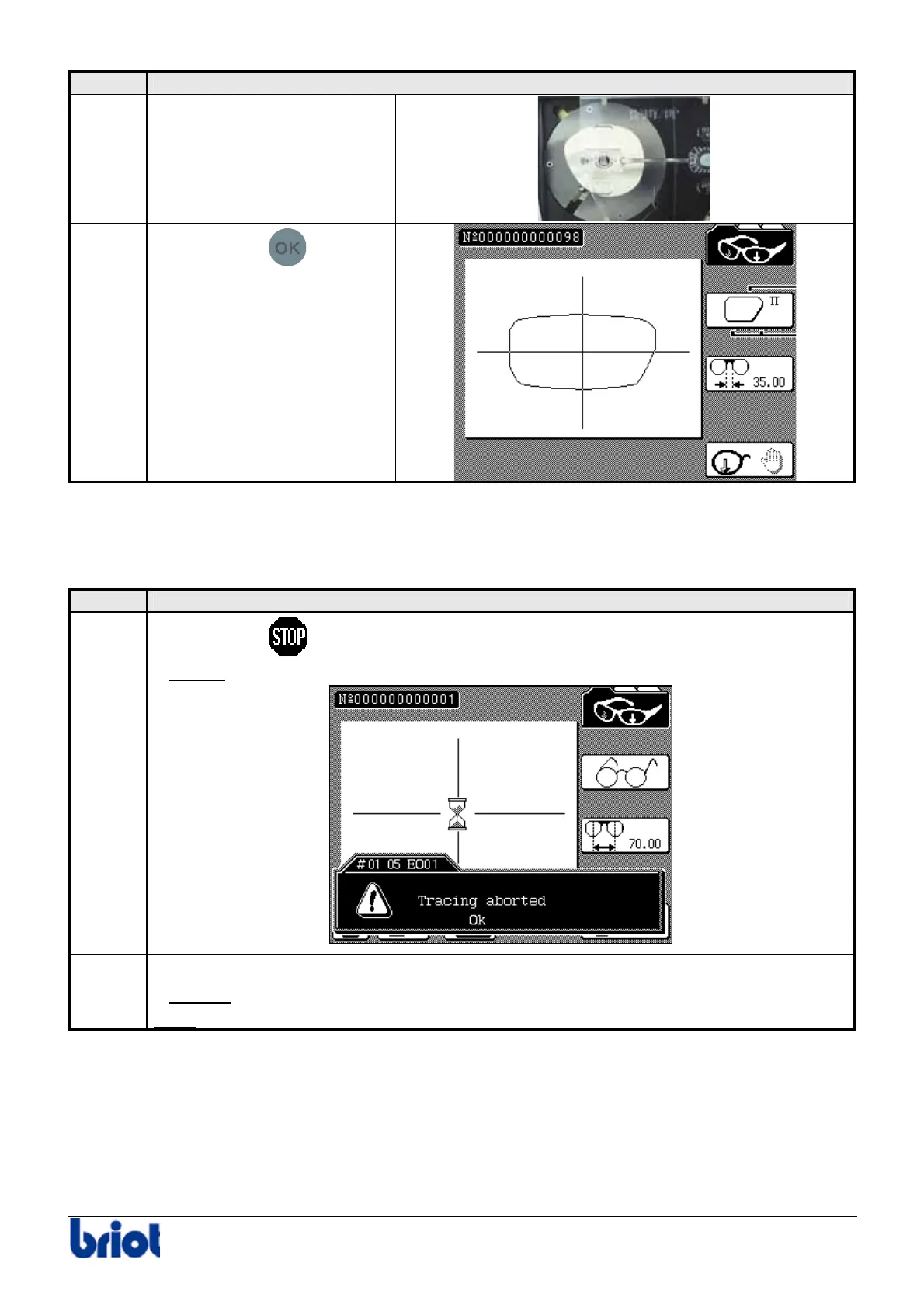
Put the pattern holder with a
pattern to be traced on the
frame holder.
5
Press the key
to start
the tracing cycle.
Stopping the tracing process
In case of problems, you can stop the shape tracing cycle at any time.
To do this, proceed as follows.
Step Action
1
Press the key
which is displayed on the bottom left of the screen.
Result:
the tracing is stopped and the following message is displayed:
2
Press the function key Fct8.
Result:
the message disappears from the screen.
Note:
you can resume the tracing again. To do this, see the previous procedure.



 To Next Page