Maintenance : Settings and adjustments
Silver FC 00 511 47
Settings and adjustments
ADJUSTING THE SCREEN CONTRAST
Description
There are 3 types of adjustments to improve the visibility of the lens on the Scanform™ screen.
Type Function Possible Use
Inverse Colour Key Improve the visibility of the bifocal
segment
Settings of the decentration
for near vision
Screen Brightness Adjust the brightness of the
recorded shape with the screen
Adapt to the ambient light in
the working lab
Polarizing View
Finder
Adjust the contrast of the lens with
the screen
Improve view when decentering
of a dark lens
Inverse Colour
The inverse colour may be changed at any time, by pressing the and keys.
Result:
the screen reverses color.
Notes:
To return to black on white, press again the and keys.
Screen Contrast Adjustment Keys
•
+ : to darken the screen contrast
•
+ : to lighten the screen contrast.
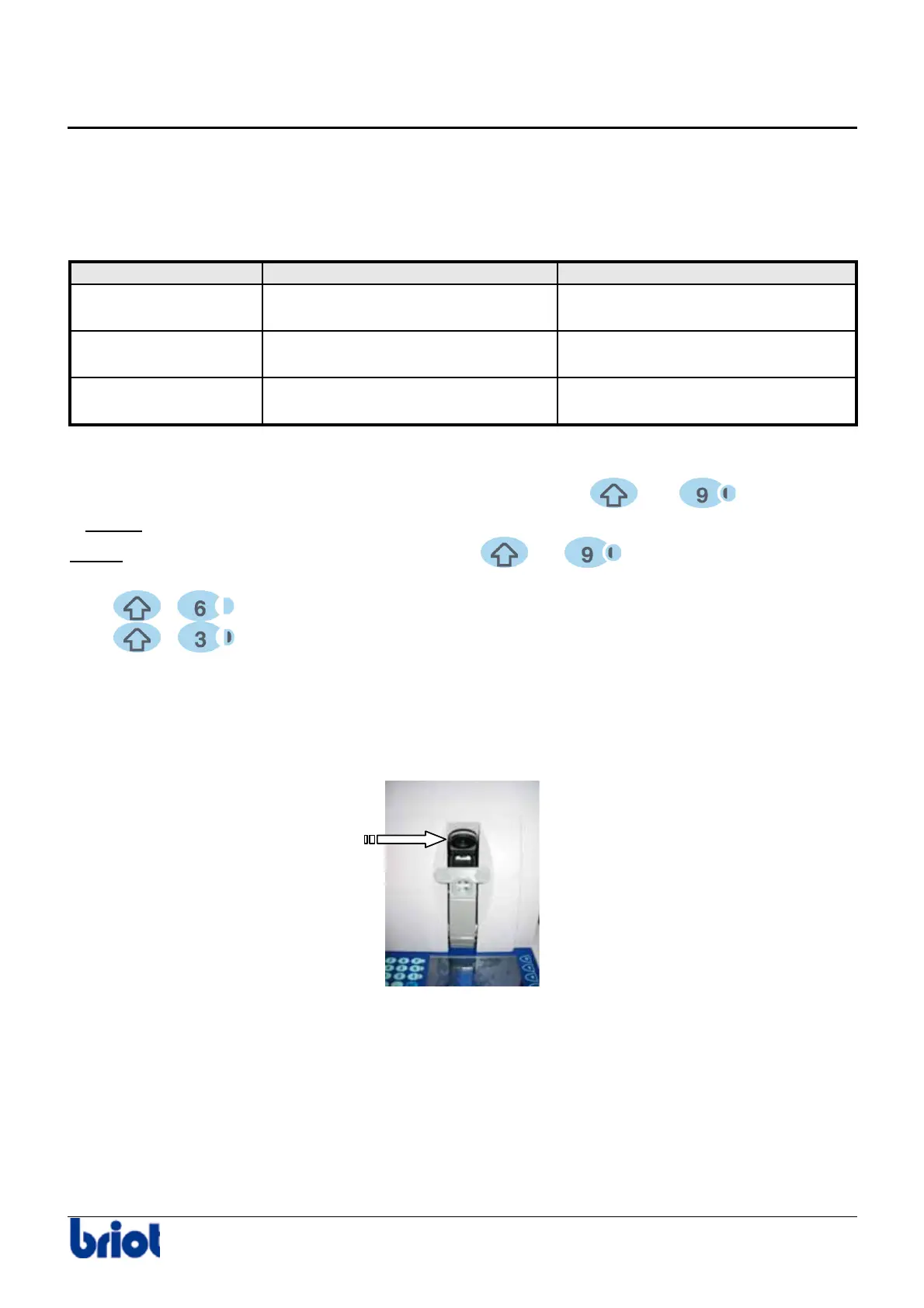
Polarizing View Finder
To adjust the brightness of the recorded shape with the screen, rotate the polarizing eyepiece
in either direction to suit you best.



 To Next Page