Maintenance : Settings and adjustments
Silver FC 00 511 65
Step Action Illustration
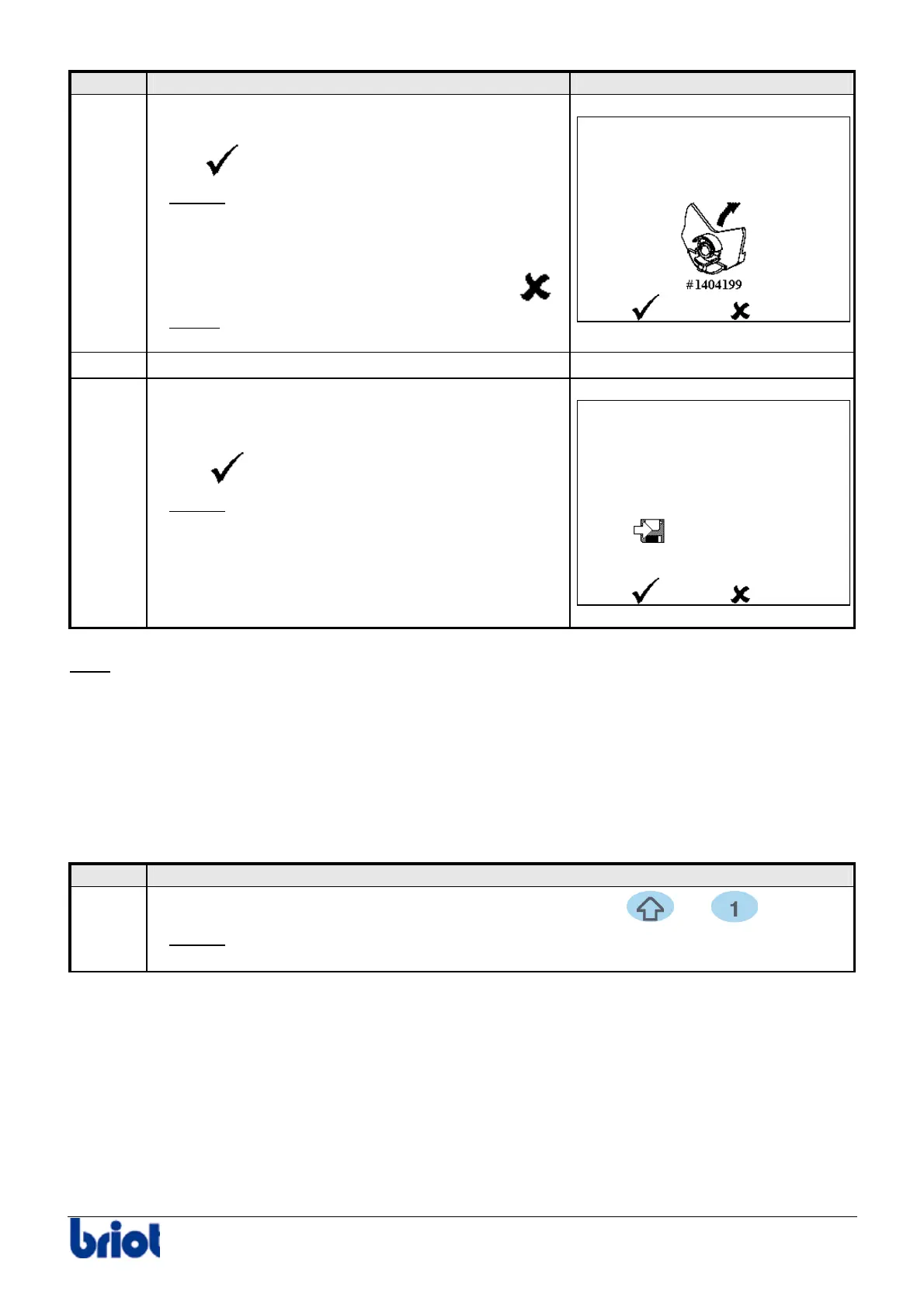
7
When the adjustment is finished, the screen shown
opposite is displayed.
Select
.
Result:
The adjustment is confirmed and
the lens clamp opens automatically.
Note
If you do not wish to confirm the adjustment, select
.
Result:
The adjustment is not confirmed BUT the
lens clamp opens automatically.
8
Remove tool n° 14 04 199.
-
9
When you have confirmed the adjustment,
the screen shown opposite is displayed.
Select
to save the adjustment.
Result:
the adjustment is saved and the
machine re-initializes.
Note
This adjustment influences the bevel position. A badly performed adjustment can cause the
machine to produce poor quality work as a result.
CONSULTING THE STATISTICS
Lens counters
Procedure
To consult the lens counters, proceed as follows.
Step Action
1
When you are in tracing mode, press simultaneously the
and keys.
Result:
the screen with regard to the counting of lenses roughed down is
displayed.



 To Next Page