Annex C - Connection to the OMA network
Silver FC 00 511 C- 5
Step Action
9
Create a new job using the digital keyboard or
the barcode reader or the key .
Result:
the job is now saved on the server with the specified number.
ADVICE
• Carefully note the job number you have just created. It corresponds to your new job
number. You will be able to recall it easily in the future.
• If you wish to save the last job of the day, press the
key in tracing mode before
switching off the machine.
CALL UP A JOB SAVED ON THE SERVER
Follow the steps below to call a job saved on the server.
Step Action
1
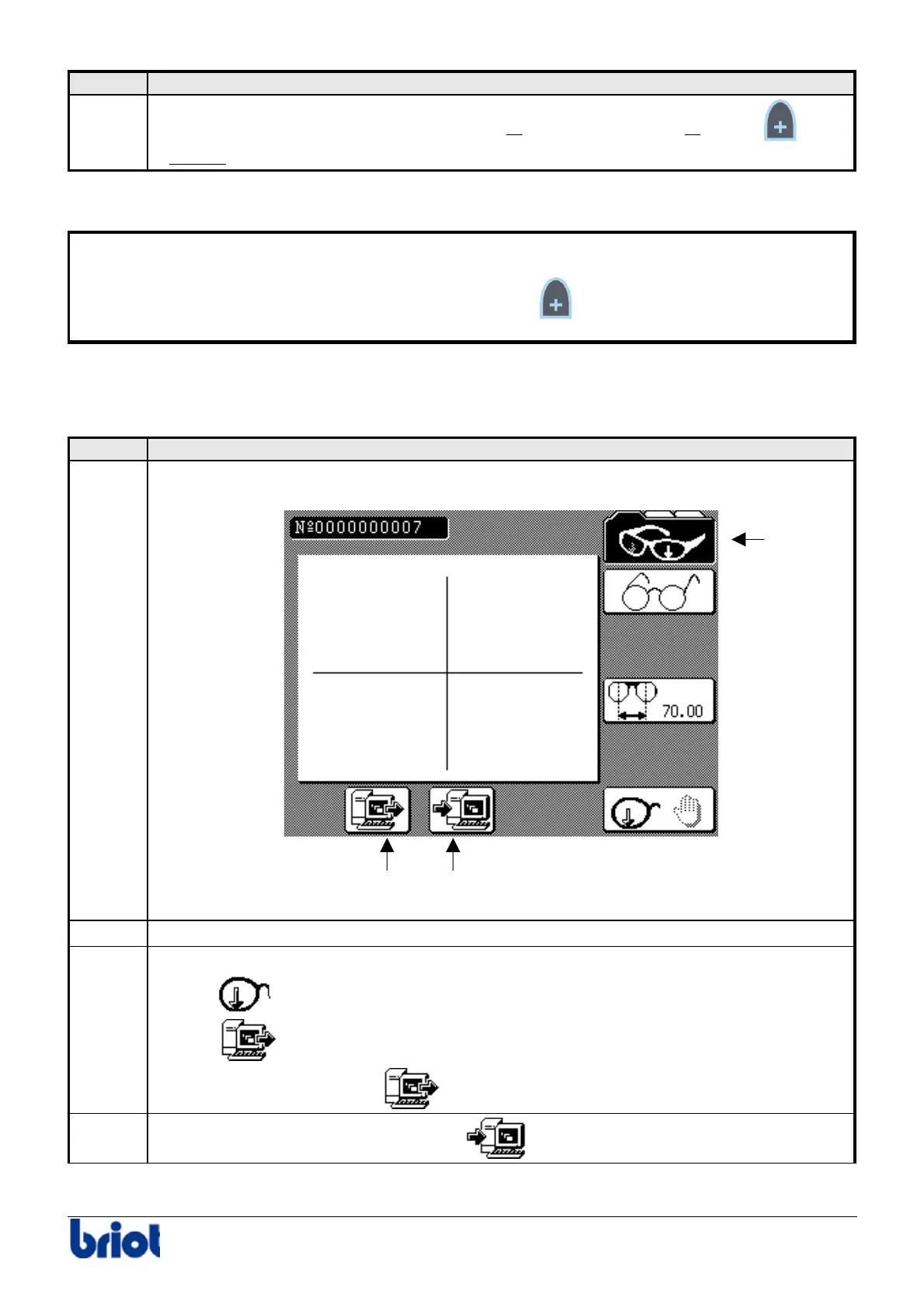
Press one or several times the Fct0 to access to tracing mode.
2
Enter the job number to recall using the keyboard or the barcode reader.
3
Select the job origin using the key Fct7:
•
•
Here, the origin is the server
.
4
If necessary, select the job destination
using the key Fct8.
Fct 0
Fct 8Fct 7



 To Next Page