Maintenance : Settings and adjustments
Silver FC 00 511 53
Step Action
If you select
,
the screen shown at step 2 is displayed.
Select
again to leave the automatic dressing of
the edging wheels and go back to the screen shown
at step 1.
8
Adjust the sizes (see paragraph Size adjustment (reset sizes) below).
ADJUSTING THE LENS SIZES (RESET SIZES)
Icon
The icon relative to this adjustment is the following: .
Procedure
Follow the steps below to adjust sizes.
Step Action
1
When you are in tracing mode, press simultaneously the
and keys.
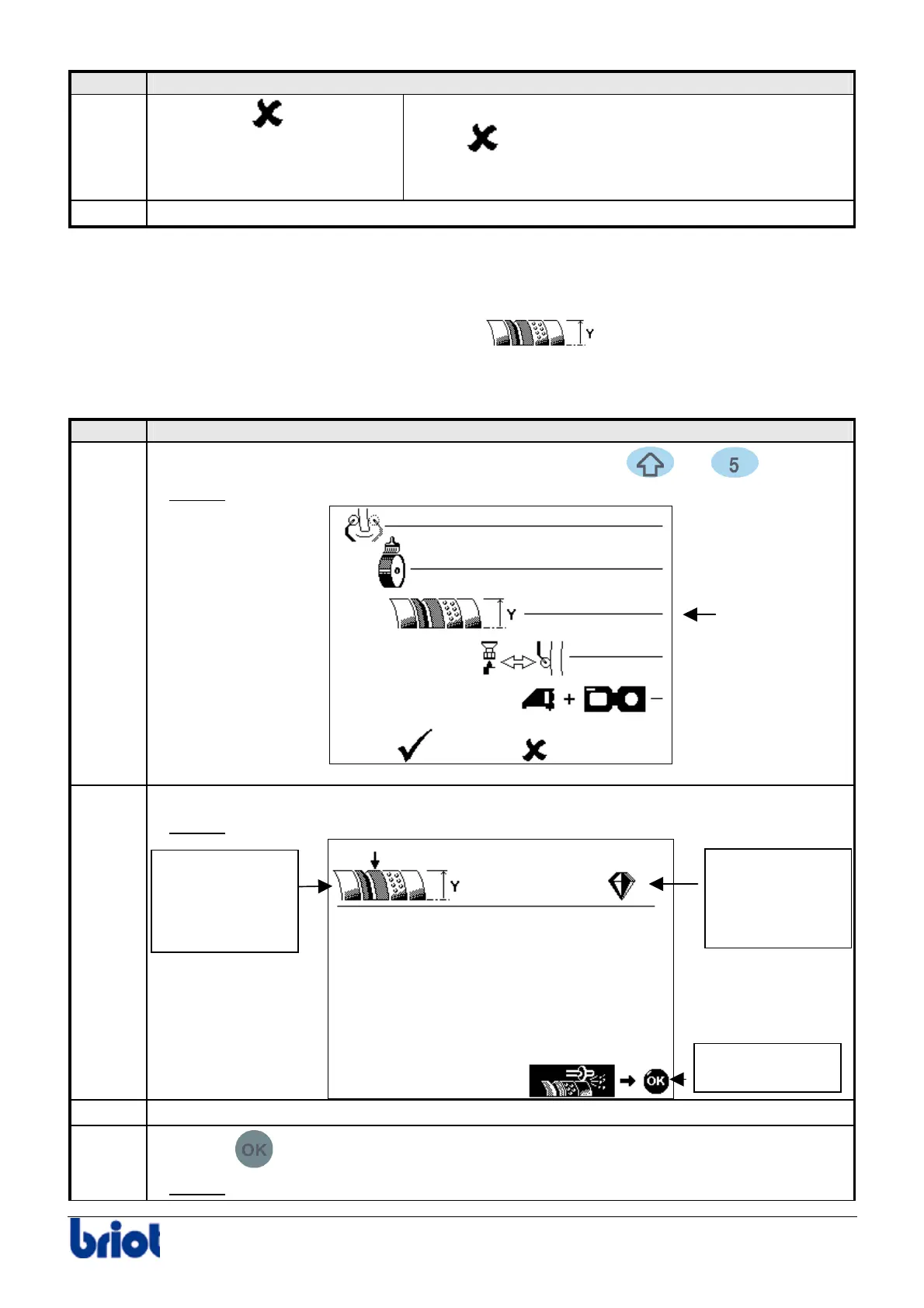
Result:
the following screen is displayed.
2
Select the line Size adjustment with Fct2.
Result: the following screen is displayed.
3
Insert a mineral lens with a diameter to 40 mm.
4
Press the
key.
Result:
the lens is edged on the rimless part of the finishing wheel.
Fct2
Type of lens to
be used for the
adjustment.
Here, mineral.
Type of edging
wheel.
Here, glass finish
To edge,
press OK.



 To Next Page