Maintenance : Settings and adjustments
54
Silver FC 00 511
Step Action
5
When the lens is edged, remove it from the edging chamber and measure it with
a slide caliper.
Measure the diameter of the lens.
2 possibilities:
The Scanform™ was detected when
you switched on the machine.
The Scanform™ was not detected
when you switched on the machine.
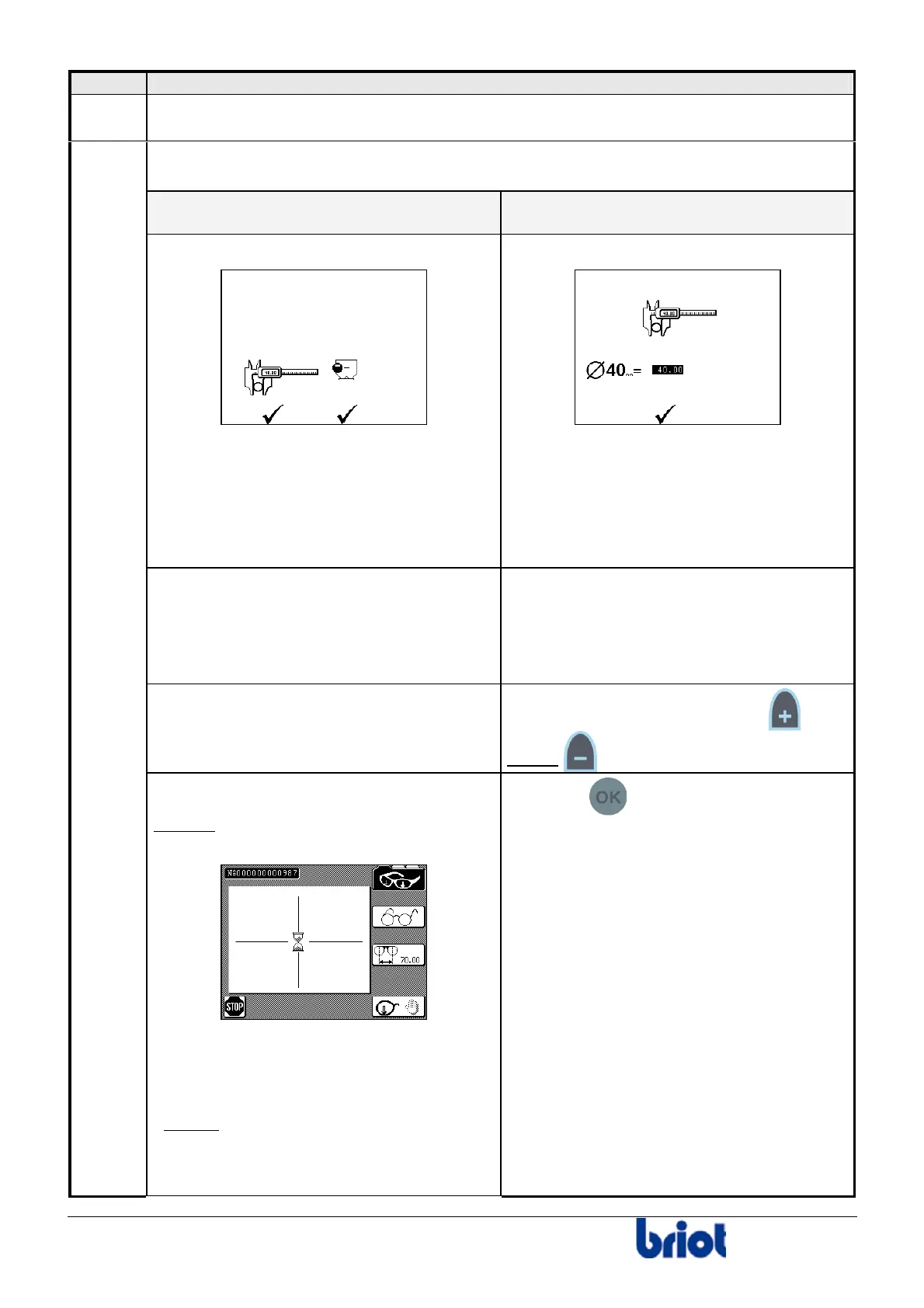
The following screen is displayed:
2 possibilities to measure the diameter of
the lens :
• Use a slide caliper;
OR
• Use the Scanform™.
The following screen is displayed:
The diameter of the lens can only be
measured with a slide caliper.
To work with a slide caliper, press Fct
7 and refer to the step described opposite.
To work with the Scanform™, follow the
instructions below.
Take a slide caliper and measure the
diameter of the lens.
Mount the edged lens to the pattern holder
and put it in the Scanform™.
Enter the measured value using
and/or
(or with the keyboard).
6
THEN press Fct 9.
Result : The following screen is displayed
while the lens is being traced:
Note:
It is possible to stop the tracing.
To do so, press Fct 6.
Result :
the screen with regard to the size
adjustment of the selected lens type is
displayed .
Then process the tracing again.
Press the key to validate your entry.



 To Next Page