Use: Standard use
26 Silver FC 00 511
Step Action
7
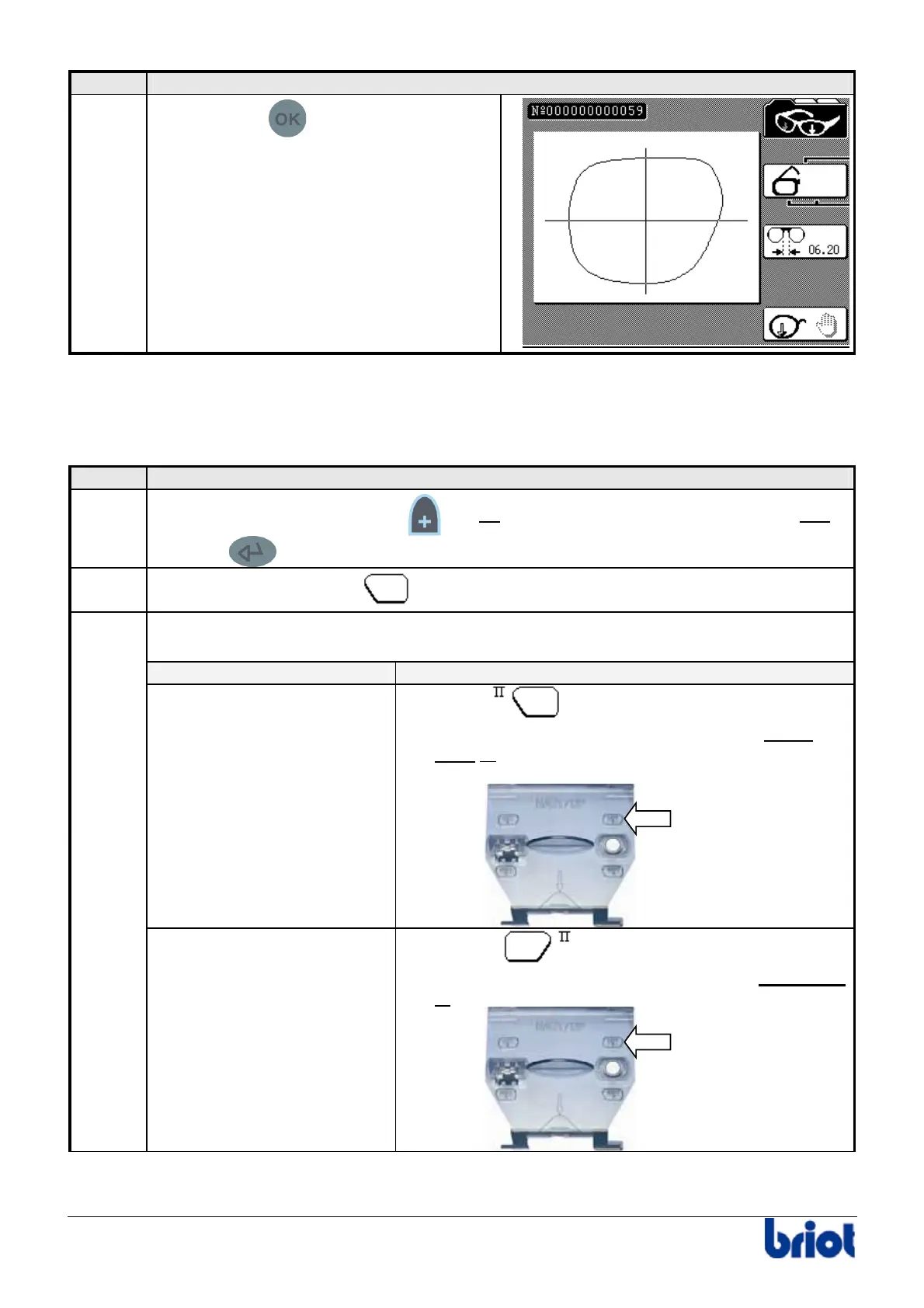
Press the key
to start the tracing
cycle.
Result: the frame tracing is performed.
Tracing a pattern or a demonstration lens shape
Procedure
Follow the steps below to trace a pattern or a demonstration lens shape.
Step Action
1
Create a job number: press the
key or enter a job number using the keypad and
press the
key.
2
Select the type of frame
, using Fct1.
Select the side to be traced using Fct2.
To do this, proceed as follows.
If you trace the… then…
left side
1. Select
.
2. Insert the pattern placing the nose part to the
right or insert the right-hand demonstration lens.
Support
gabarit
3
right side
1. Select
.
2. Insert the pattern placing the nose part to the left
or
insert the left-hand demonstration lens.
Support
gabarit
Pattern
holder
Pattern
holder



 To Next Page