Annex B - Use of the internal memory
B-4
Silver FC 00 511
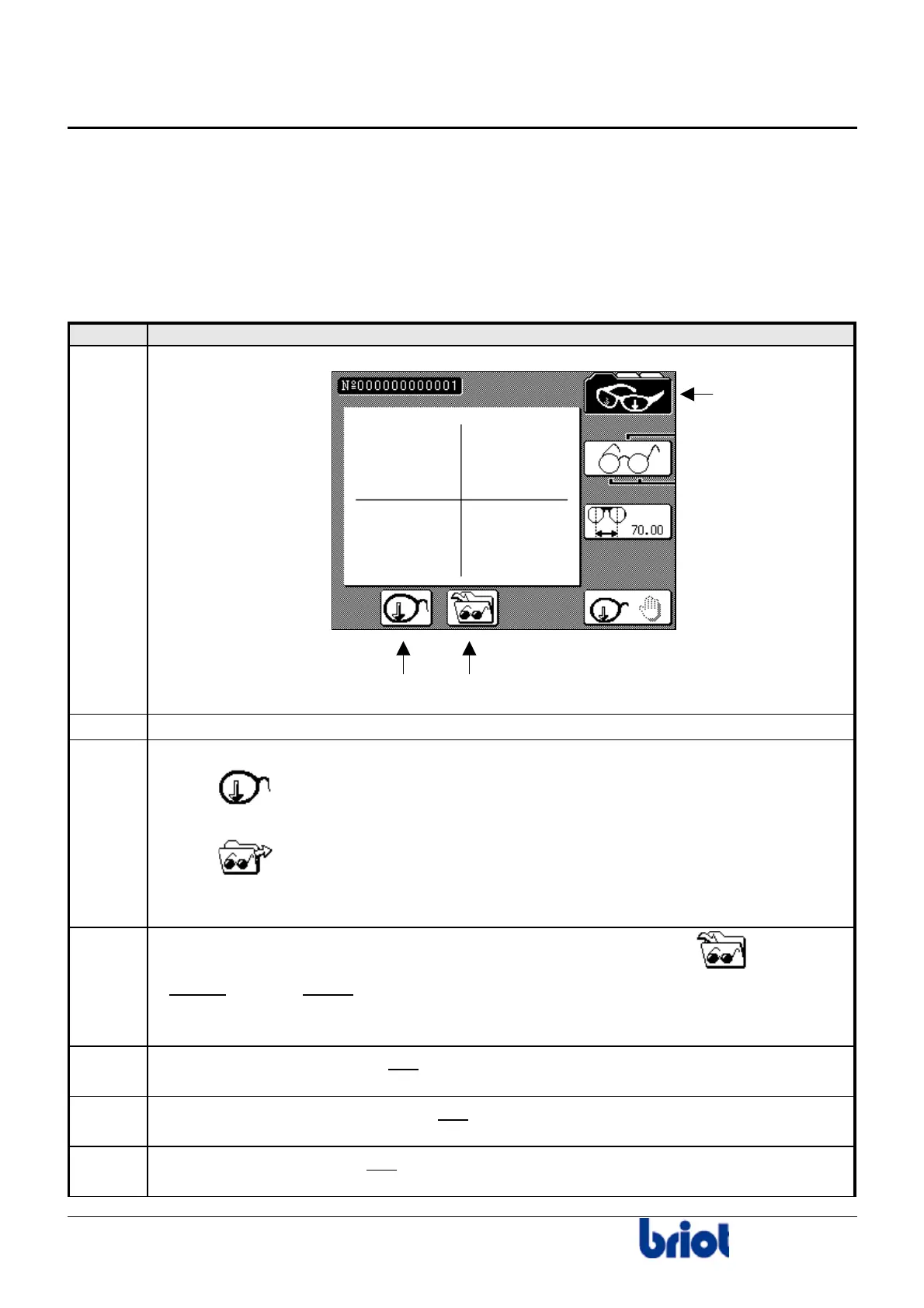
Using the internal memory
CONFIGURATION
The configuration of your edger is performed by a technician. For any changes to the
configuration or any information about this, please contact your supplier.
CREATING AND SAVING A JOB
Follow the steps below to create and save a job.
Step Action
1
Press one or several times the Fct0 to access the tracing mode.
2
Enter a job number using the keyboard or the barcode reader.
3
Select the job origin using the key Fct7:
•
Or
•
.
The screen above shows that the job will be traced by the Scanform™.
4
Select the destination of this new job: press the key Fct8 and select
.
Result:
Your job will be saved in memory.
Caution! Your current job will be saved when you call or create a new job.
5
Enter the tracing parameters and
trace your job.
Refer to the section Creating a job.
6
Access the lay-out/blocking screen and
enter the job data (distance, height etc.).
Refer to the section Lay-out.
7
Access the edging screen and
enter the job data (lens type, bevel, etc.)
Refer to the section Edging.
Fct 0
Fct 8Fct 7



 To Next Page