Annex B - Use of the internal memory
Silver FC 00 511 B-3
Introduction
ICONS
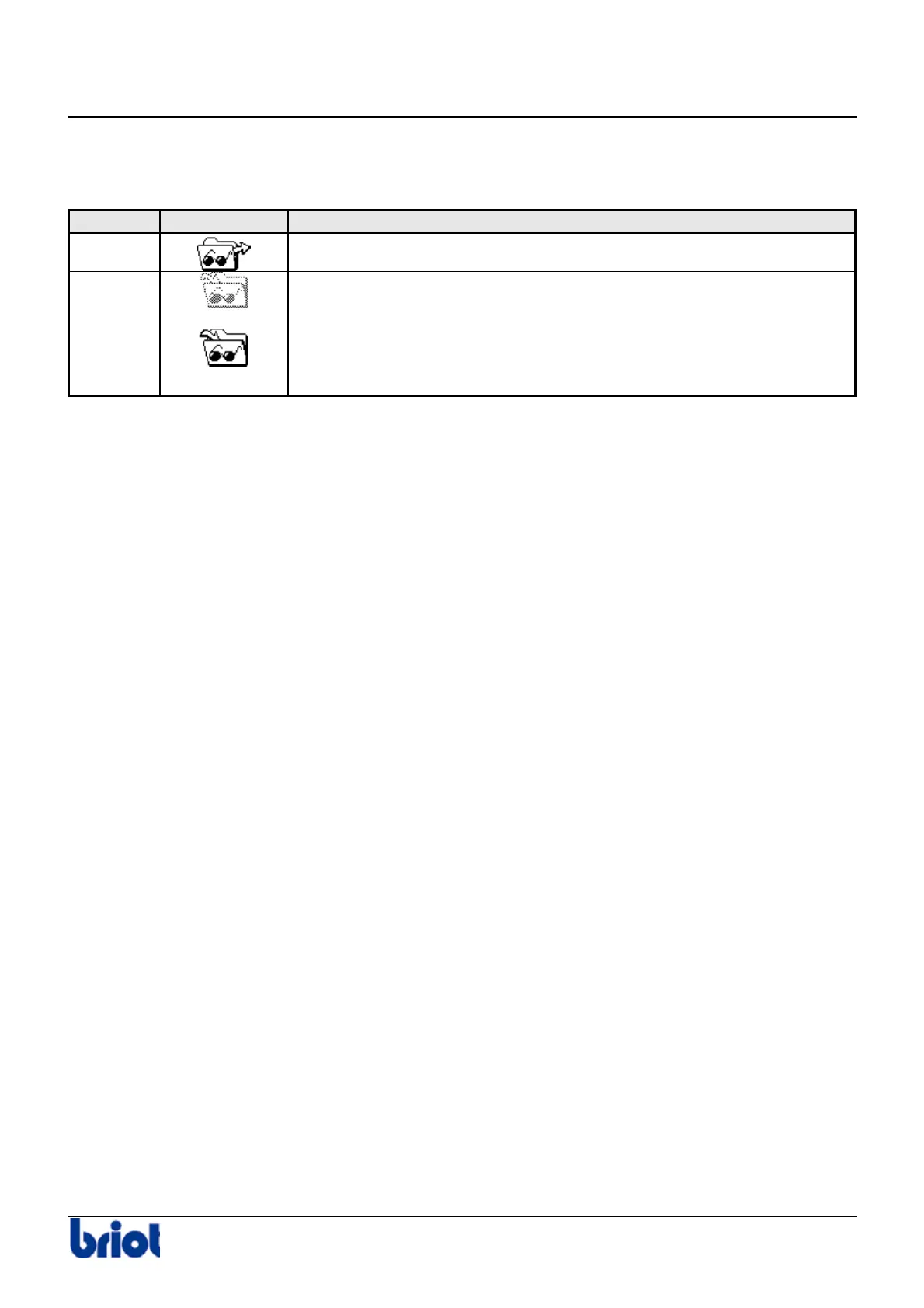
The following icons are used when operating with the internal memory.
Function Selection Description
Fct7
To call a shape saved in memory
Fct8
The current job will not be saved.
The current job will be saved.
Caution! The job is saved once you call or create another one.
MEMORY CAPACITY
• You can save up to 156 jobs.
• The memory is made up of 4 blocks of 39 jobs each.
When there are 117 jobs in the memory (3 blocks filled up), the message “Memory full” is
displayed and tells the operator there are only 39 places (1 block) left for 39 jobs. After these 117
saved jobs, the system counts down the number of places remaining and displays the number of
jobs that the user will be able to save (39, 38,37, etc.). When the last 39 jobs are saved, it totally
deletes block n°1, i.e. the first 39 jobs. The last block replaces the first.



 To Next Page