Annex C - Connection to the OMA network
C- 6 Silver FC 00 511
Step Action
5
Press the
key to call the job.
Result:
the job saved on the server appears on the screen.
6
Move to the lay-out/blocking and
edging screens in order to block and edge the lens.
Refer to the sections Lay-out and
Edging.
7
If you selected the save option
, repeat steps 8 and 9 of the procedure Creating
and Saving a Job as before.
JOB UPLOADING FUNCTION DISABLED
You can prevent jobs from being automatically uploaded to a server.
To suppress this function, proceed as follows.
Step Action
1
When you are in tracing mode, press simultaneously the and keys.
2
Press twice on the key
.
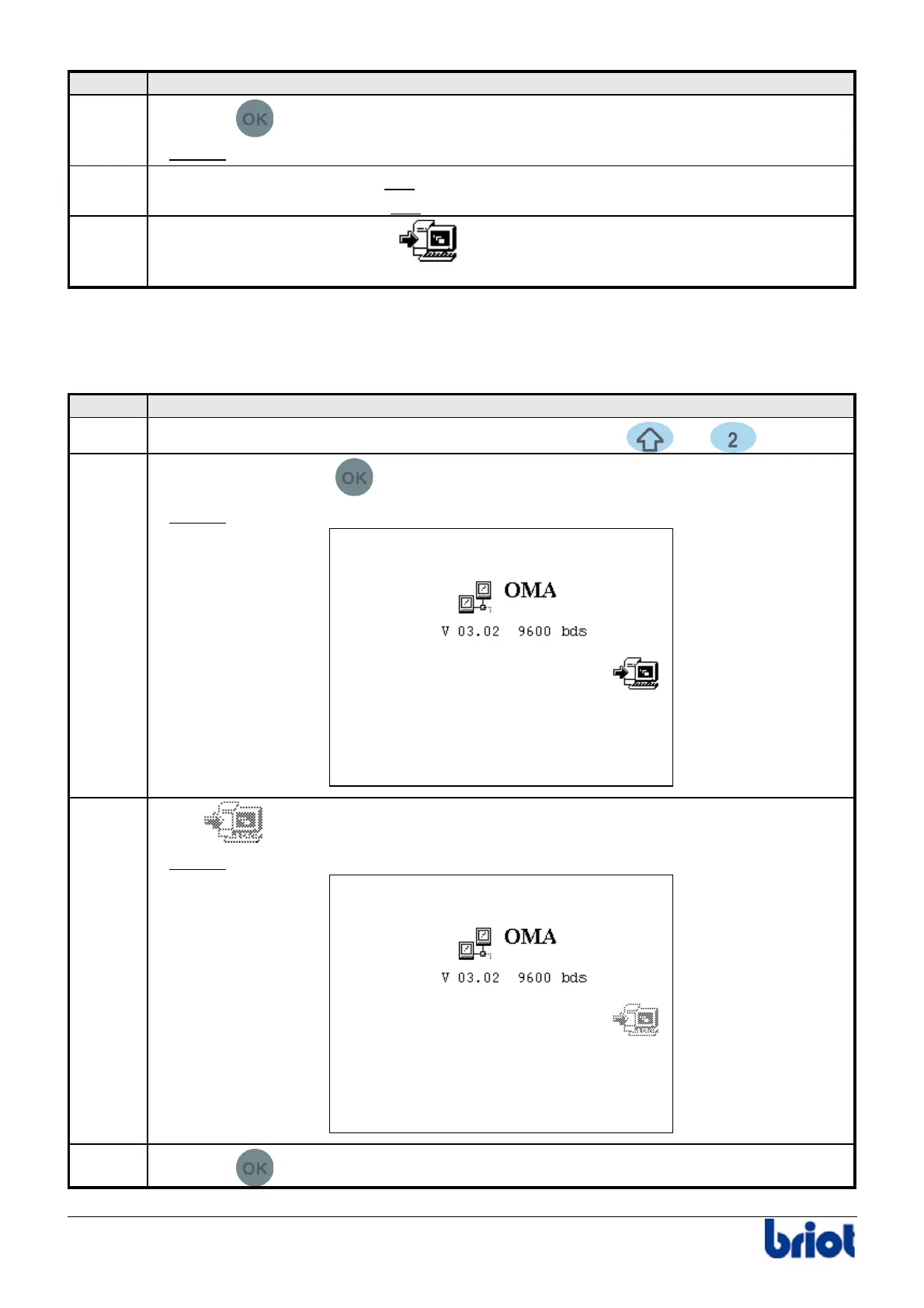
Result:
the following screen is displayed.
3
Select
using the function Fct3.
Result:
job uploading is no longer authorized. The following screen is displayed:
4
Press the
key to return to the tracing screen



 To Next Page