Maintenance : Settings and adjustments
Silver FC 00 511 55
Step Action
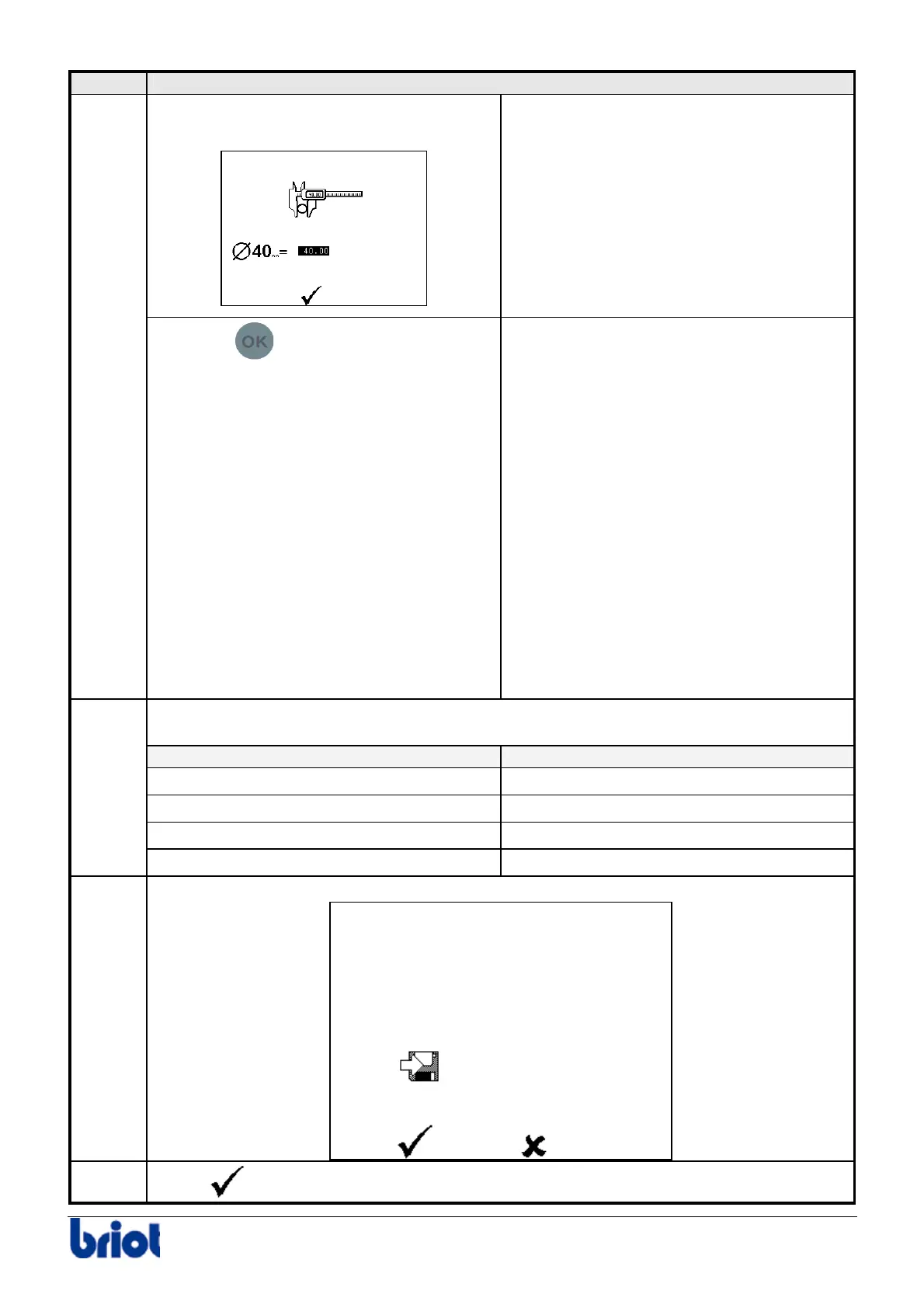
Once the lens is traced, the following
screen is displayed:
Press the
key to confirm the
diameter of the lens traced by the
Scanform™.
Caution! If there is a difference of +/- 2 mm
between this diameter and the standard
one, the message “Incoherent adjustments”
is displayed.
9 Confirm it.
9 Switch off the machine, then switch
it on again (the size adjustments
you have just done will not be
saved).
9 Adjust the Scanform™.
9 Adjust the lens sizes again.
If you still have problems with size
adjustments, please contact your
retailer.
Proceed to the adjustment of the next sizes: follow the instructions displayed on
the screen.The order is as follows:
For the edging wheel… use the following type of lens
1. Glass roughing
Mineral, ∅ > 50 mm
2. Plastic roughing
Plastic, ∅ > 50 mm
3. Bevel Finishing
Mineral, ∅ > 40 mm
7
4. Glass polishing
Plastic, ∅ > 40 mm
8
When the sizes are adjusted, the following screen is displayed:
9
Select
and save your adjustments.



 To Next Page