Use : Standard use
30 Silver FC 00 511
Step Action
4
Enter the height of the optical center or
the bifocal using Fct4.
•
+28.00
Or
•
+25.00
Or
•
+05.00
.
5
If necessary, enter the segment width of the bifocal
28
using Fct5.
6
If necessary, select the lay-out mode using Fct6.
•
Or
•
.
7
If necessary, enter the height type using Fct7 :
•
Or
•
.
Place a double-sided adhesive tape on a block.
8
The blocks have a use limit of 100 blocking operations.
Any use beyond this limit could lead to axis or pupillary distance problems for which
Briot declines all responsibility.
9
Place the block inside the blocker of the machine.
10
Remove the protection from the tape.
Place and center the lens to be blocked on the screen
according to the desired layout method (See Comment
& Layout Examples paragraph below).
11
In case of thin or high cylinder lenses, place the lens
holder ring contained in accessory box between the screen
and the lens to hold and avoid it to break or move.
12
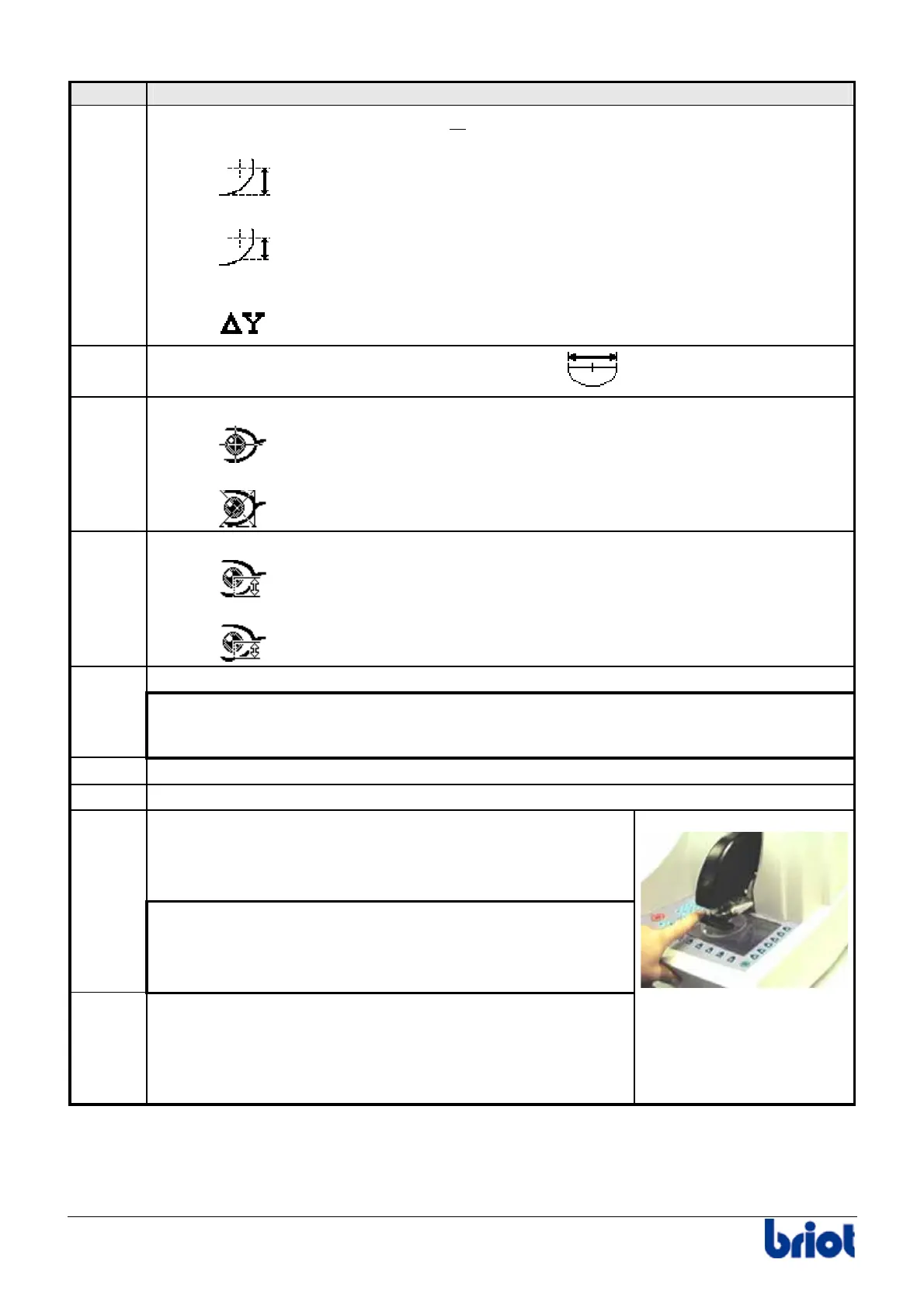
Operate the blocker arm by pushing on the two tabs
designed for this.
Caution! Hold the blocker arm as it returns to make sure
it does not hit the body of the machine.



 To Next Page