Use : Standard use
Silver FC 00 511 37
Symbol Description
Make it possible to select one of the following bevel types:
1/3 2/3 Bevel
1/2 1/2 Bevel
Rear side bevel
Aesthetic bevel
05
Defined base bevel: value modifiable (from 1 to 9) by
and/or keys.
o Procedure
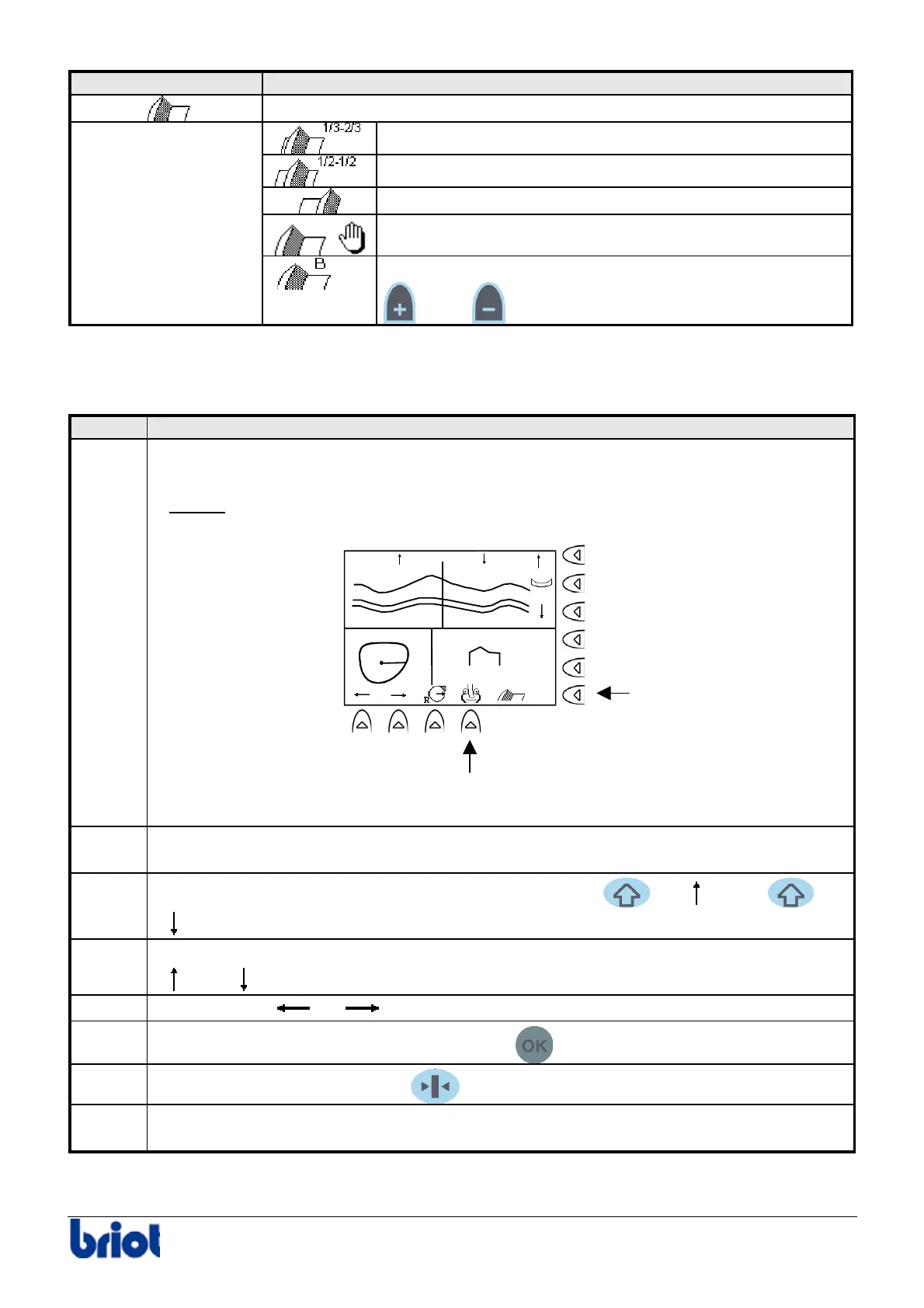
To control the position of the bevel after roughing and lens feeling cycles, proceed as follows:
Step Action
1
Once the roughing and lens feeling cycles are processed, it is possible to:
• modify the bevel type using the Fct5 key.
Result:
the bevel position is updated.
• feel the lens again aid of the Fct9 key.
1.48 2.97
4.45
1/3-2/3
2
Select the bevel point whose position will be modified (opposite point at 180° won’t
move).
3
Modify the bevel point at the position required aid of the
+ and/or +
keys.
4
Move forward the curve drawn by the bevel towards the front or the back, aid of the
and keys.
5
Using the keys
and , scan the periphery of the lens to view the cut of the lens.
6
When the bevel position is correct, press the
key to start edging the bevel.
7
Hold the lens whilst pressing the
key of the keypad to open the lens clamp.
8
Remove the lens from the edger without unblocking it so as to be able to retouch it after
checking the size and if necessary.
Fct 5
Fct 9



 To Next Page