202 Brocade MLX Series and Brocade NetIron XMR Hardware Installation Guide53-1002373-02
Installing a Brocade MLX-32 router
3
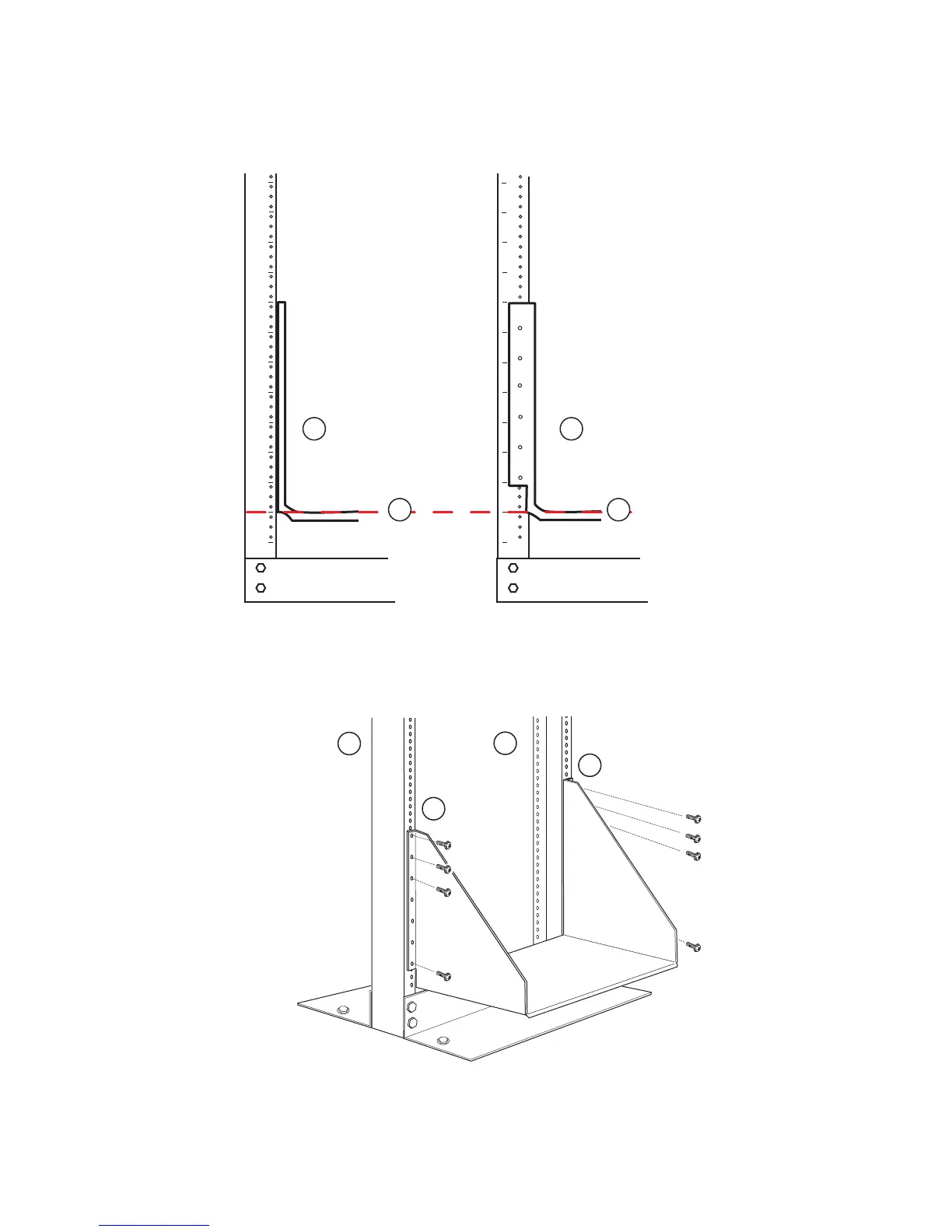
FIGURE 139 Align the saddle in the rack
FIGURE 140 Saddle installation
Slide chassis onto the saddle
1Saddle
2 Seat of saddle aligns with U marking on mounting posts as shown
1 Front (port side) of rack mounting post
2 Rear side of rack mounting post
1
2
3
4
5
6
7
8
9
10
11
12
1
2
3
4
5
6
7
8
9
10
11
12
1 1
2 2
Front view
(port side)
Rear view
(non-port side)


 To Next Page
 Loading...

