Brocade MLX Series and Brocade NetIron XMR Hardware Installation Guide 351
53-1002373-02
Replacing an interface module
8
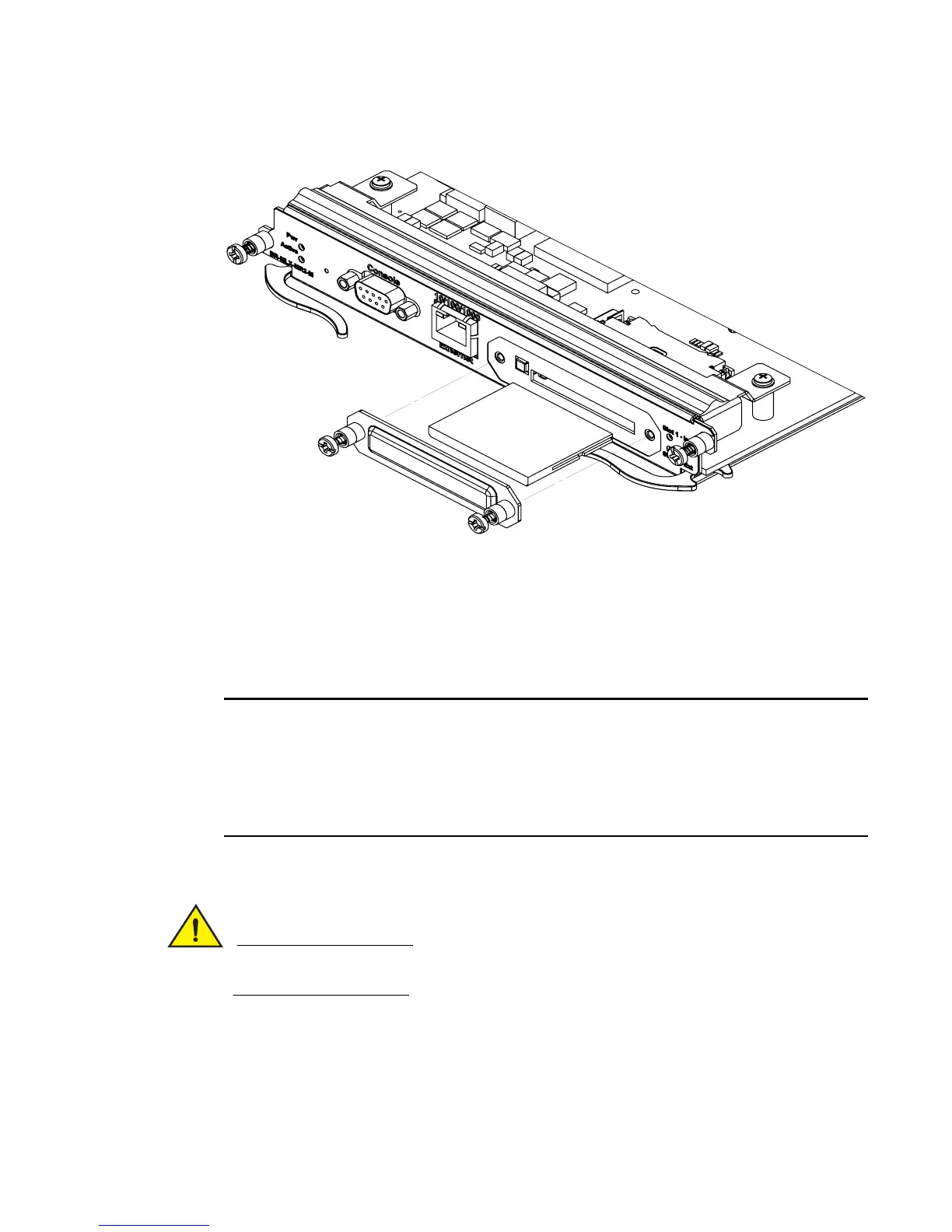
FIGURE 228 Inserting a compact flash card in the MR2 management module
Replacing an interface module
You can remove or replace interface modules while the router is powered on and running. For more
information on module slot locations, refer to Chapter 1, “Product Overview”.
It is not recommended that you hot-swap an interface module that is running a software image older
or newer than the image on the management module. Although the management module will
attempt to sync the application image on the interface module, it may not be able to sync older FPGA
images. In this case the interface module may attempt to continuously reload. Always upgrade or
downgrade the FPGA images on replacement interface modules to match the software version on
the management module before you install the interface modules in your device.
For information about how to install a new or replacement module, refer to the installation chapter
for your router model.
If you are hot-swapping a component, allow a minimum of two seconds after a component has
been removed before inserting a replacement component in the same slot.
Removing and replacing an interface module
To remove or replace an interface module, see the module instructions in the installation chapter
that is appropriate for your router model.



 To Next Page
 Loading...
