Brookeld Engineering Labs., Inc. Page 59 Manual No. M13-167-A0415
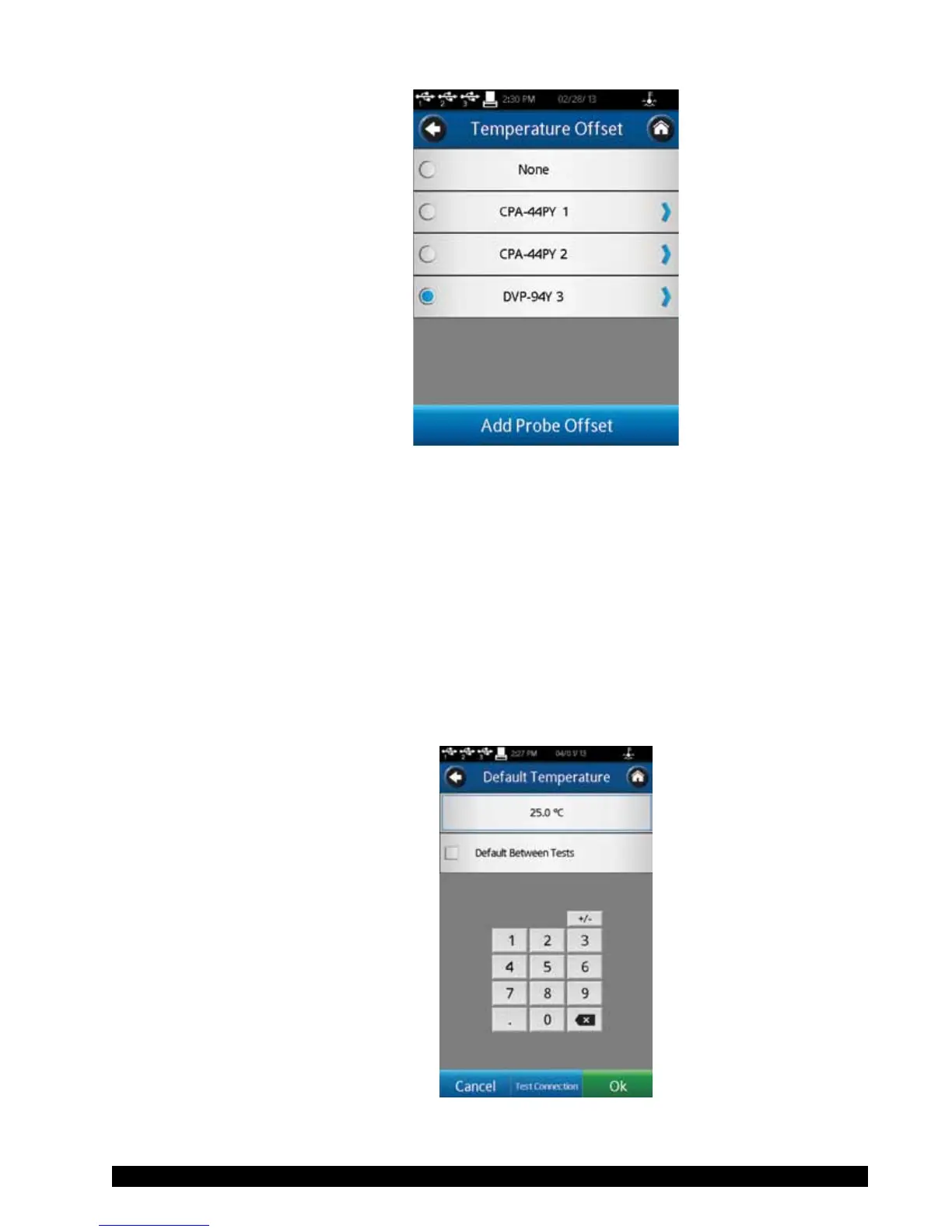
Figure V-3
ThecreationofaTemperatureOffsetrequiresinputoftheoffsetvalueandaname.The
offsetvaluemustbeintherangeof-9.9to9.9˚C.TheNamecanbeupto14characters
long.TodeleteanexistingTemperatureOffset,rstselecttheoffsetfromthelist,then
presstheDeletecommandkeyatthebottomofthescreen.
TheuseofaTemperatureOffsetwillbeindicatedintheTemperatureelddisplayedin
theCongureViscosityTestscreenwitha(o)besidetheLiveindication.
The Temperature menu also allows the user to initiate control over a connected
temperaturecontroldevicesuchastheBrookeldThermosel(HT-106controller)or
WaterBath(modelTC-XX0SDorTC-XX0AP).SeeSectionII.4forfurtherdetails.
EstablishcontrolovertheexternaltemperaturecontrollerbyselectingTemperature
ControllerintheTemperaturemenu(seeFigureV-4).
Figure V-4











 To Next Page