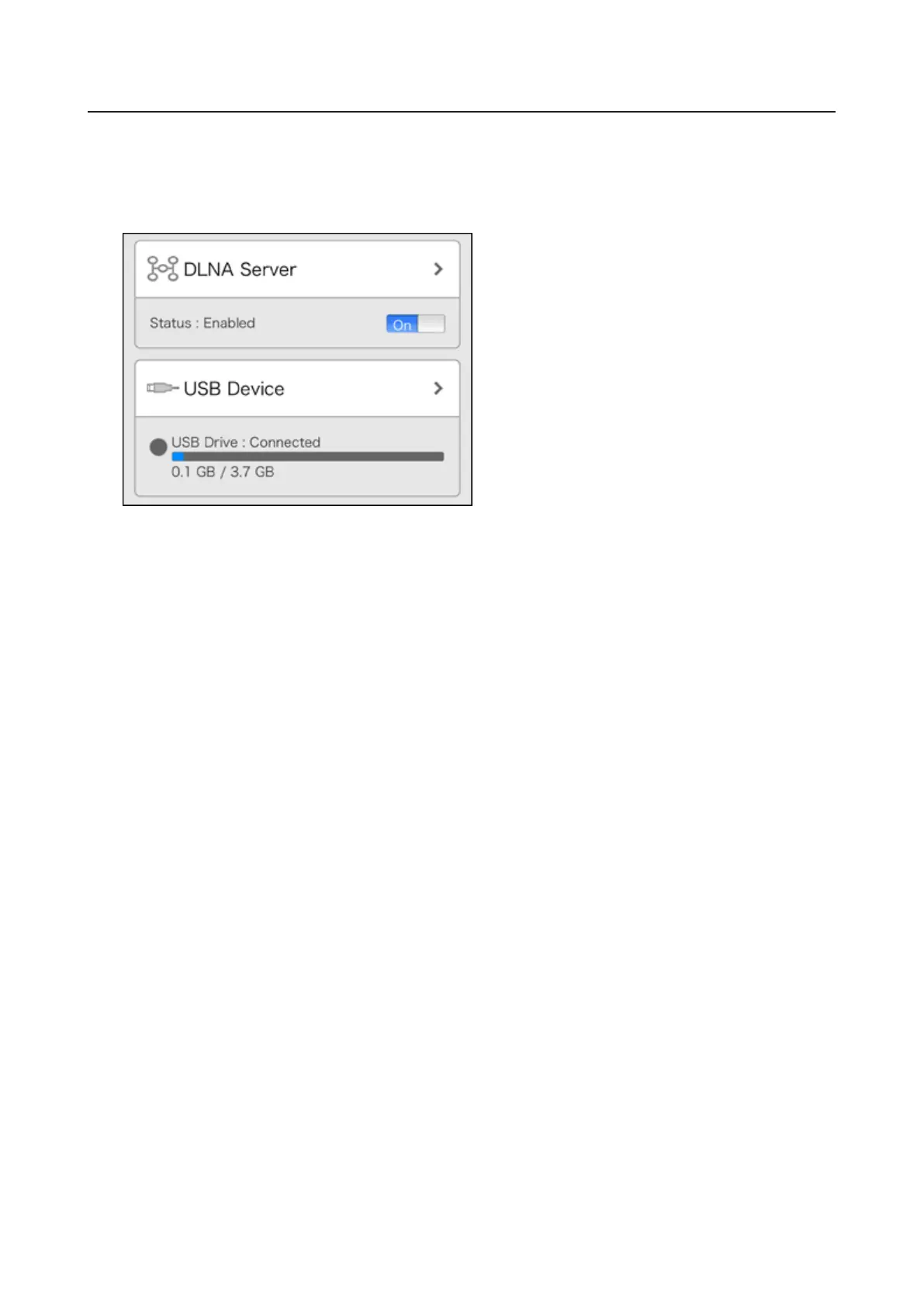
Configuring UPS Sync
You can enable/disable UPS sync settings from your mobile device. For other settings such as changing the
shutdown process when using UPS sync, go to Settings from the computer. Refer to the “UPS Sync” section in
chapter 8 for the procedure.
1 From Settings, tap USB Device.
2 Move the UPS sync switch to the on or off position to enable or disable UPS sync.
128













 To Next Page