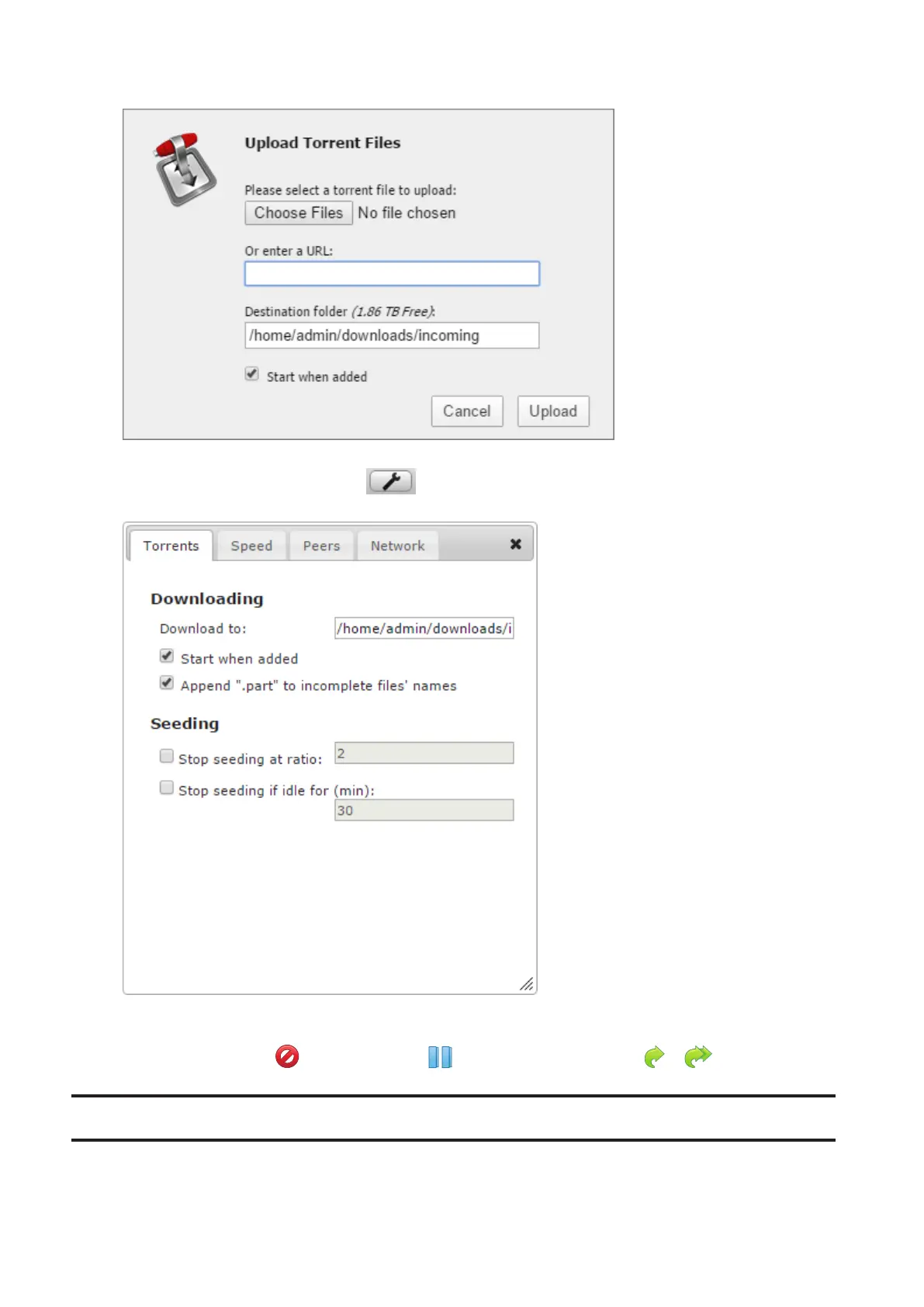
Select “Start when added” to start downloading immediately after clicking Upload.
Note: By default, the downloaded file will be saved in the “incoming” folder in the username folder. To change
the default download folder, click the icon at the left bottom corner and change the directory at
“Download to:”.
4 The download will start.
To cancel downloading, click , then Remove. Click to pause the download. Click or to resume.
WebAccess
WebAccess is a program that allows you to remotely access files in your LinkStation’s shared folder from your
computer or mobile device through the Internet.
71















 To Next Page