Dismounting an External Drive
If the LinkStation is powered on, dismount an external drive before unplugging it. You may dismount the external
drive from Settings. If the LinkStation is off, then the external drive is already dismounted and may be unplugged
safely.
Dismounting Using the Eject Button
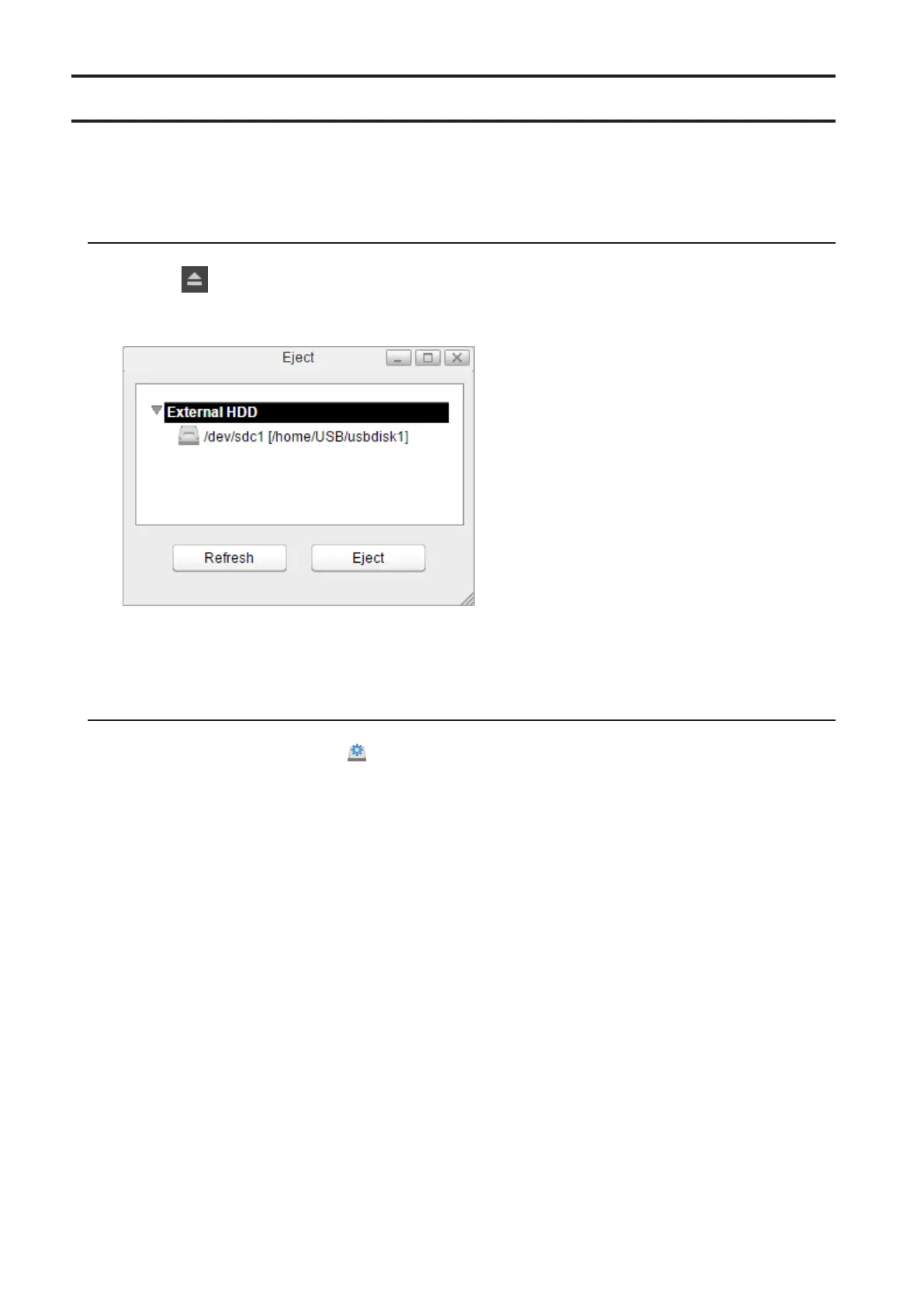
1 Click the icon at the upper right corner of the home screen toolbar.
2 Select the device to dismount and click Eject.
3 The external drive will be dismounted.
Once the drive is dismounted, unplug it from the LinkStation.
Dismounting Using Disk Manager
1 From Settings, click Disk Manager ( ).
42













 To Next Page